Free AI Tools You Can Use Every Day
We’re living in crazy times. AI isn’t some sci-fi dream anymore; it’s in our homes, our phones, and pretty much everywhere else. New AI stuff pops up all the time, promising to be faster, better, and cooler than the last.
It’s exciting, but it can also be a bit overwhelming. With so many new things coming out, it’s easy to miss the ones that are actually useful.
That’s why I put together this list of tools and apps that you can use for all sorts of things – from writing and creating images to just having a bit of fun or saving some time. Some of them are totally free, and others have free trials or basic versions that let you try them out without spending any money.
This list isn’t everything, of course. The AI world changes super fast. If you know of any other great tools out there, let me know!
Beyond a list of powerful tools, sometimes you need an integrated platform to simplify content creation. Take a deeper dive into one such solution with our SYNTX AI Review: Powerful Features That Make AI Creation Insanely Easy.
Table of Contents
Best Free AI Tools for Writing
1. ChatGPT
Probably the most well-known AI chatbot out there. It can write stuff, come up with ideas, help you think through problems, and answer questions really well.
Just go to their website to get started. That’s all you need for simple stuff.
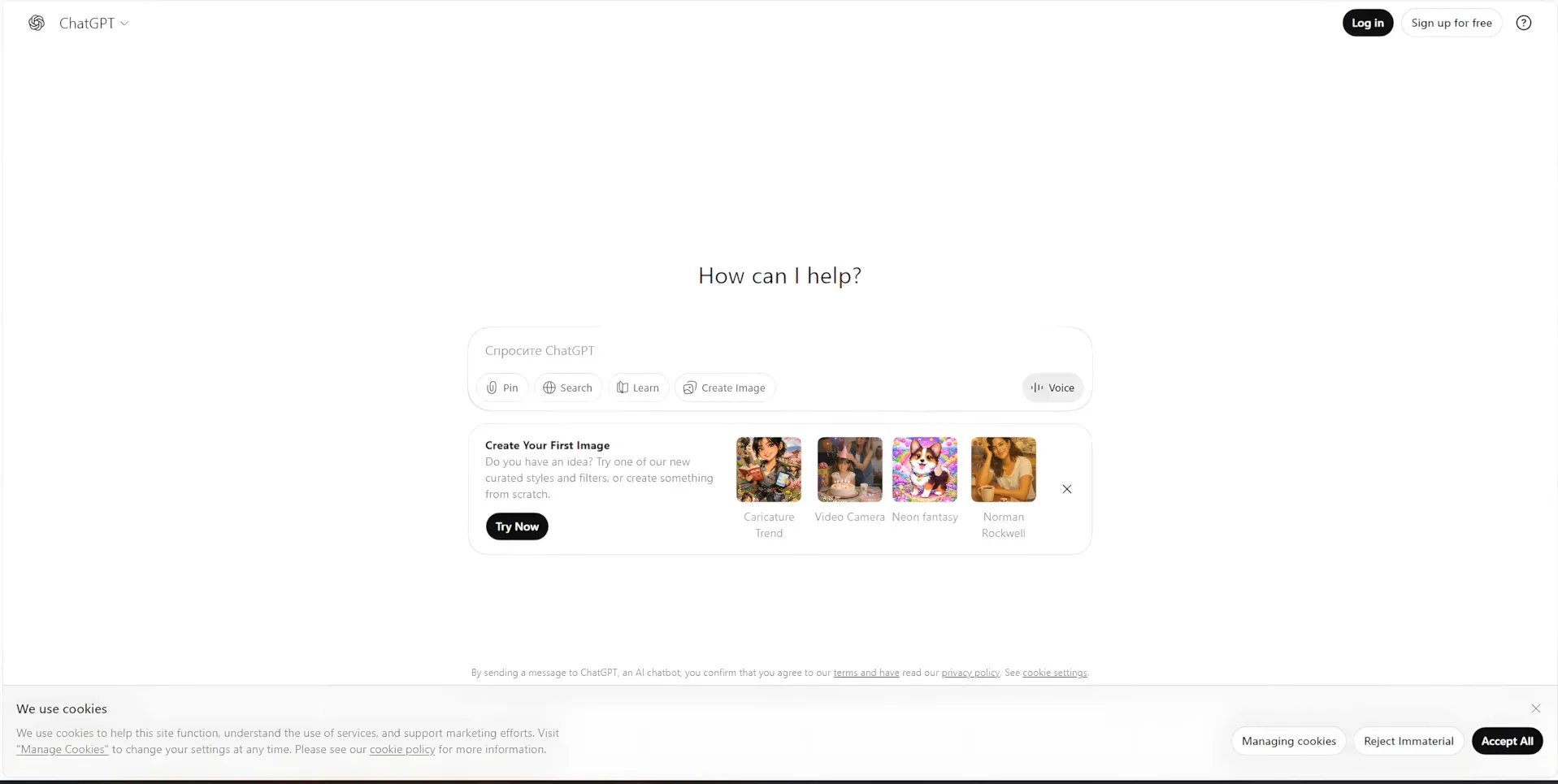
If you want to upload files or save your chats, you’ll need to sign in. Using your Google account is the easiest way to do it.
It’s mostly a paid thing, but you get a little bit of free use every day. Sadly, it doesn’t work in Russia right now.
2. BotHub
This puts a bunch of AI tools in one place, letting you make text, images, videos, and audio.
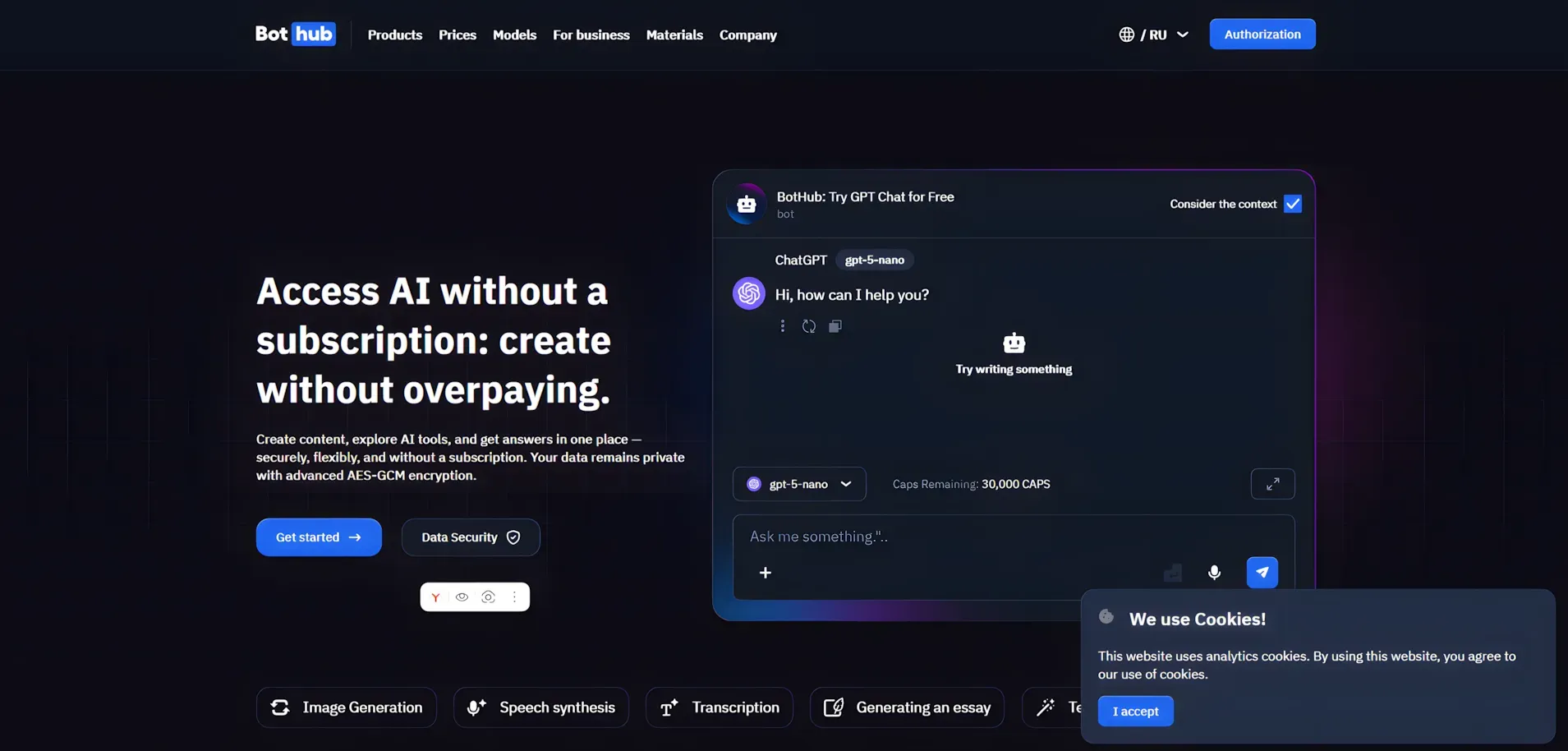
It’s usually a paid thing, but they give you some caps (their own form of money) to try it out. Usually, you get 30,000 caps, but if you sign up with this special link, you get 300,000! That’s plenty for some serious testing.
You’ll need to sign up or log in to use it.
3. DeepSeek
This is like the Chinese version of ChatGPT! Plus, it’s totally free.
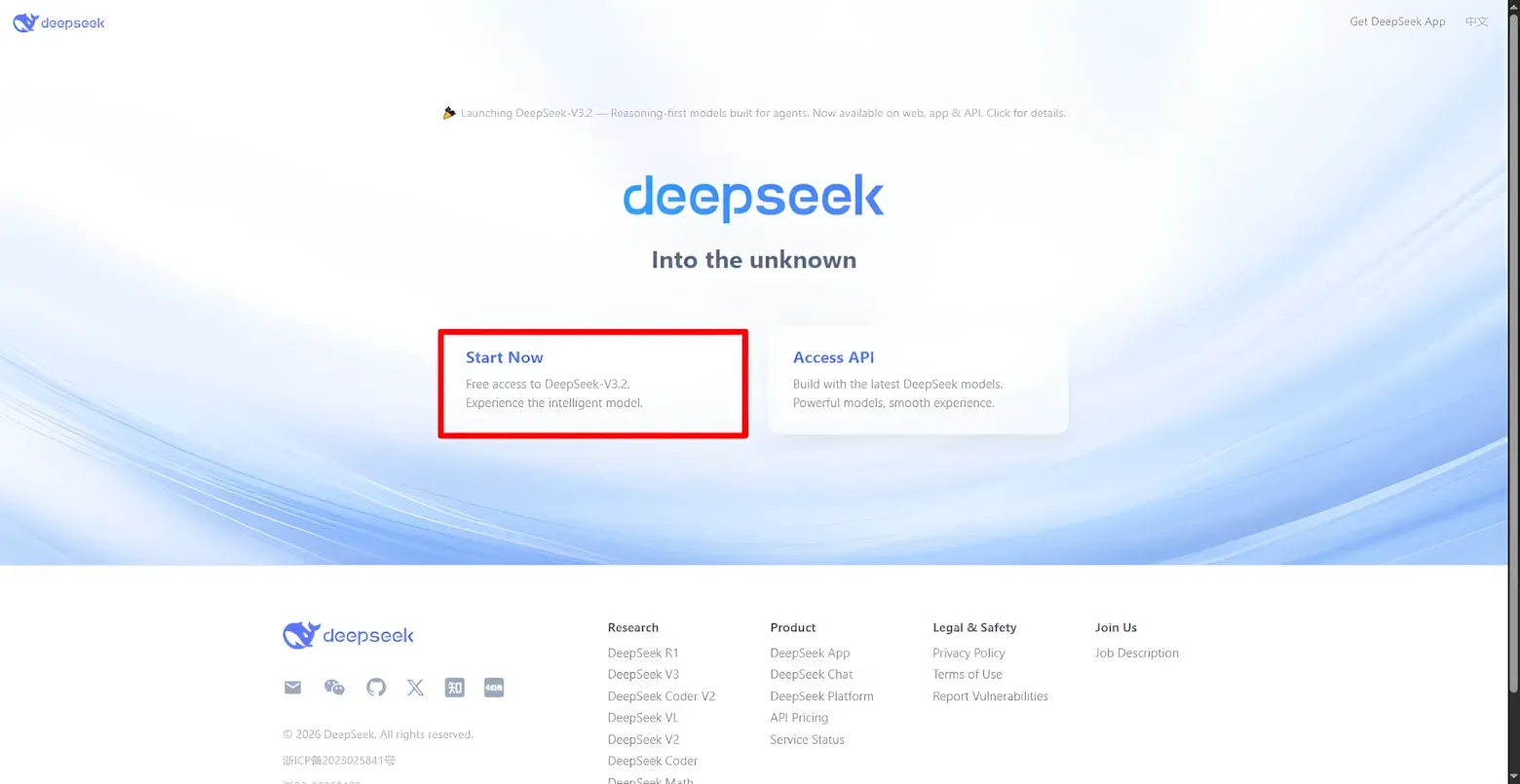
It’s not quite as fancy as ChatGPT, but it’s still really good for everyday stuff.
Just visit their website, select Start Now, sign up or log in, and start chatting.
4. Claude
This chatbot is really good at understanding text and writing code. The older version, Claude Opus 4.5, was great at writing code, and the new one, Opus 4.6, is even better.
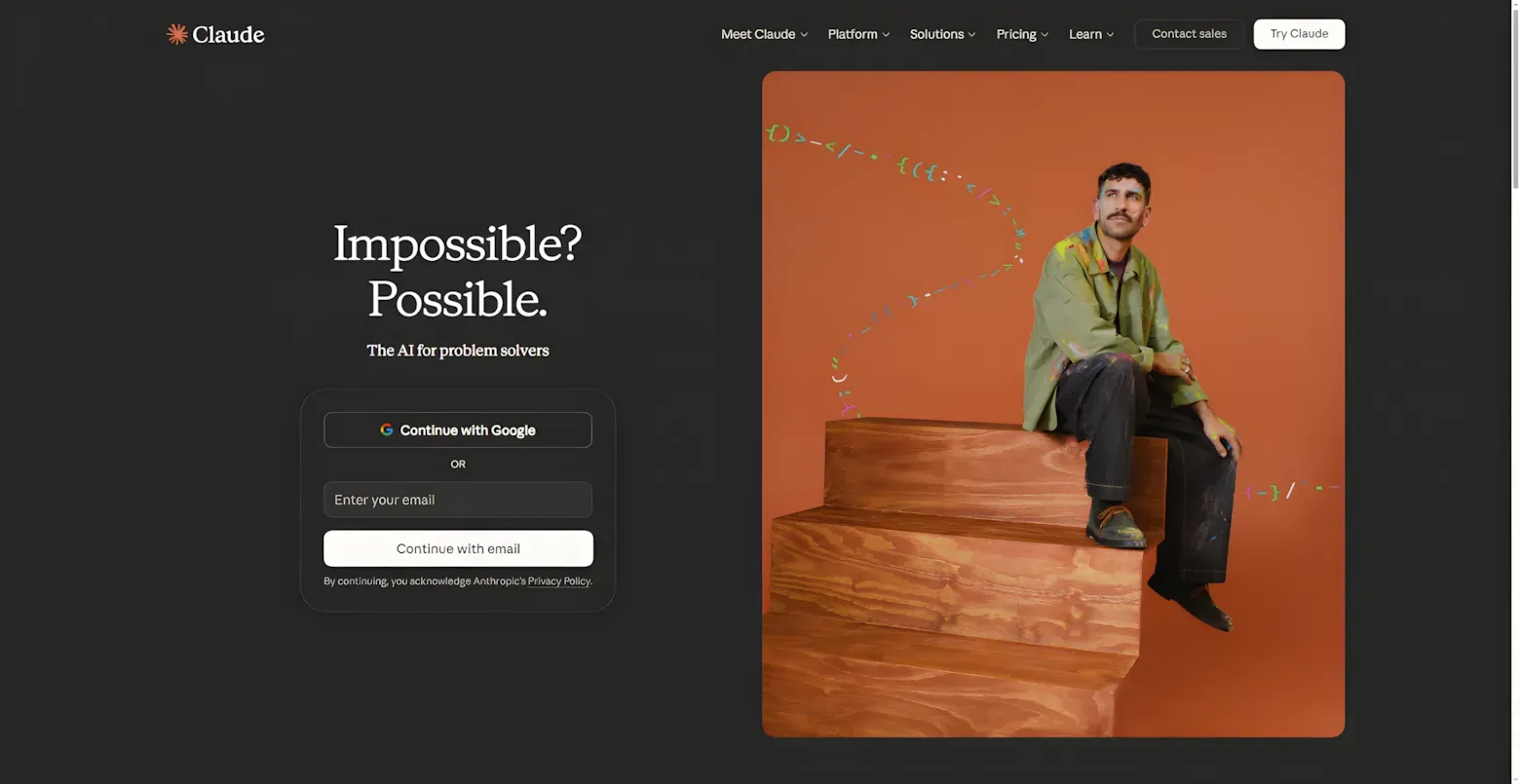
You need to create an account or sign in to use it.
5. Grok
This AI got a lot of attention when it first came out. It started on the social media site X, but now it’s its own thing.
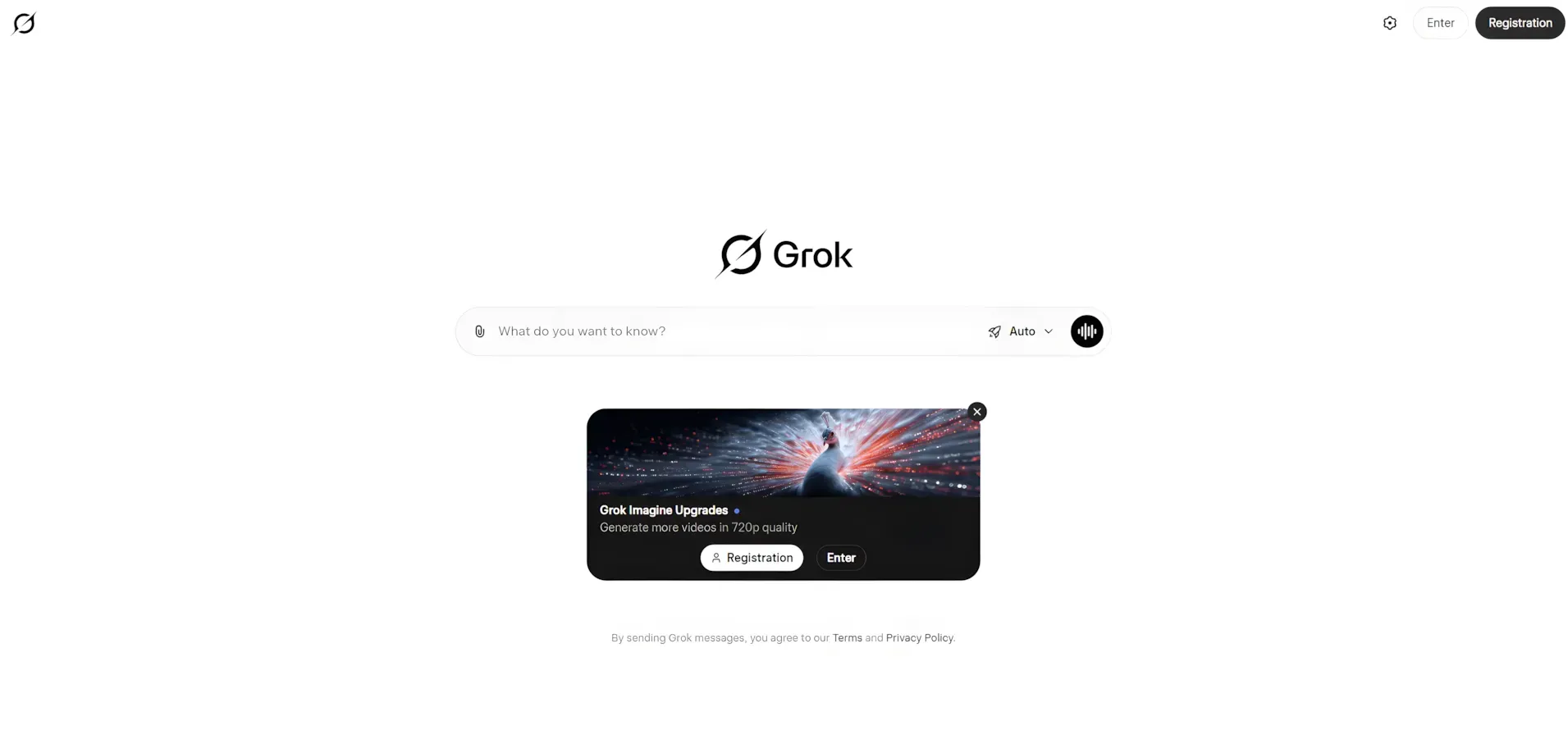
You have to sign up to use it.
6. Gemini
This is Google’s AI, and it works really well if you already use other Google stuff.
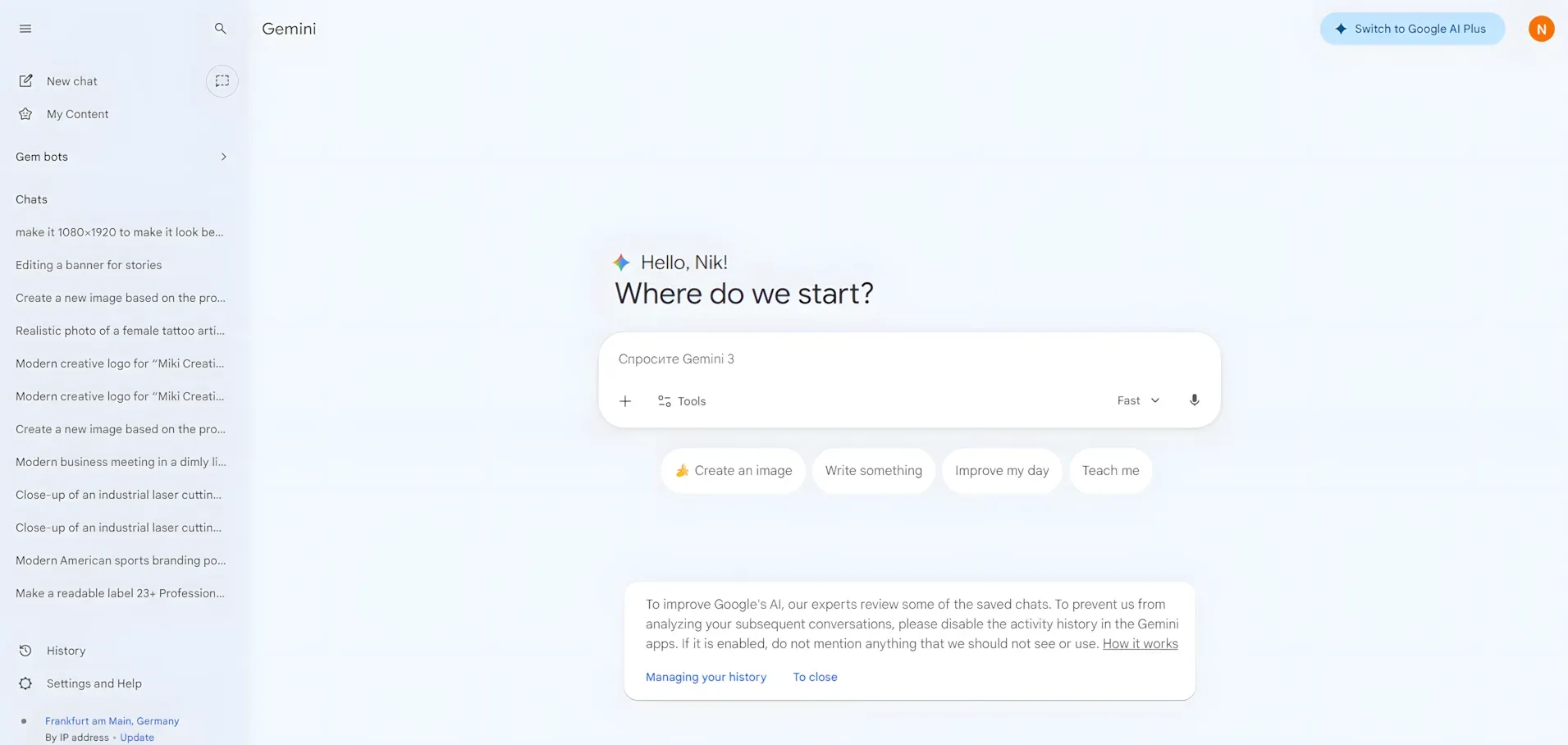
Just sign in with your Google account to check it out.
Gemini gives you a bit of free use each day, but it’s not available in Russia.
7. GigaChat
This is Russia’s answer to ChatGPT. It’s not amazing, but it’s not bad either. It does normal chatbot stuff, plus a few other things.
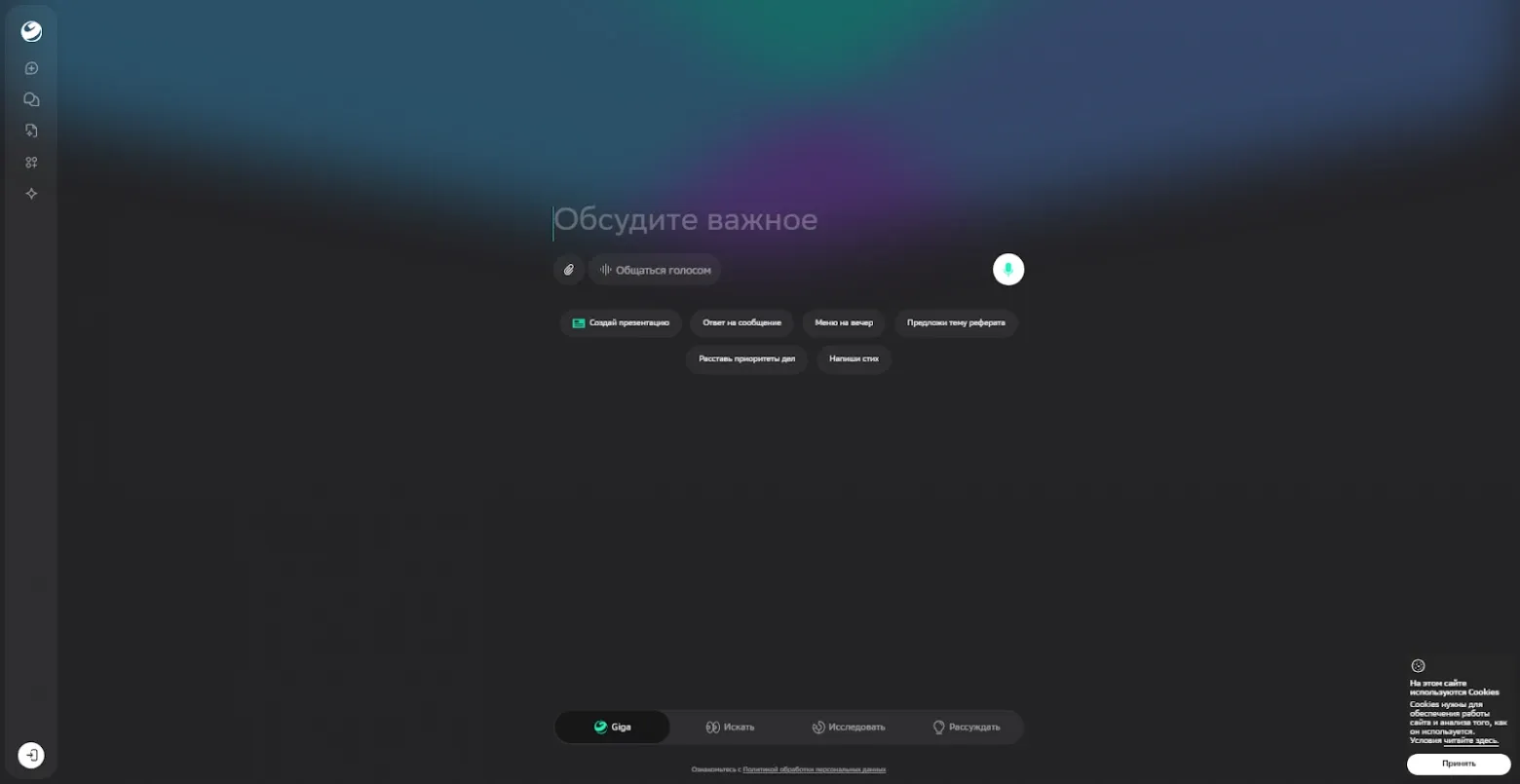
You need to sign in with your Sber ID to use it.
It’s free, but only if you have a Sber account.
8. YandexGPT
Another Russian AI, this time from Yandex. It can search the web, answer questions, work with files, and understand images.
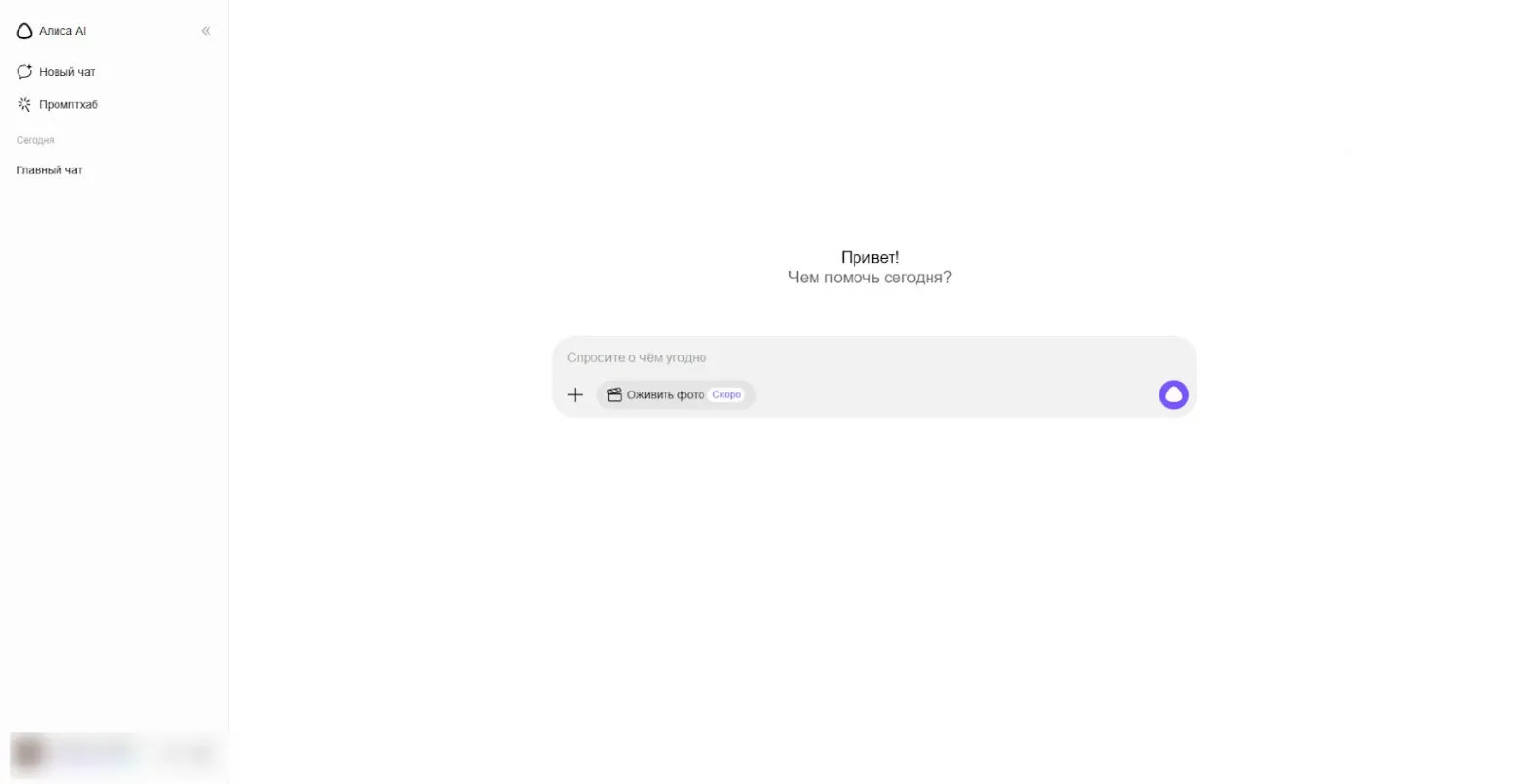
Sign in with your Yandex account to get started.
There’s a free version and a better paid version.
Free AI Tools for Images
Some of the AI tools I already talked about – ChatGPT, BotHub, Gemini, GigaChat, Grok – can also make images. Here are a few more that are just for images.
9. VanceAI
This makes your images bigger and better, fixes old photos, and adds color.
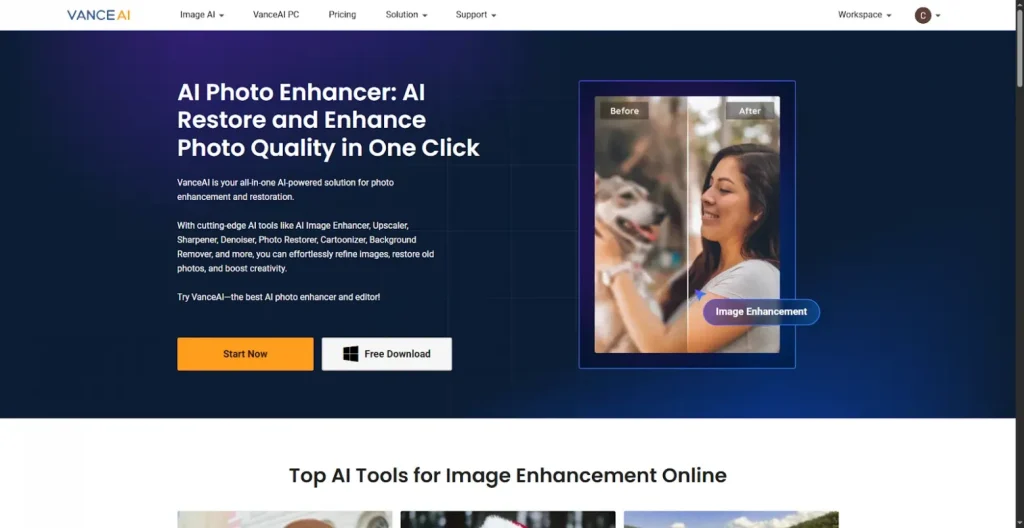
You have to sign up. They give you a little bit of free credit to try it out.
10. Remove.bg
This takes the background out of your images super well.
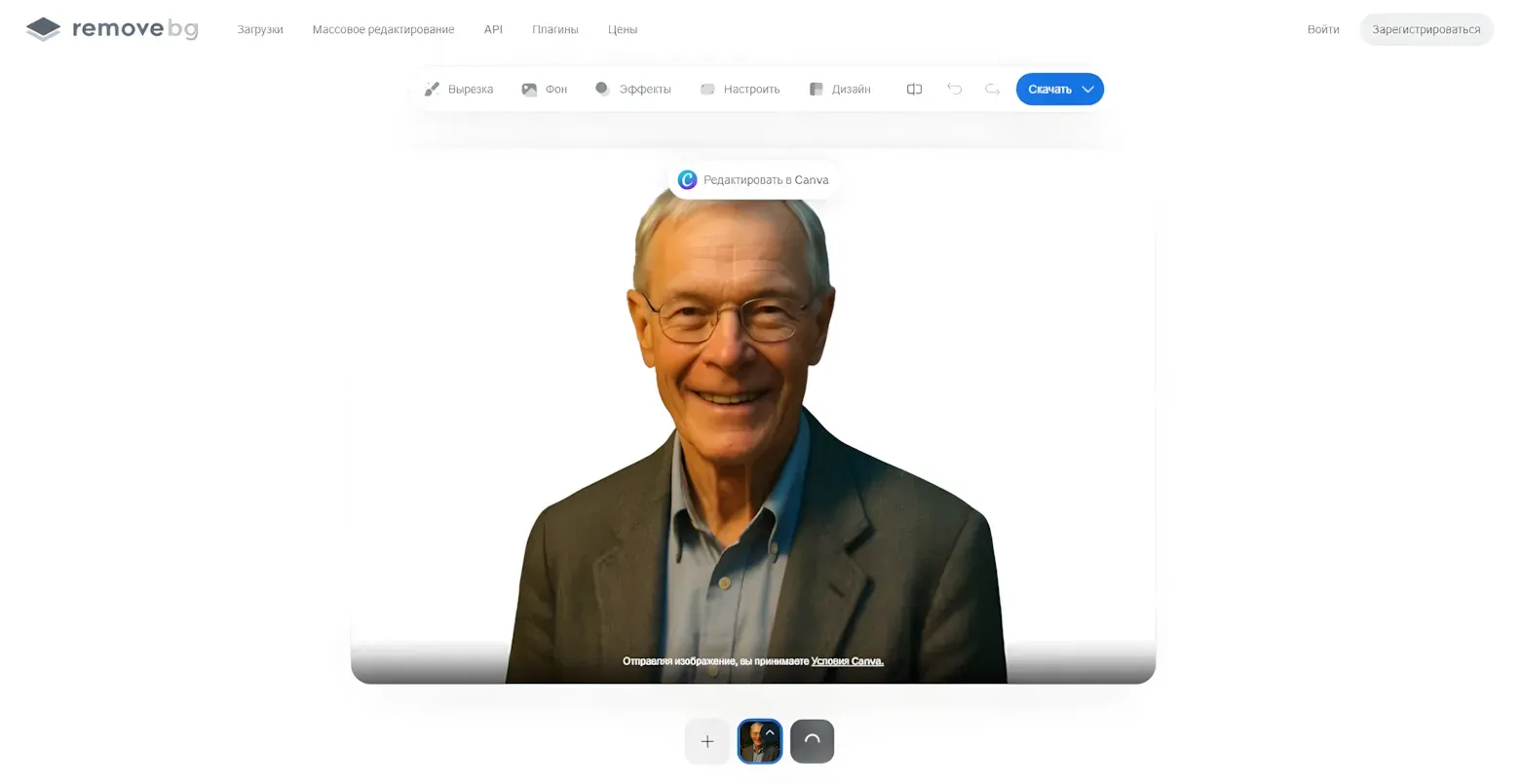
You don’t need to sign up. Just upload your image, and it’ll give you a clean cutout.
11. Шедеврум
This is like a mini social media site from Yandex where you can look at and create images.
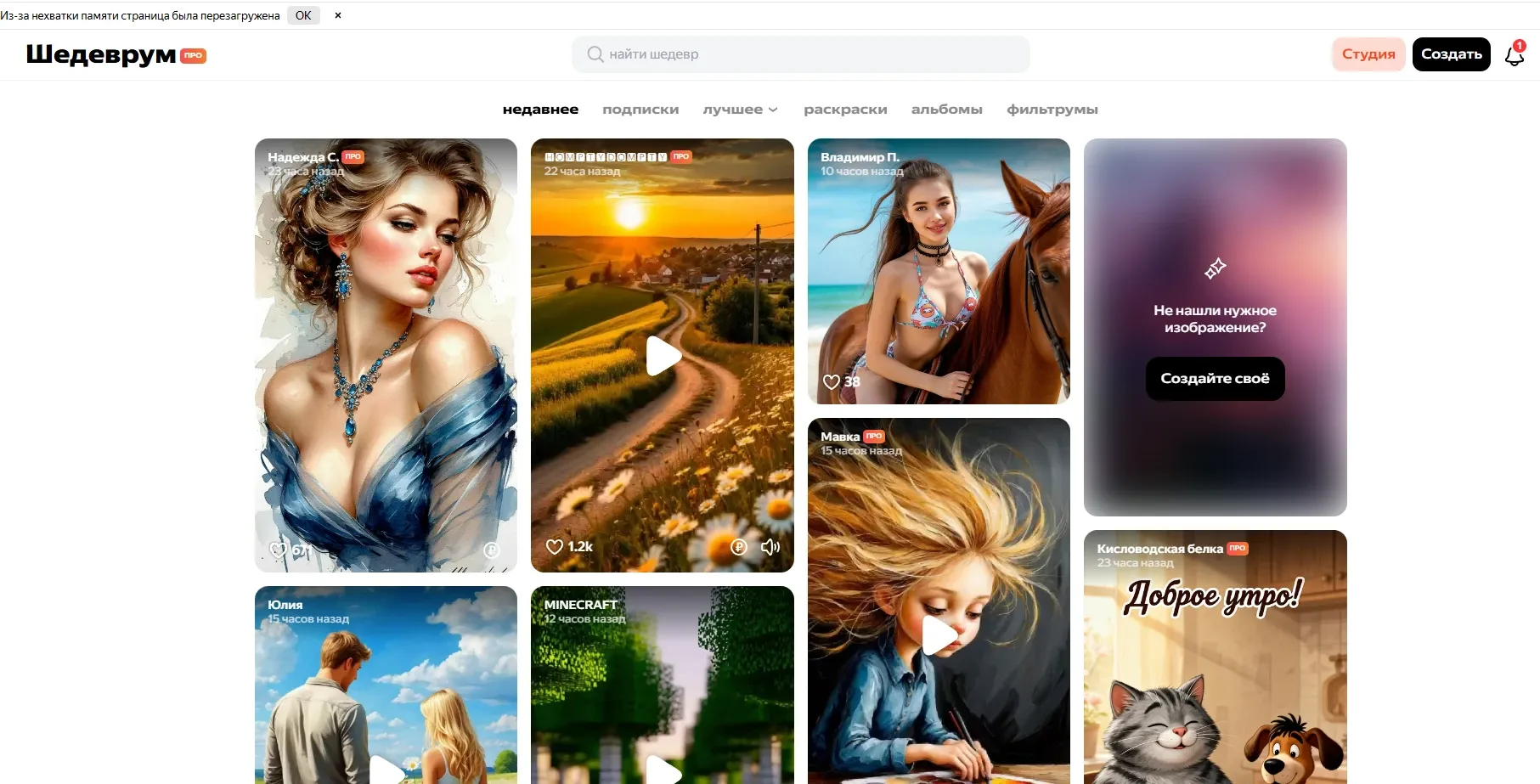
After you sign up, you can find the image creation tool in the top-right corner.
It has both free and paid options.
12. Recraft
This is an image maker with a big canvas like Canva. It can create images in different styles.
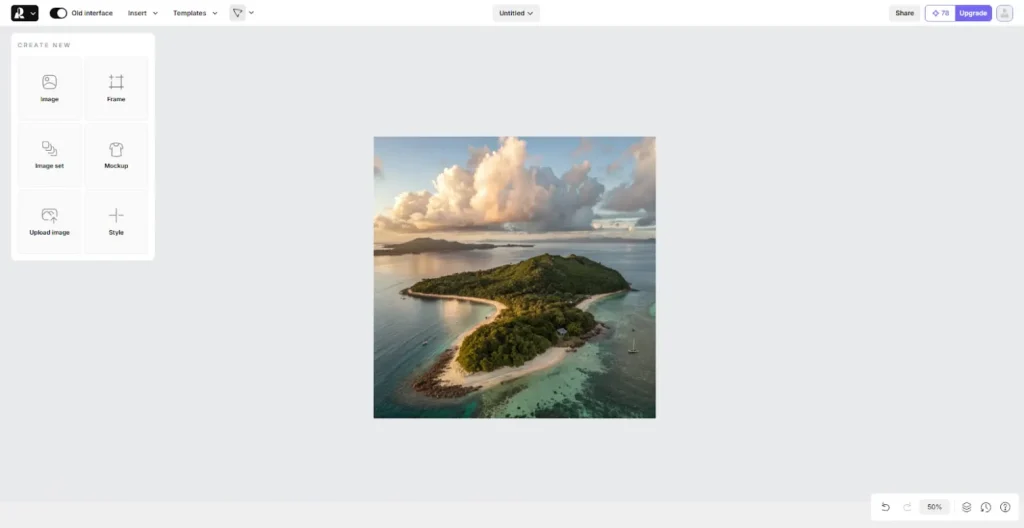
It’s a paid thing, but they give you some free credit to try it.
13. Ideogram
A lot of people think this is like an alternative to Midjourney. It’s like Шедеврум, where you can share and create images.
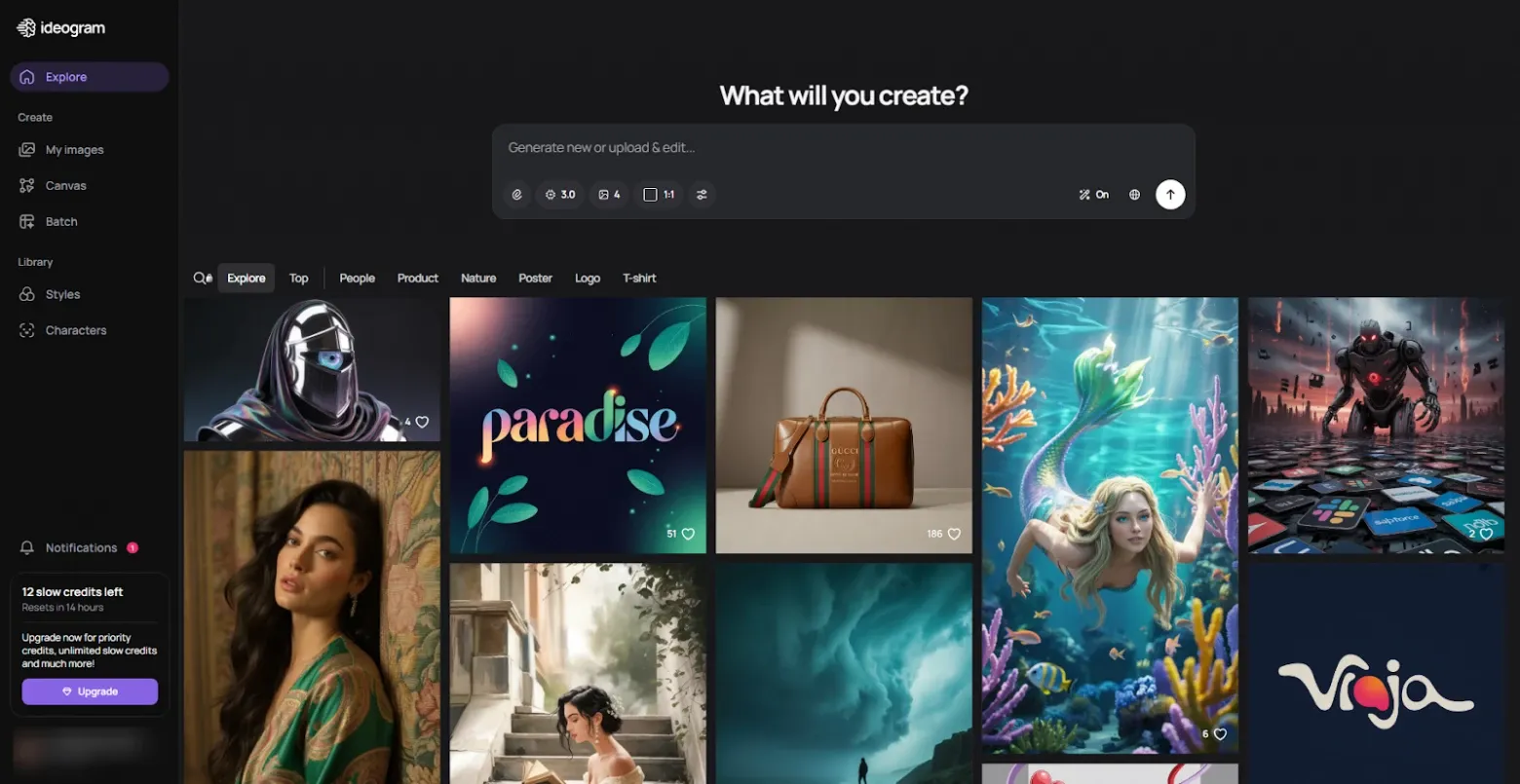
You need to sign in with an existing account to use it.
If you’re on the free plan, you get more credits every 14 hours.
Free AI Video Tools
14. Runway Gen-4.5
This makes short videos from text or images.
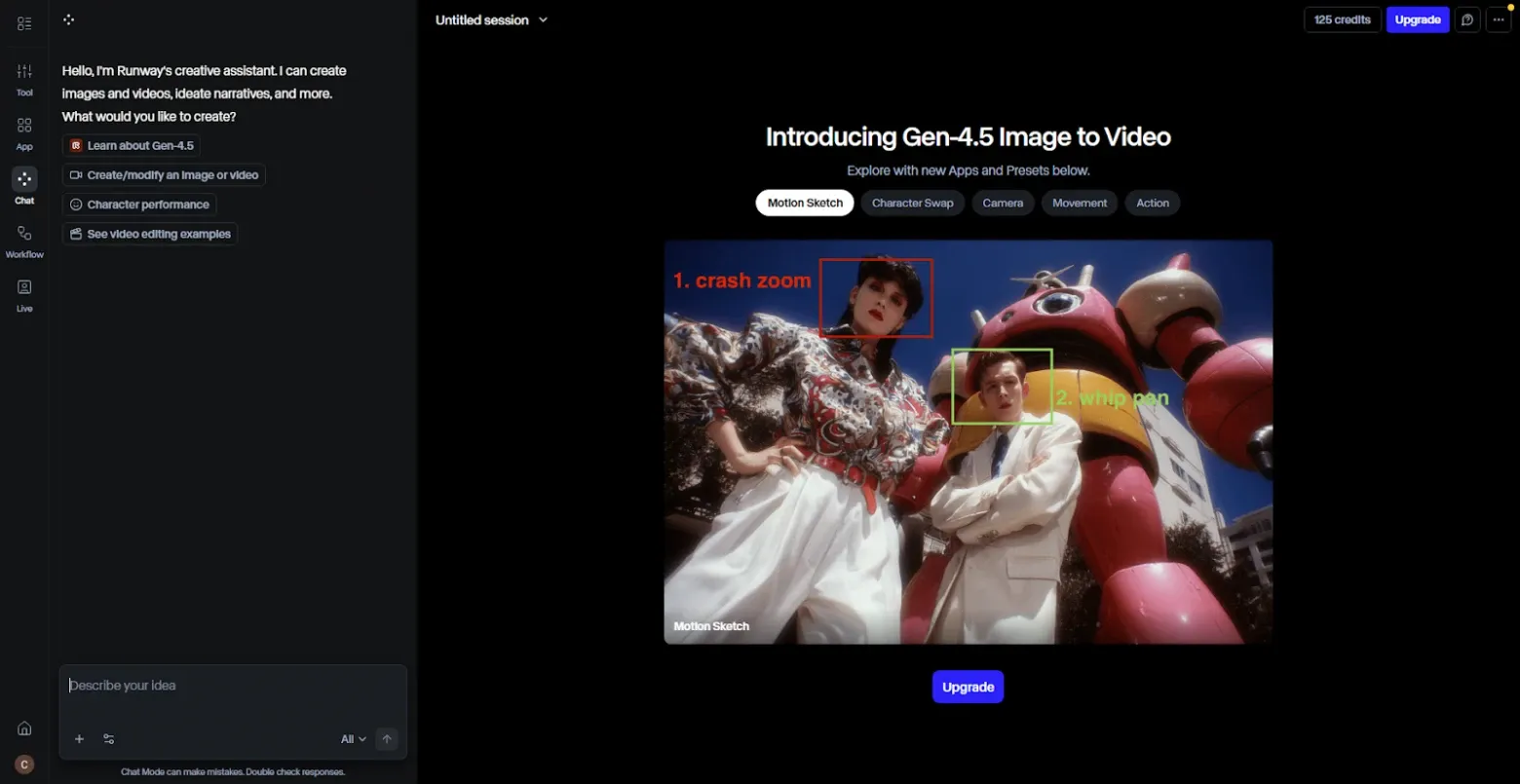
It’s paid, but they give you some credit when you sign up.
15. Pika
This makes still images move – things can break, melt, blow up, etc.
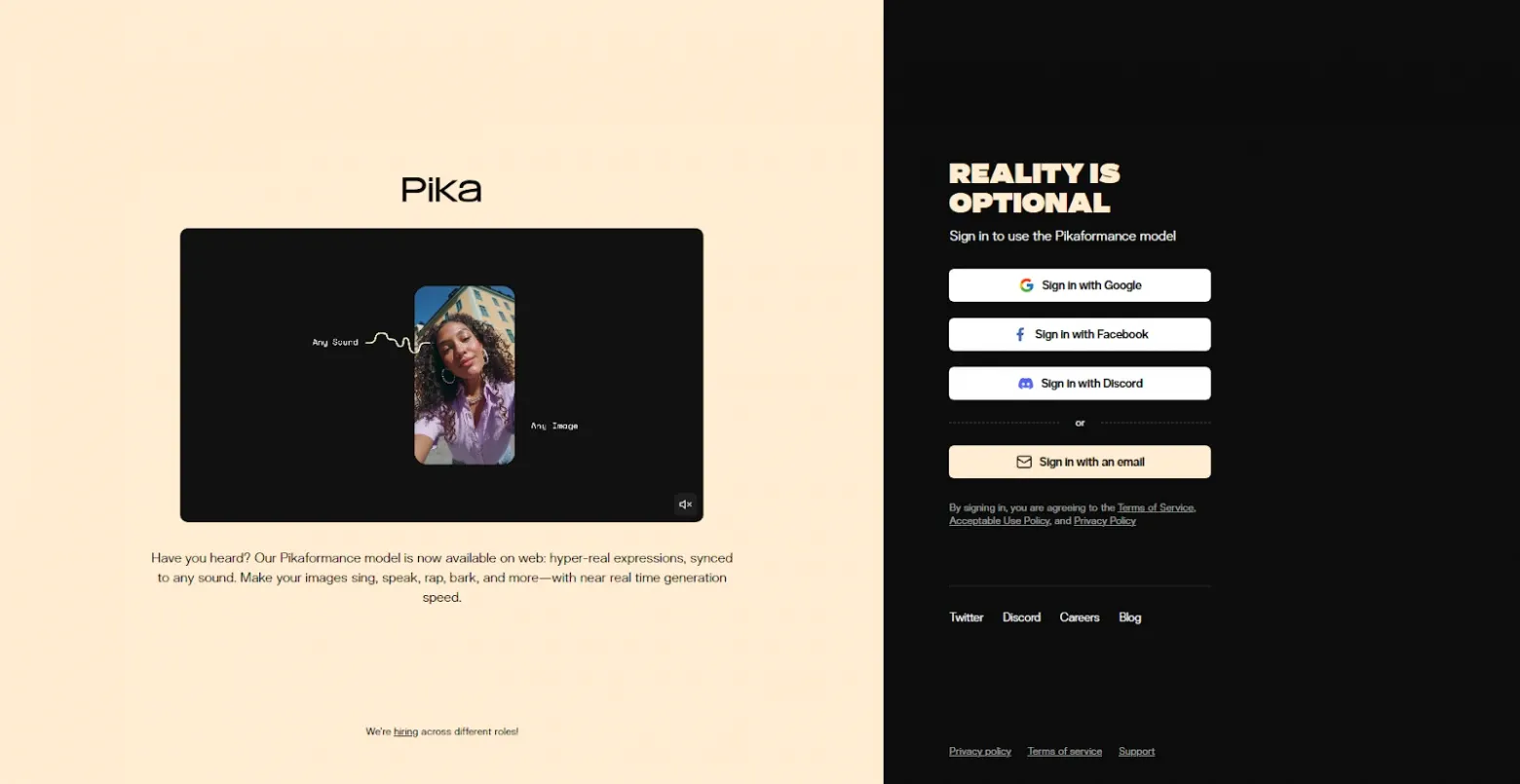
It takes a bit to learn, but once you get it, it’s pretty cool.
They give you some free credit to start.
16. Hailuo AI
This can make videos that look pretty real.
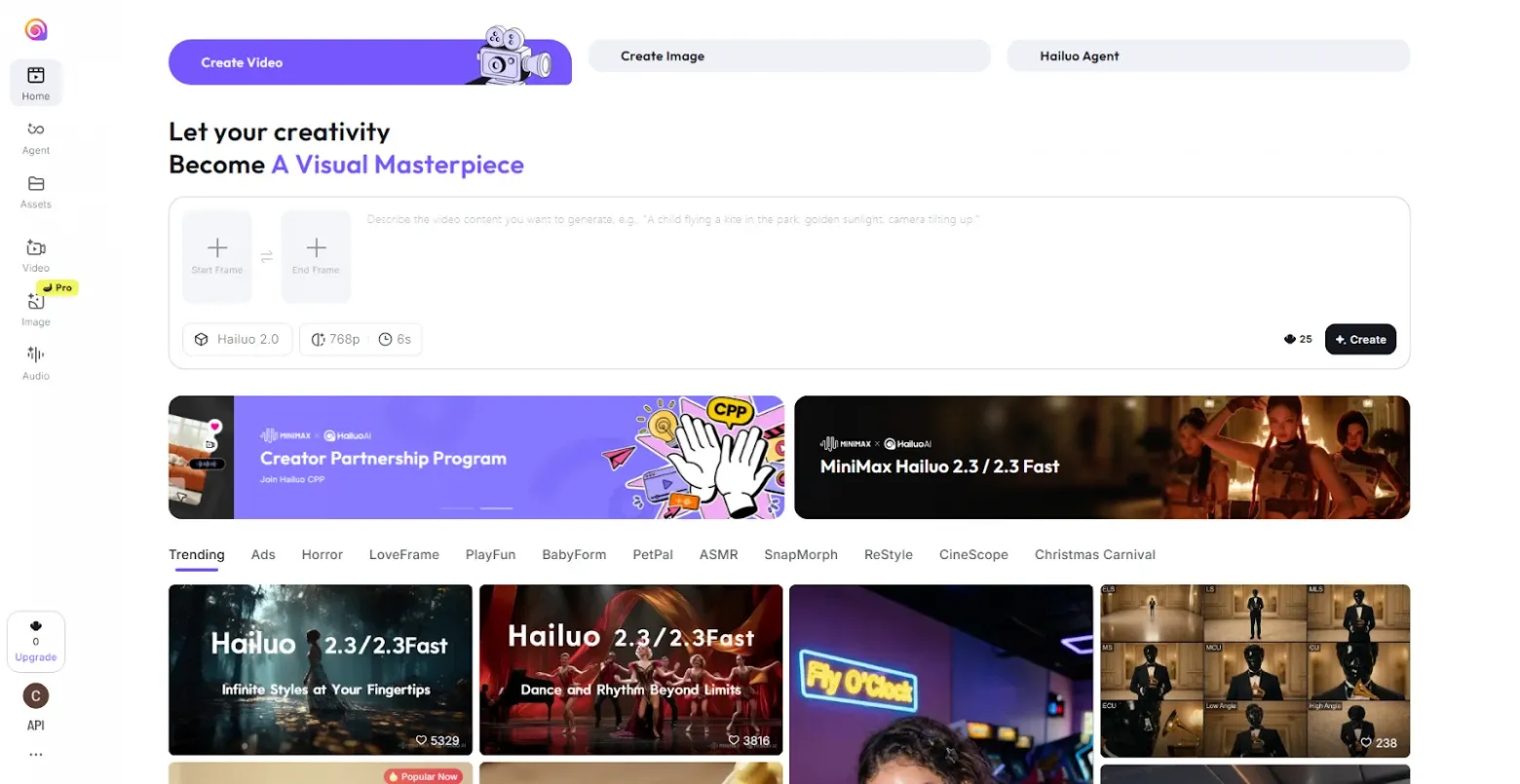
They give you some credit to start, but it might not always be available.
17. Kling AI
Made in China, this AI makes videos from text or images.
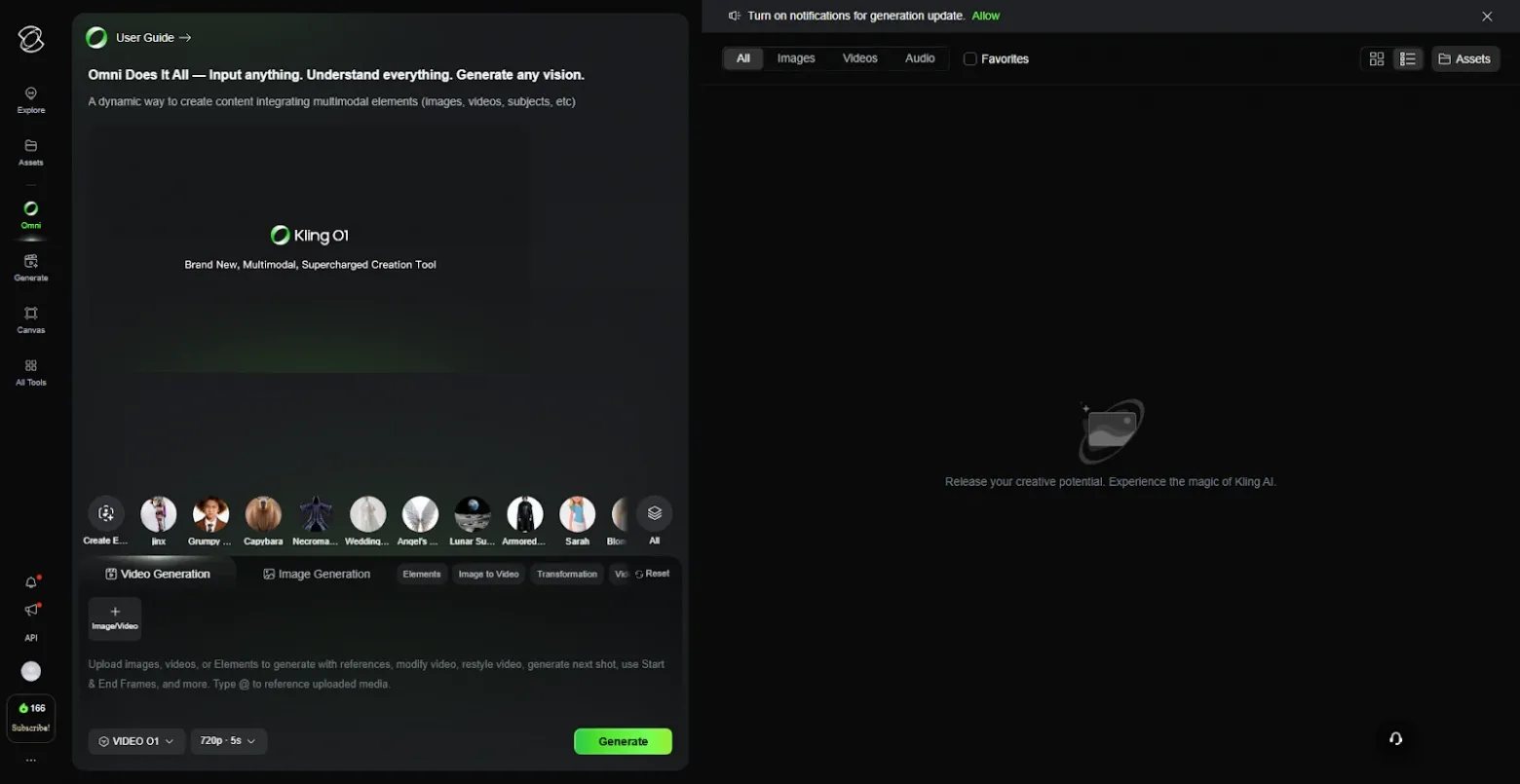
They give you some free credit at first, but you can’t use a Russian bank card to pay for the paid plans.
18. Pixverse
This makes videos from templates and lets you add images and voice.
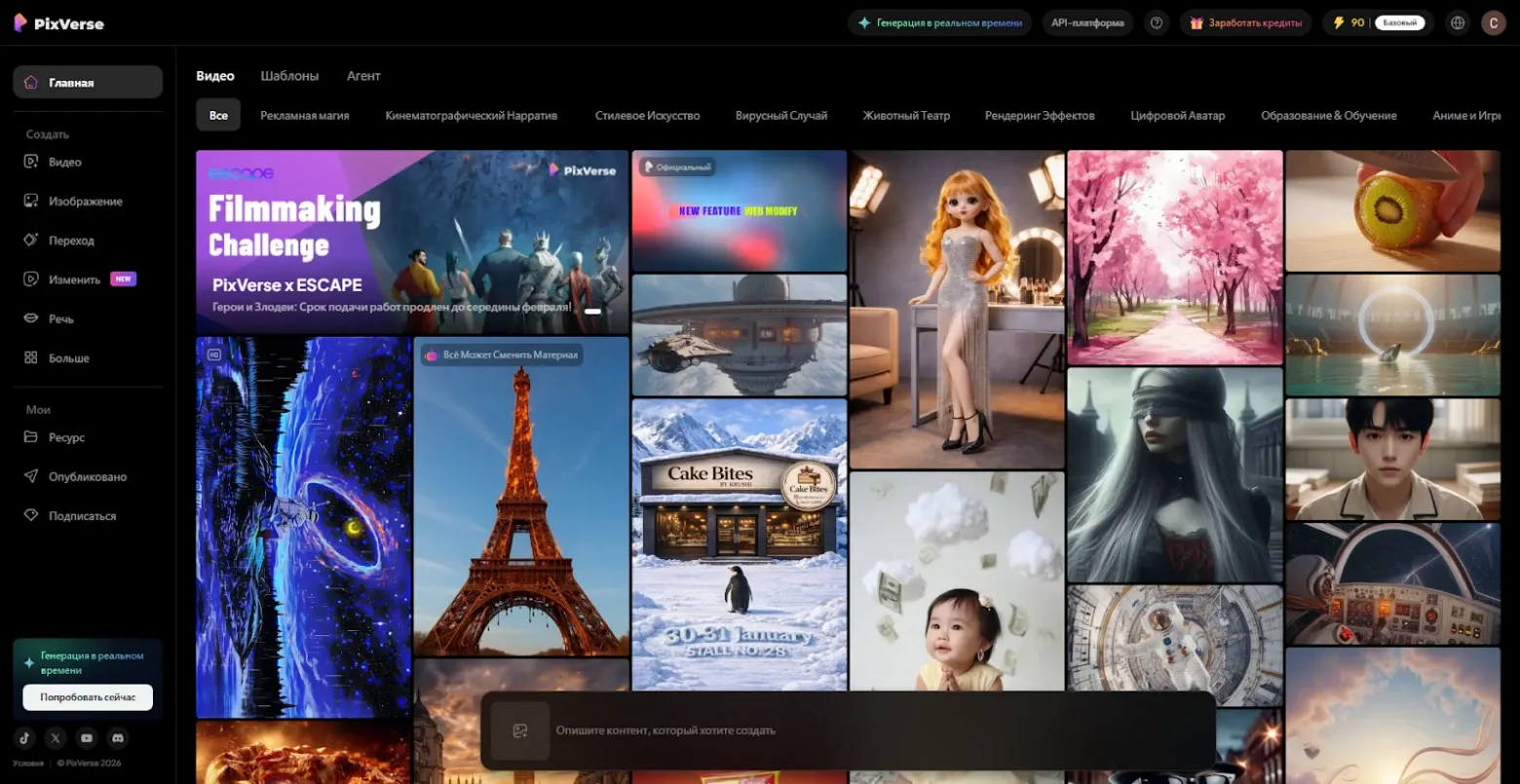
You get some free credit when you sign up.
Audio and Sound
19. Adobe Enhance
This cleans up your voice recordings by getting rid of noise.
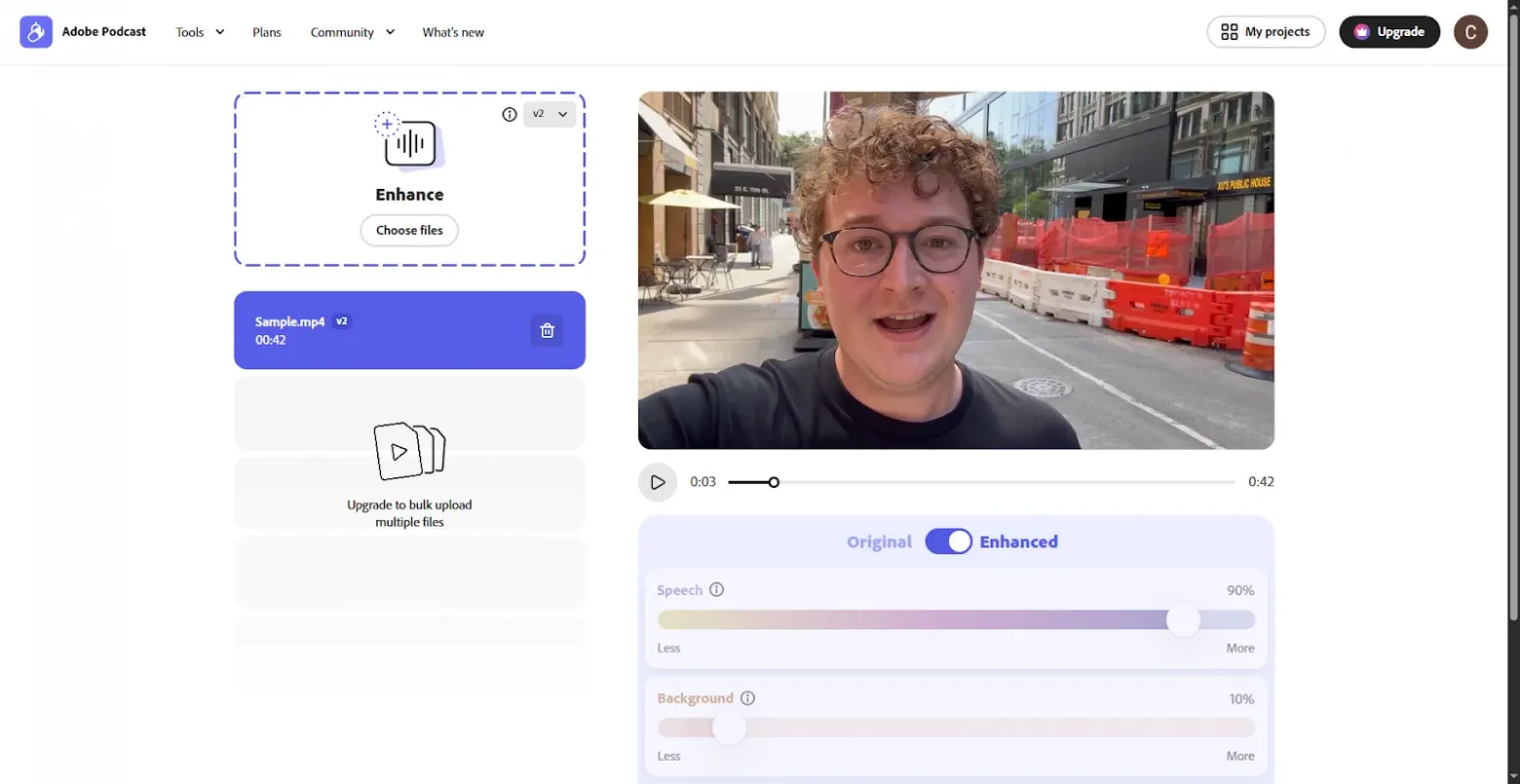
There’s a free version with some limits. Check out the examples to see how well it works.
20. Suno AI
This is a popular AI for making whole songs from just a few words.
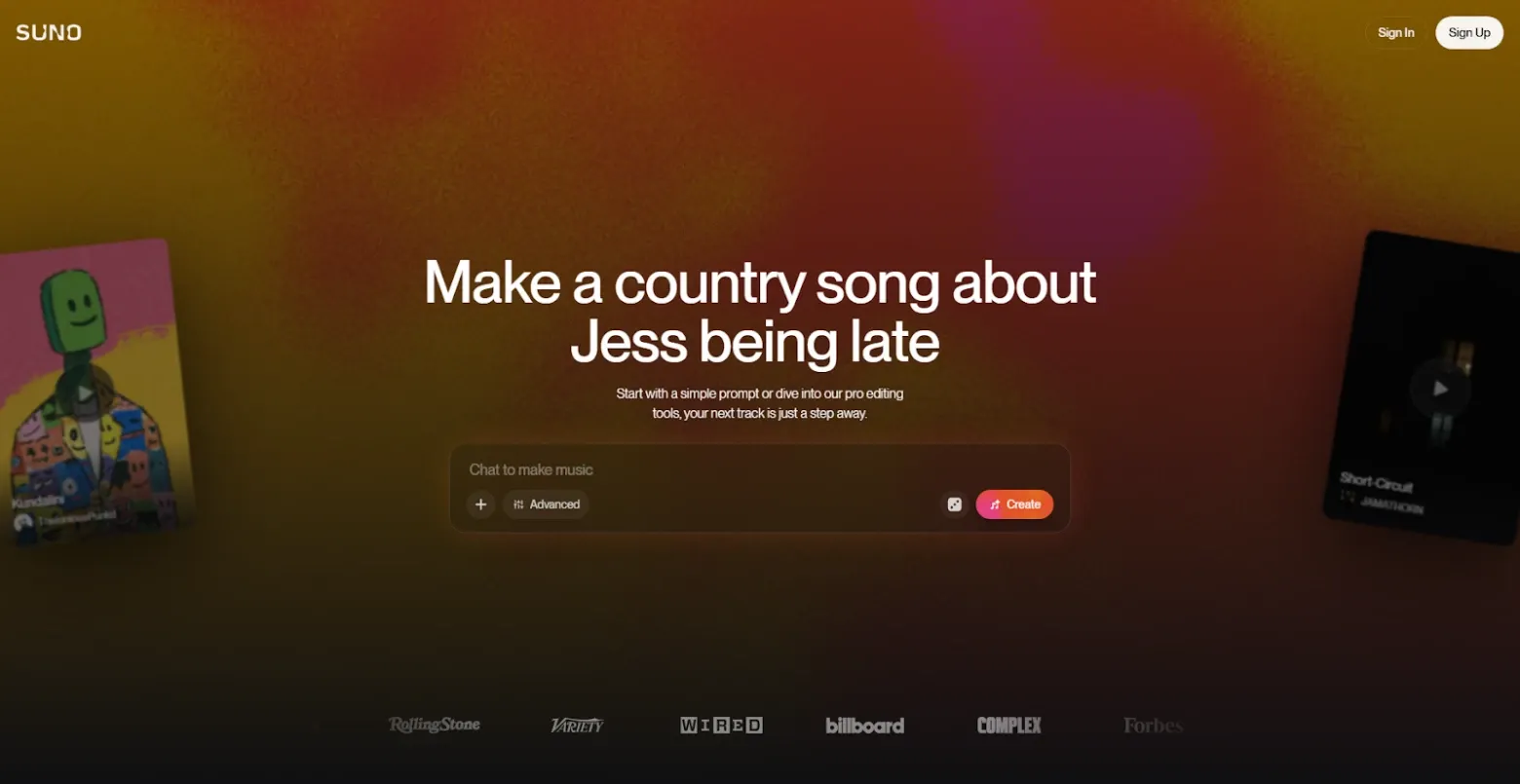
The free plan gives you about 50 credits a day, which is about ten songs.
21. Udio
This is like Suno, but it gives you more control over the music.
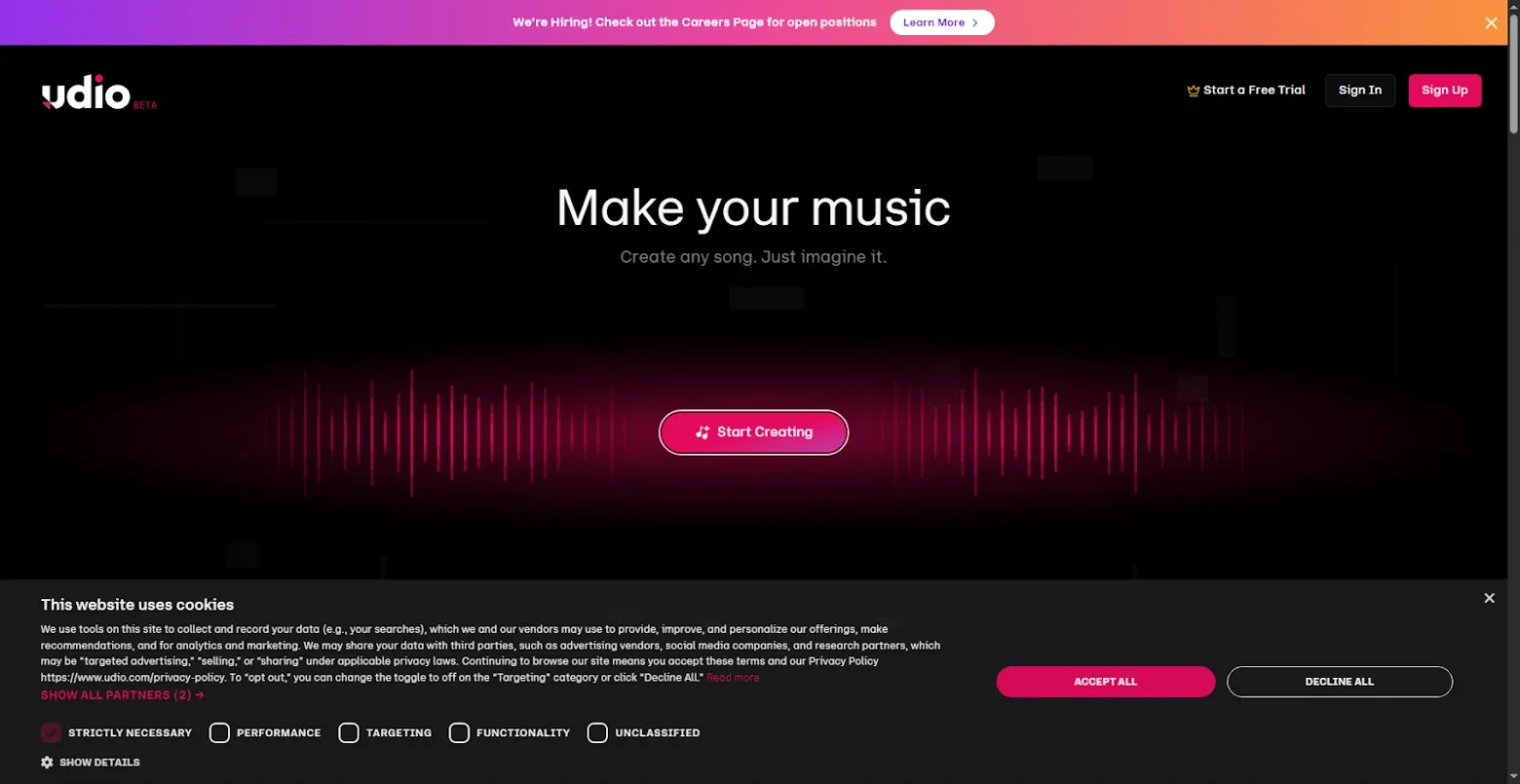
It’s paid, but you get a few credits each day to try it out.
22. Mubert
This makes royalty-free background music for all sorts of things.
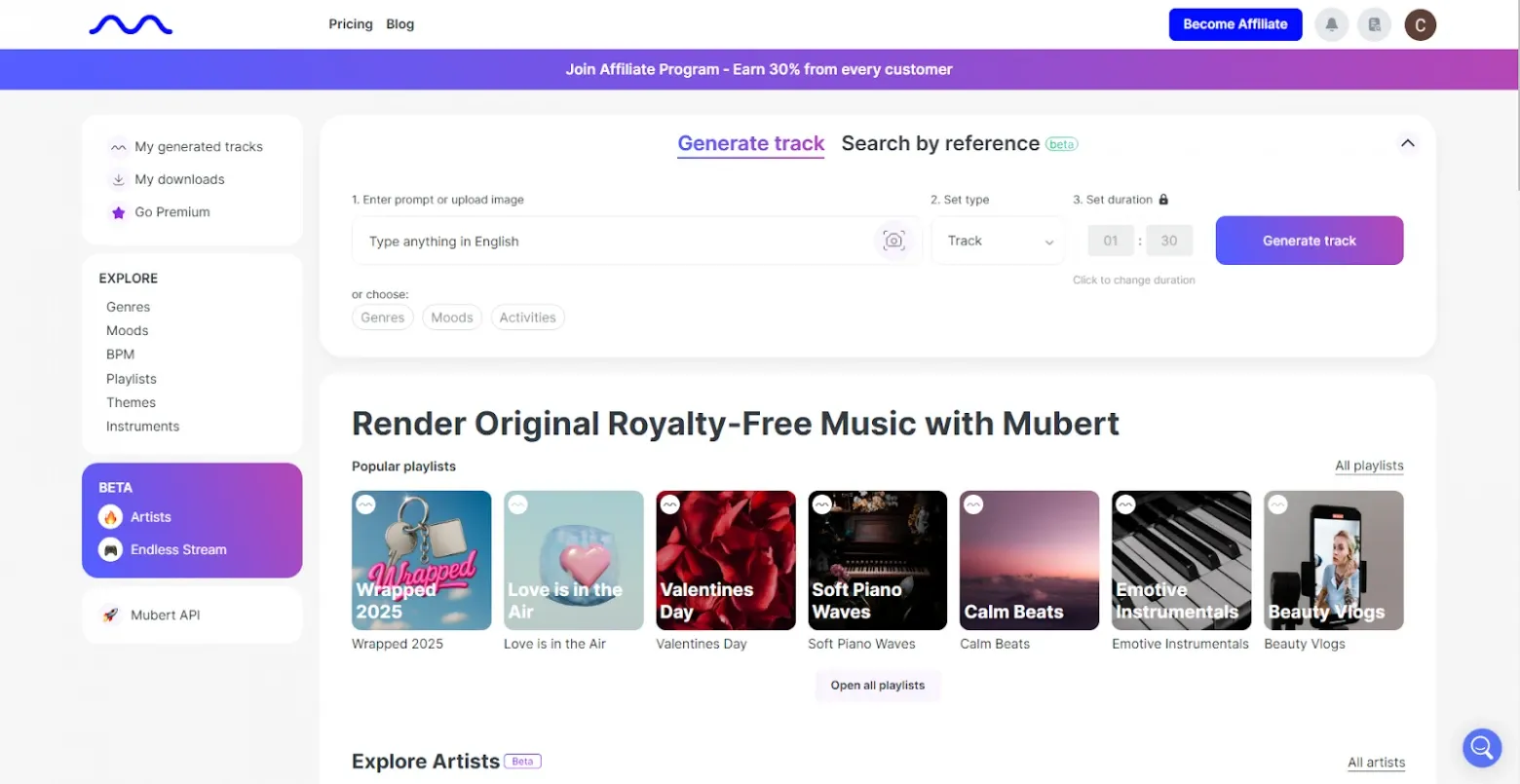
The free plan gives you 25 songs and 5 downloads a month, but only 30 minutes of audio a day.
23. Voice.AI
This changes your voice tosound like someone else.
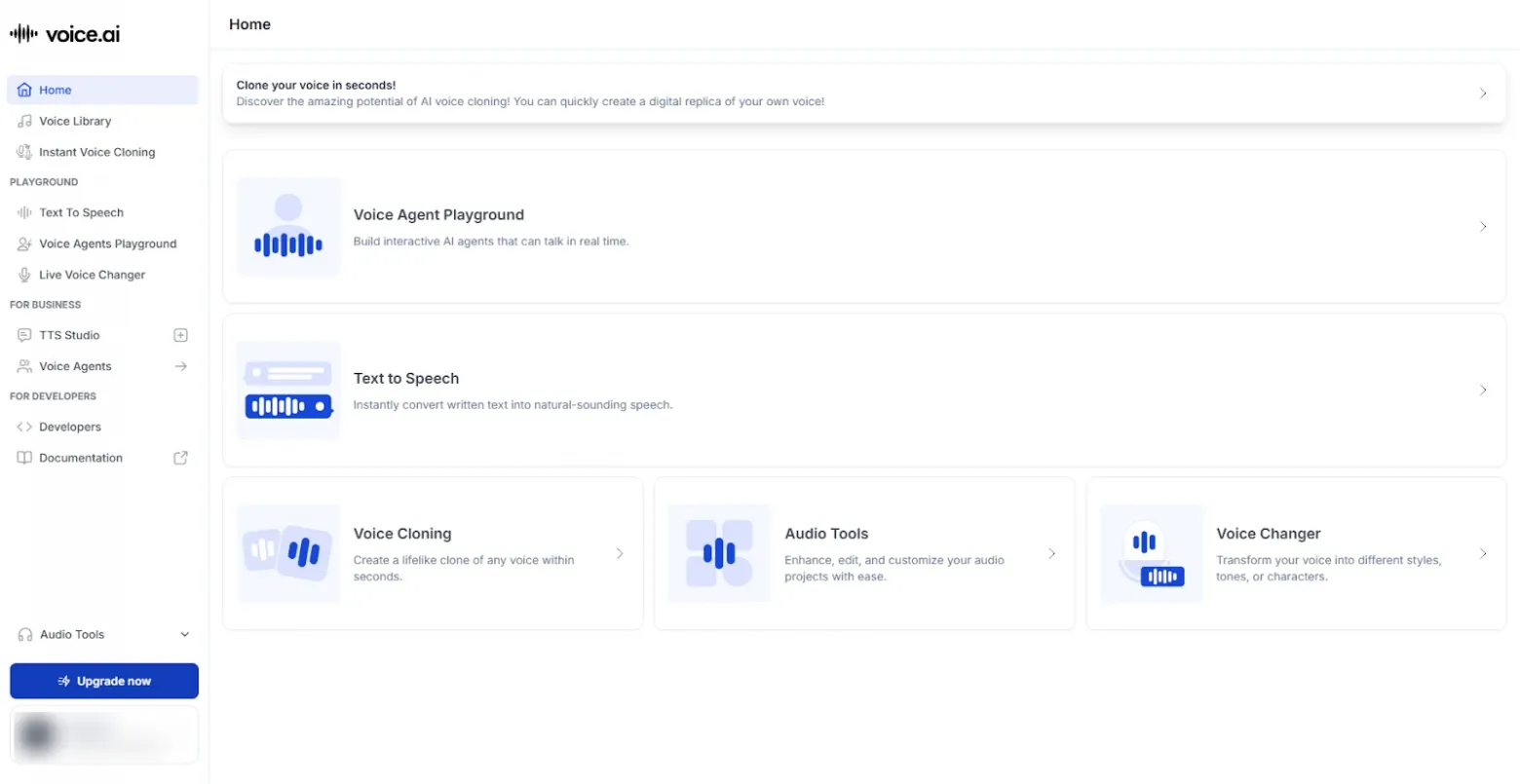
They give you 5,000 credits a month for free, but there are some other limits.
Getting Stuff Done
24. DeepL
This translator is really good at understanding the meaning of what you’re translating, better than a lot of others.
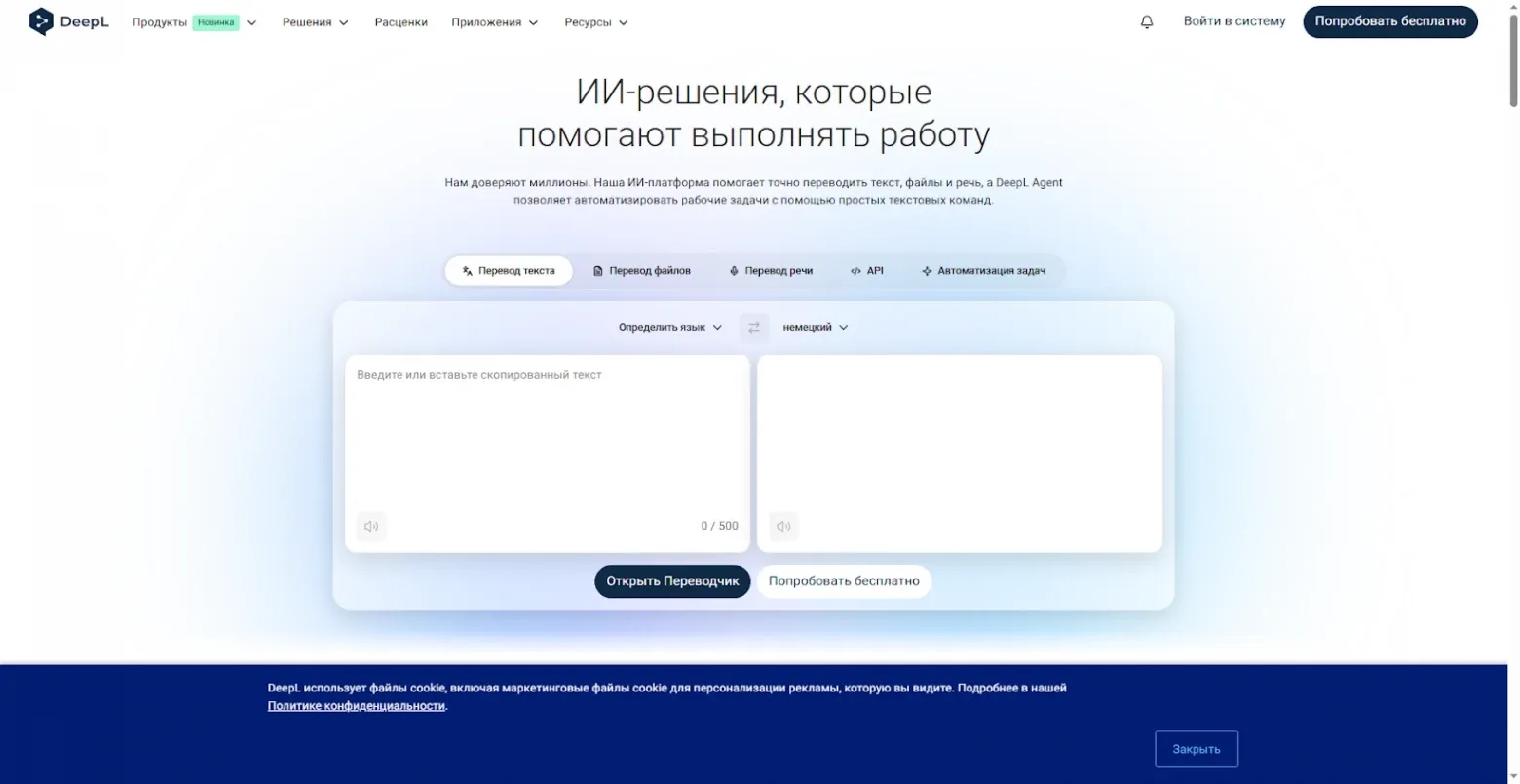
You need to sign up. The free plan lets you translate 50,000 characters and one file a month.
25. Perplexity
This is an AI search engine that looks all over the internet.
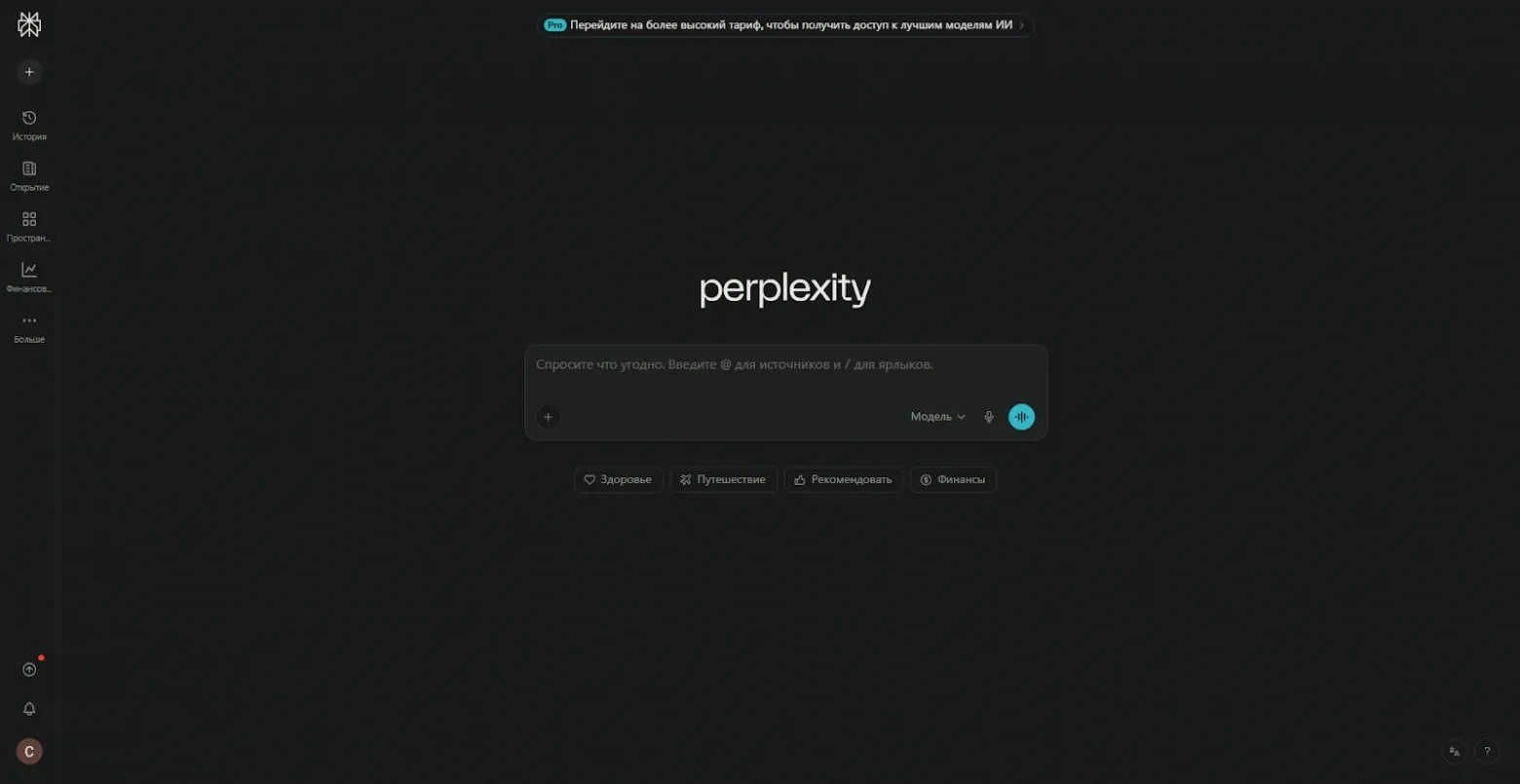
You get a few free searches a day.
26. Any Summary
This makes short summaries of documents in pretty much any format.
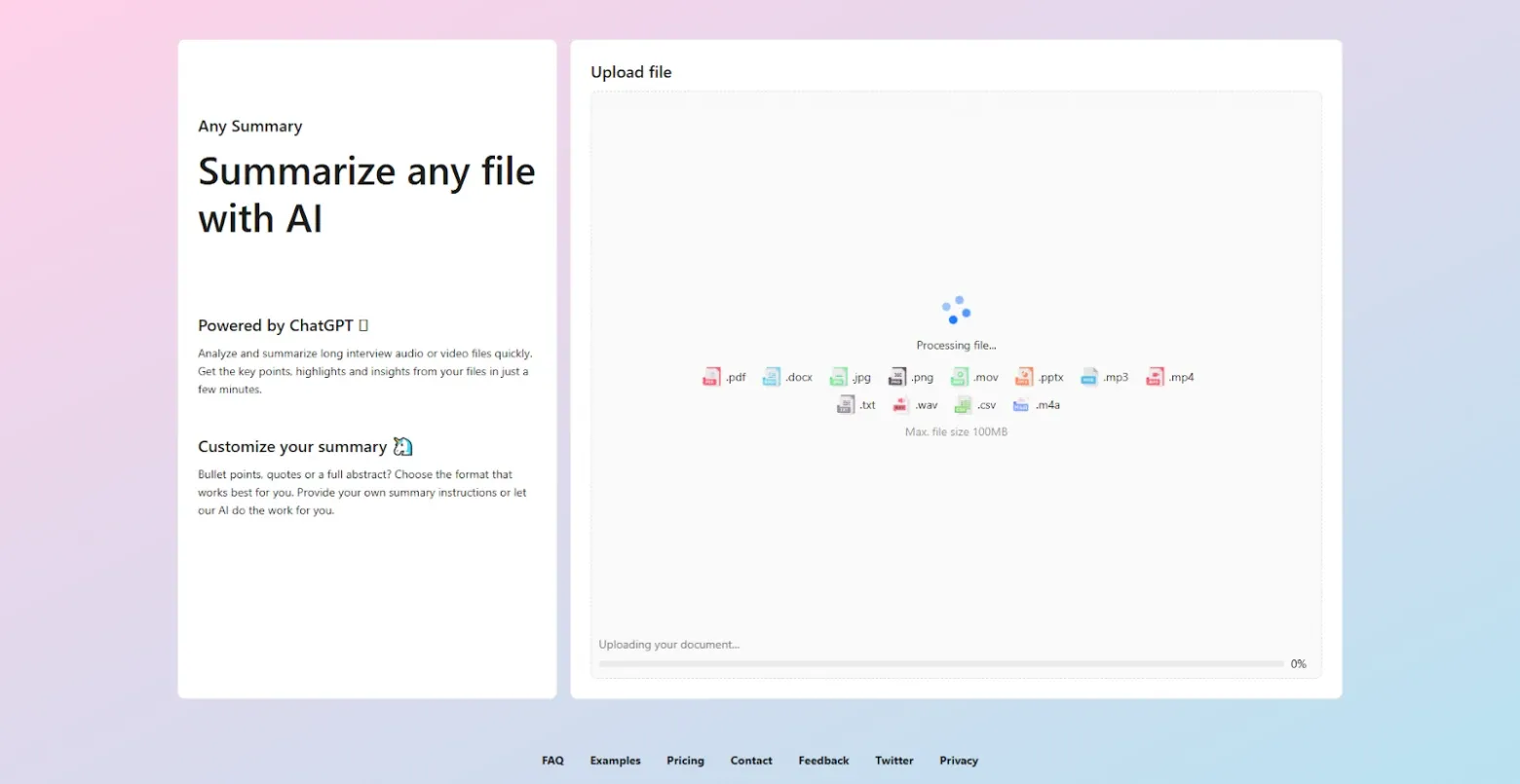
It’s totally free, but it doesn’t always work perfectly.
27. Kickresume
This makes resumes based on a short questionnaire.
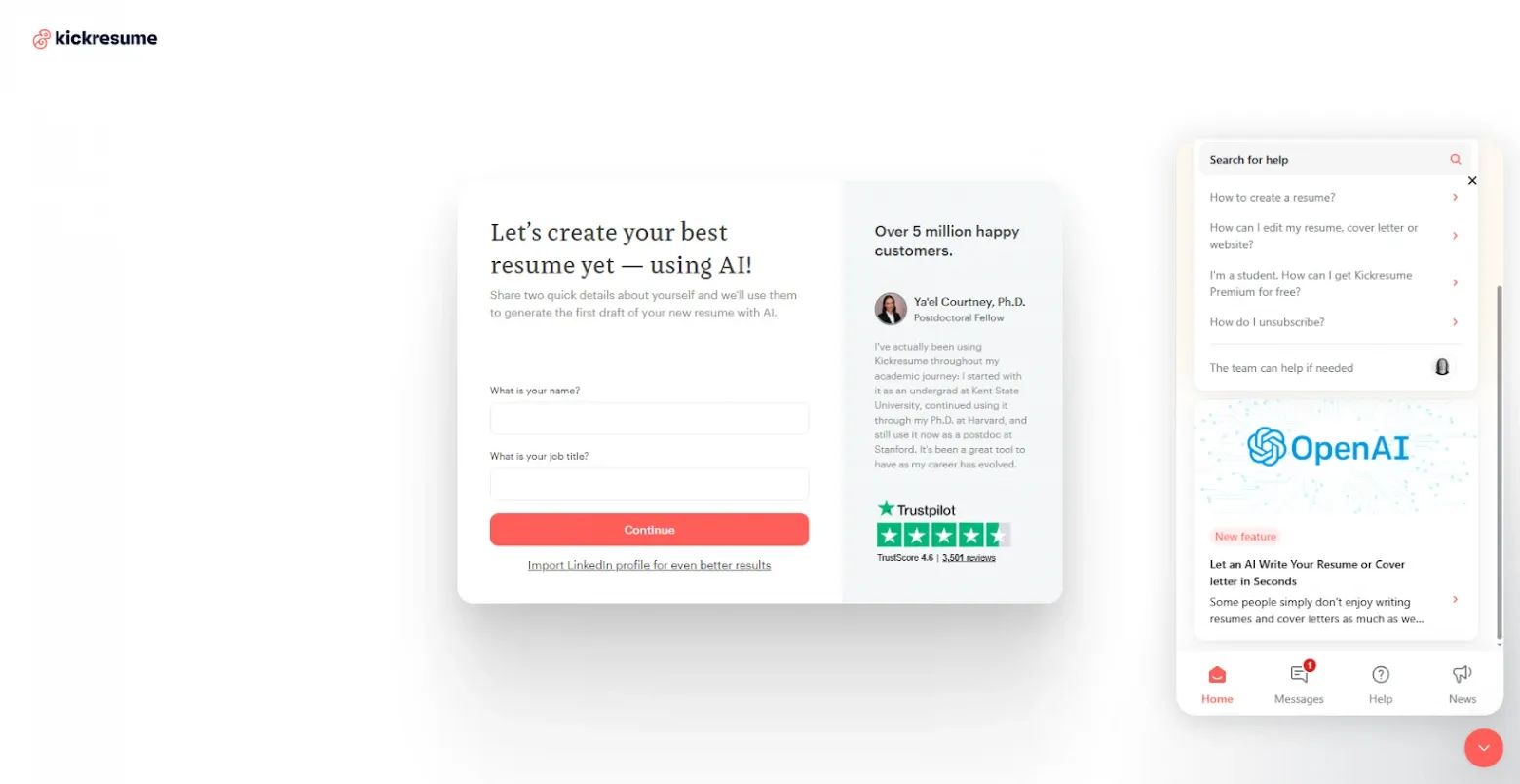
The free and paid plans have different templates and ways to make them look better.
Just for Fun
28. SketchAI
This Picsart thing turns your rough sketches into real art.
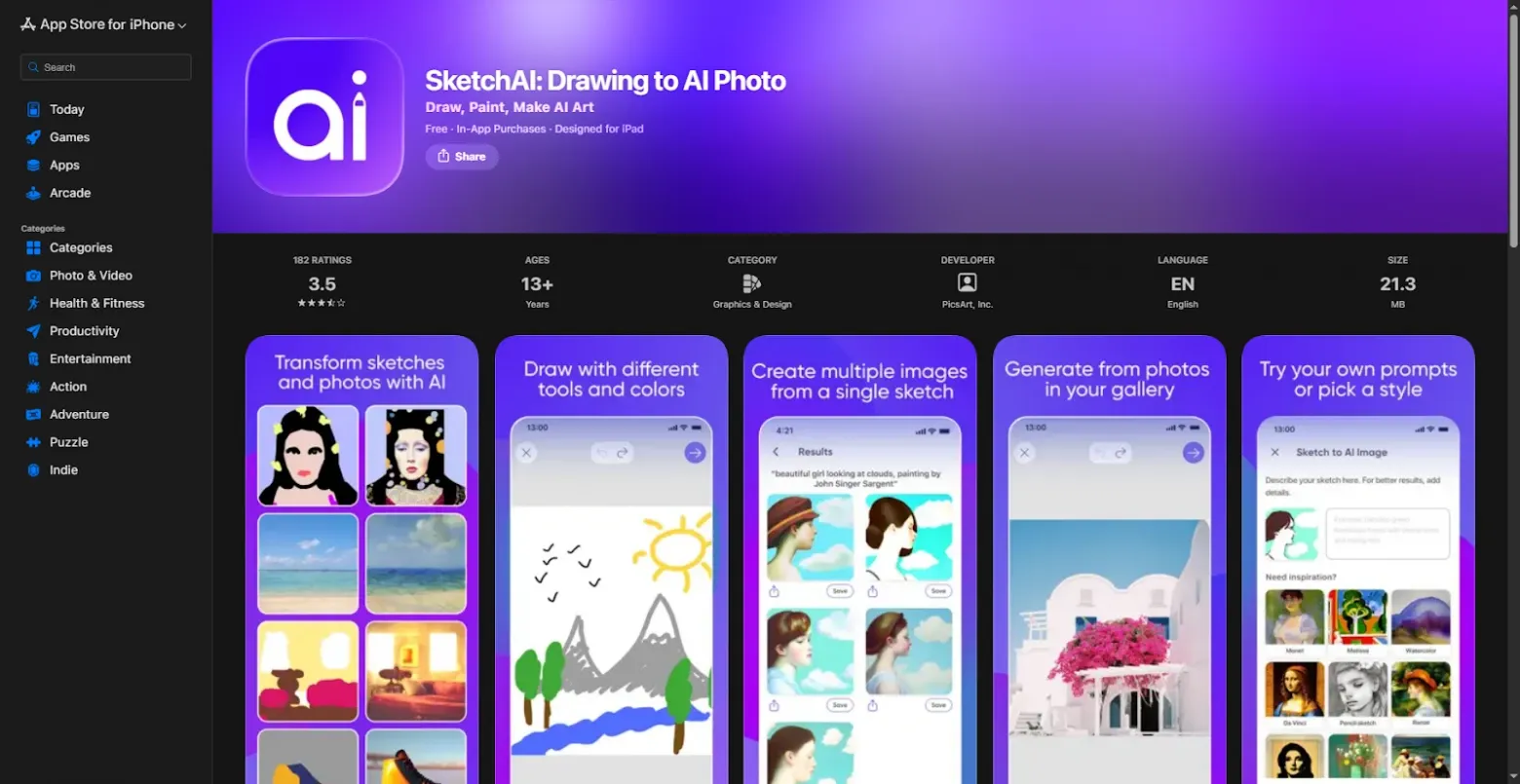
It’s only on mobile.
29. Doppl
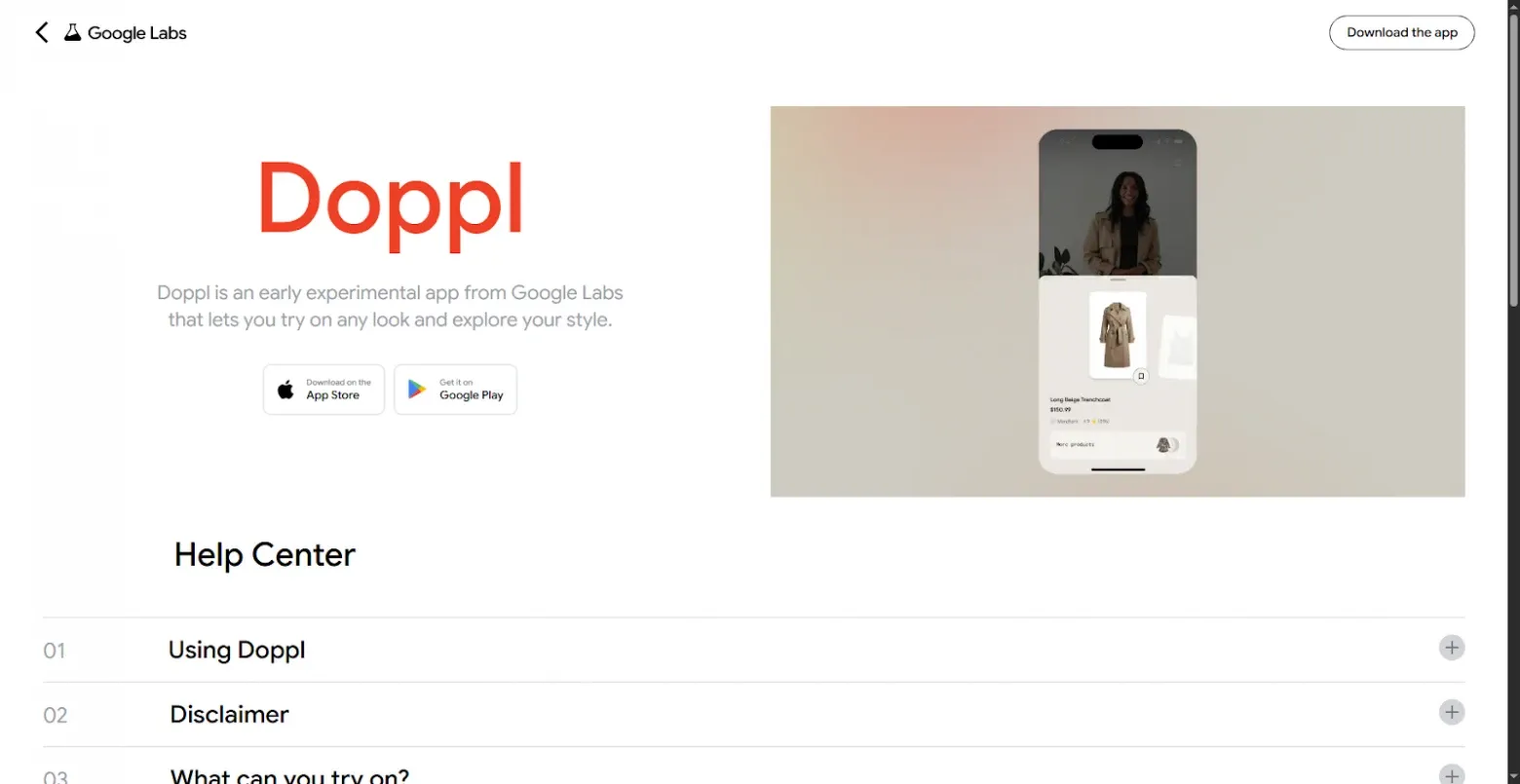
This mobile app lets you virtually try on clothes using just one photo.
30. Character AI
This pretends to be famous people or characters and chats with you.
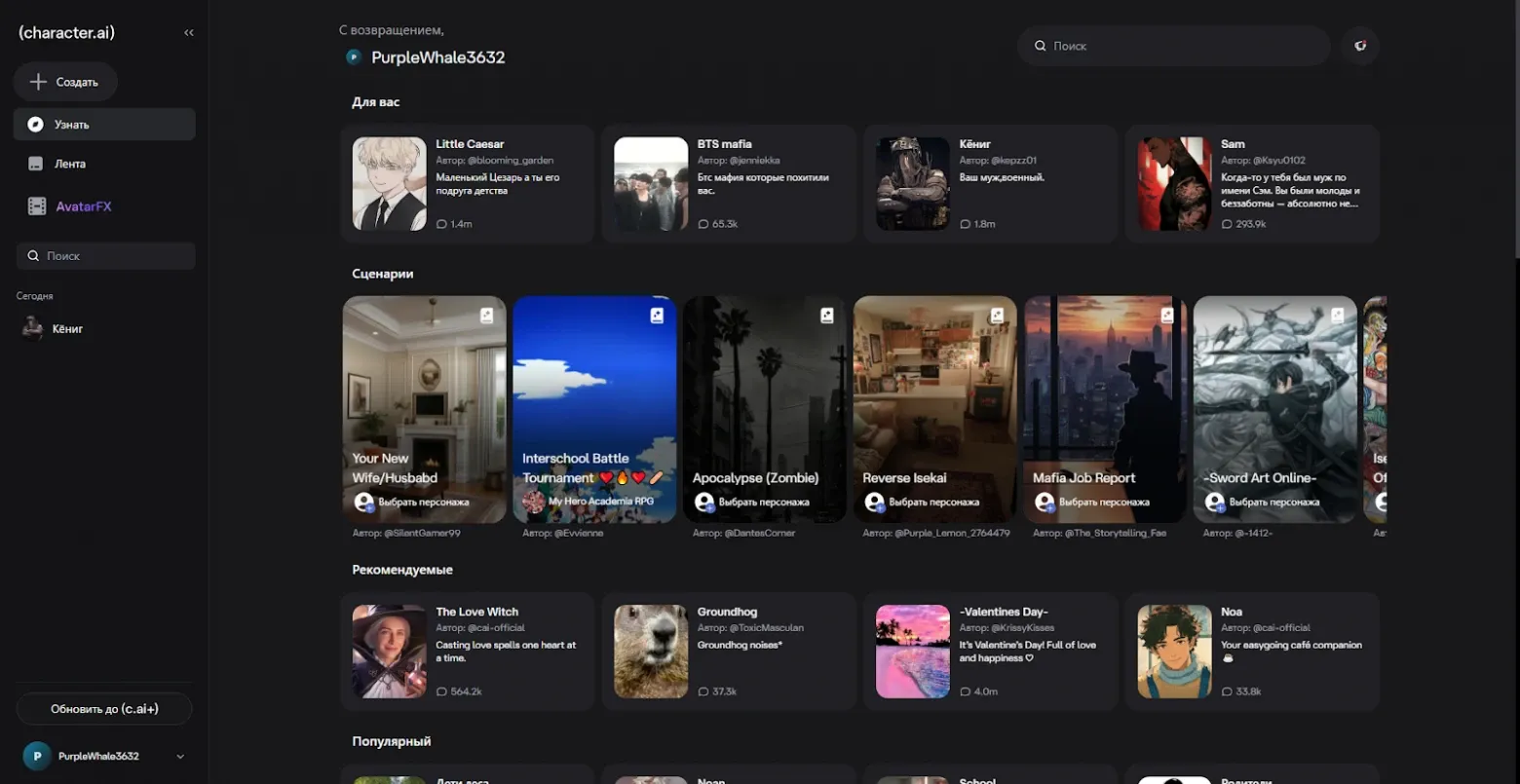
It even has basic voice. There’s a free version and a paid version.
31. RoomGPT
This shows you what your rooms could look like with different designs.
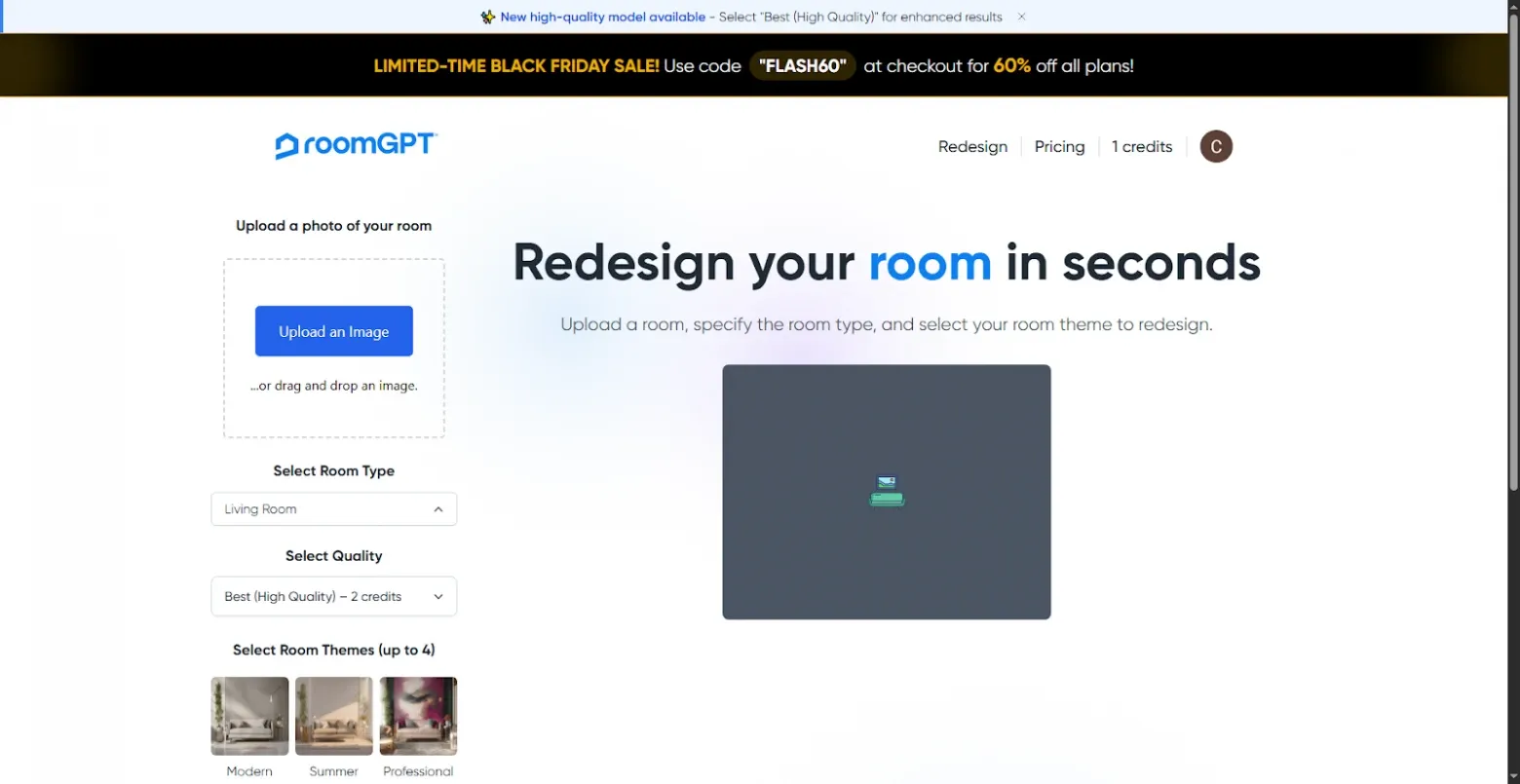
You only get one free try when you sign up.
Last Thoughts
So, that’s it – a bunch of AI tools that you can use every day. I was going to make each section bigger, but some of the tools I wanted to mention didn’t make the cut. For example, there was an AI fortune-teller called Ask The Oracle, but the site seems to be down right now, maybe getting updated.
The AI world keeps changing. What’s cool today might be old news tomorrow. But, in all this change, there are some tools that can help you get more done, be more creative, or just have a little fun.
SPONSORED
🚀 Tired of Switching Between AI Tools? Try Syntax AI
If you’re using multiple AI tools — ChatGPT, Midjourney, Claude, Runway and others — it’s much more convenient to have everything in one place.
Syntax AI is an all-in-one platform that gives you access to 90+ AI models under a single subscription and unified interface.
Instead of paying for multiple subscriptions and jumping between tabs, you get one ecosystem for text, images, video, and more.
FAQ
1. Are these AI tools really free to use?
Most tools on this list offer free plans, daily credits, or trial access. Some have paid upgrades with more features, but you can test and use many of them without spending money.
2. Which AI tool is best for writing and text generation?
ChatGPT, Claude, Gemini, and DeepSeek are strong choices for writing, brainstorming, and answering questions. The best option depends on your location and specific needs.
3. Can I use these AI tools for commercial projects?
In many cases, yes — but always check each platform’s terms of service. Some free plans may limit commercial use or require attribution.
4. Are these tools safe to use?
Most of the listed tools are created by well-known companies. Still, avoid uploading sensitive personal or business data unless you fully understand the platform’s privacy policy.
5. Which AI tools are best for image generation?
Ideogram, Recraft, Шедеврум, and built-in image tools in ChatGPT or Gemini are solid options for generating visuals in different styles.
6. What’s the best free AI for video creation?
Runway, Pika, Kling AI, and Pixverse offer free credits for testing. They’re good for short clips, social media content, and creative experiments.
7. Can beginners use these AI tools easily?
Yes. Most of them are designed for non-technical users. If you can use a website or mobile app, you can use these tools.