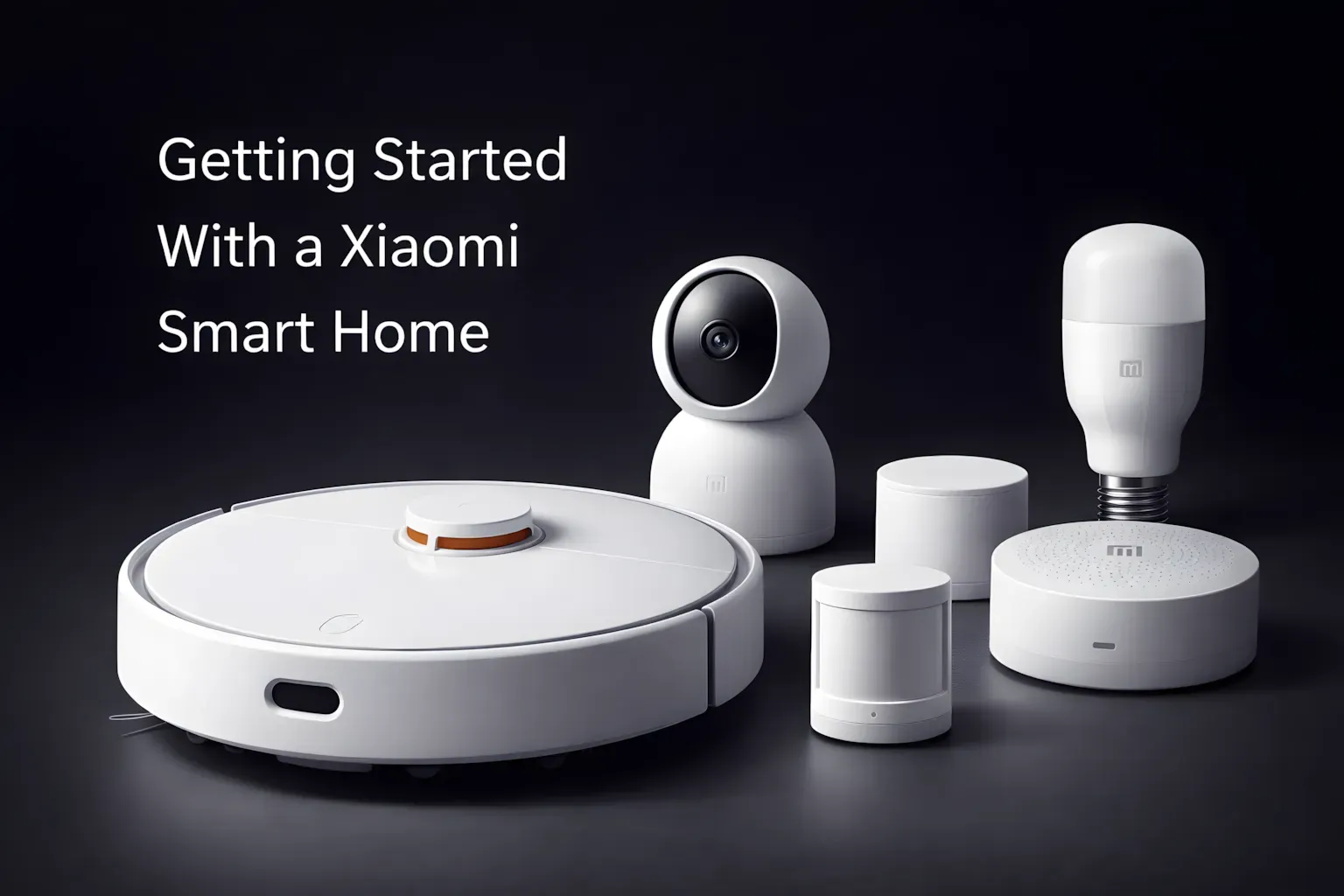
Xiaomi Smart Home Guide: Complete Setup for Beginners
Building a smart home doesn’t have to be a confusing mess of wires and apps that don’t talk to each other! With Xiaomi Home and its huge range of gadgets that all work together, you can make a connected house where your lights, sensors, air fresheners, and cameras are all controlled from one place. It’s easier than you might think, especially if you spend a little time planning first.
I’ve put together this guide based on my own experience to help you get going. I’ll also point out a few things that can save you time and stress down the road.
While a good plan saves time and stress, your smart home's performance also heavily relies on a strong network, so make sure to avoid common pitfalls with these Wi-Fi Mistakes: 4 Powerful Fixes to Boost Your Network Instantly.
Table of Contents
1. Start with a Plan, Not the Gadgets
Hold on before you start buying things! A smart home isn’t just about having a bunch of cool stuff—it’s about making your life easier.
Figure out what’s important to you.
Do you want to improve the air quality inside? Do you want lights that change automatically? Or are you more interested in home security? What you want to achieve will decide what you should buy.
Set a budget.
Xiaomi has stuff at different prices, from basic, cheap items to more advanced things. You don’t have to buy everything right away. You can always add more as you go.
Check if things work together.
Just because something has the Xiaomi name on it doesn’t mean it’ll work with Xiaomi Home. Always check in the app to be sure before you buy.
A little planning now can save you from wasting money later.
2. Set Up Xiaomi Home and Get to Know It
The Xiaomi Home app is like your remote control for everything—it all runs through this.
- Grab the app for your Android or iPhone.
- Make an account using a Xiaomi ID, your Google account, or your Apple ID.
- Take a look around. The app is set up with rooms and types of devices, so it’s easy to find your way around once you get the hang of it.
Spending a few minutes exploring the app will really help later. Knowing how everything is organized will make setting up automations much easier.
3. The Smart Home Hub: You Don’t Need It, But It’s a Good Idea
Xiaomi Home can work without a hub, but adding a Xiaomi Smart Home Hub will make the whole system better.
Think of it as something that translates different languages and directs traffic.
Why it’s useful:
- It helps things talk to each other. Many Xiaomi devices use Zigbee or Bluetooth Low Energy instead of Wi-Fi. The hub changes these signals so the app can understand them.
- It saves energy. Zigbee and BLE use less power than Wi-Fi, so your sensors’ batteries will last much longer.
- Adding new devices is easier. Once you have the hub, you can often connect new devices with just one tap.
- Automations are more reliable. If you want lights to turn on when they detect movement, the hub makes it happen faster and more consistently.
Put the hub in a central spot, keep the software up to date, and it’ll be the quiet workhorse of your smart home.
4. Connecting Devices to Your System
Adding devices is pretty simple, but it’s important to do it right.
- Open the Xiaomi Home app and tap the + button to add a device.
- Pick the type of device, like a lamp, air freshener, camera, or sensor.
- Follow the instructions on the screen. Usually, it involves connecting to Wi-Fi, Bluetooth, or the hub.
- Change the device’s name right away. Giving things clear names will save you from confusion when you have a lot of devices.
This is where being patient pays off. If you rush, you might mess up the settings and the device won’t work right.
5. Get Organized with Rooms and Automations
A smart home only gets smart when the devices start working together.
Create rooms.
Put lights, sensors, and devices into groups based on where they are in your house. This makes it easy to control everything and add more devices later.
Set up automations.
Automations can be simple or complex:
- Turn on the hallway lights when someone walks by.
- Turn on the air freshener when the air gets dirty.
- Turn off all the devices when everyone leaves the house.
Use schedules.
Have the lights turn on at sunset, or have the robot vacuum start cleaning while you’re at work. Setting things to happen at certain times will quietly change your daily routine.
6. Devices You Might Want to Consider
Xiaomi has a ton of products. These are some of the most useful to start with:
- Lights: You can change the brightness, color, and when they turn on and off.
- Sensors: Motion detectors, temperature sensors, humidity sensors, and water leak detectors can keep an eye on your home.
- Cameras and security: Indoor and outdoor cameras, some with smart AI features. Smart doorbells let you see who’s at the door.
- Air fresheners: They monitor the air and automatically clean it, and they remind you when to change the filter.
- Climate control: Fans and dehumidifiers that respond to changes in humidity and temperature.
- Kitchen gadgets: Smart kettles, air fryers, and other things you can control from your phone.
- Robot vacuum cleaners: They clean on a schedule and you can see where they’ve been on a map.
- Speakers: Play music throughout your house and control it easily.
Each of these adds a little convenience, and together they make your home much more connected.
7. Fixing Problems Without Going Crazy
Even the best systems can have problems. If something isn’t working right:
- Update the software regularly. This often fixes things.
- Check your Wi-Fi. A weak signal can cause problems. Try moving your router or adding a Wi-Fi repeater.
- Pick the right region in the app. The closest server will work best.
- Restart or reset devices. It’s boring, but it often works.
Most problems are caused by your home setup, not by the devices themselves.
8. Why Xiaomi Home is a Good Choice
Xiaomi Home is great because it puts everything in one place.
- You only need one app instead of a bunch.
- You can add more devices without having to start over.
- The automations actually make your life simpler, not more complicated.
- The prices are good, so it’s easy to get started.
It’s a practical system that focuses on usefulness rather than just looking cool.
Building a Smart Home Doesn’t Have to Be Hard or Expensive
Making a smart home with Xiaomi Home is more about making smart choices than being a tech expert. Start with lights, air quality, or security. Add a hub to make things more stable and save energy. Only add more devices when it makes sense.
Over time, these small conveniences will add up to something bigger: a home that knows what you need, makes things easier, and quietly supports your everyday life. The more thought you put into it, the more useful it will become—not just as a cool gadget, but as a normal part of your home.
FAQ
1. Do I need a Xiaomi Smart Home Hub to get started?
No, some Xiaomi devices work directly over Wi-Fi or Bluetooth. However, a hub is strongly recommended if you plan to use sensors, reliable automations, or want better battery life.
2. Will all Xiaomi devices work in the Xiaomi Home app?
Not always. Some Xiaomi-branded products are region-locked or designed for other ecosystems. Always check device compatibility inside the Xiaomi Home app before buying.
3. Which region should I choose in the Xiaomi Home app?
Choose the region closest to your physical location for best performance and device availability. Changing regions later may require reconnecting devices.
4. Is Xiaomi Home suitable for beginners?
Yes. Xiaomi Home is one of the most beginner-friendly smart home platforms thanks to simple setup, clear automations, and affordable devices.
5. Can I add devices gradually over time?
Absolutely. Xiaomi Home is designed to scale. You can start with one light or sensor and expand your system room by room.
6. What are the best Xiaomi devices to start with?
Smart lights, motion sensors, air quality monitors, and robot vacuum cleaners are great first devices that show immediate value.
7. What should I do if a device stops responding?
First, update the firmware and check your Wi-Fi signal. If issues persist, restarting or re-pairing the device usually fixes the problem.