Best DNS Providers for Privacy and Ad Blocking
In an era where data collection, behavioral profiling, and intrusive advertising have become the norm, choosing the right DNS provider for privacy and ad blocking is no longer optional—it is essential. We rely on DNS (Domain Name System) every time we visit a website, stream content, or launch an application. Yet most users unknowingly depend on their ISP’s default DNS, exposing their browsing habits to monitoring, manipulation, and tracking.
We have evaluated the most powerful, privacy-focused DNS providers that combine encrypted DNS protocols, tracker blocking, malware filtering, and advanced configuration options. Below, we present the five best DNS providers for privacy and ad blocking that deliver performance, reliability, and uncompromising protection.
While these DNS providers offer significant protection, for even more comprehensive online privacy and security, consider setting up your own VPN. Our VLESS Reality VPN Ubuntu: 21-Step Powerful Setup Guide (3X-UI) can guide you through creating a fast, modern, and low-profile solution.
Table of Contents
Best DNS Providers for Privacy and Ad Blocking
1. NextDNS – Advanced Privacy Control with Granular Ad Blocking
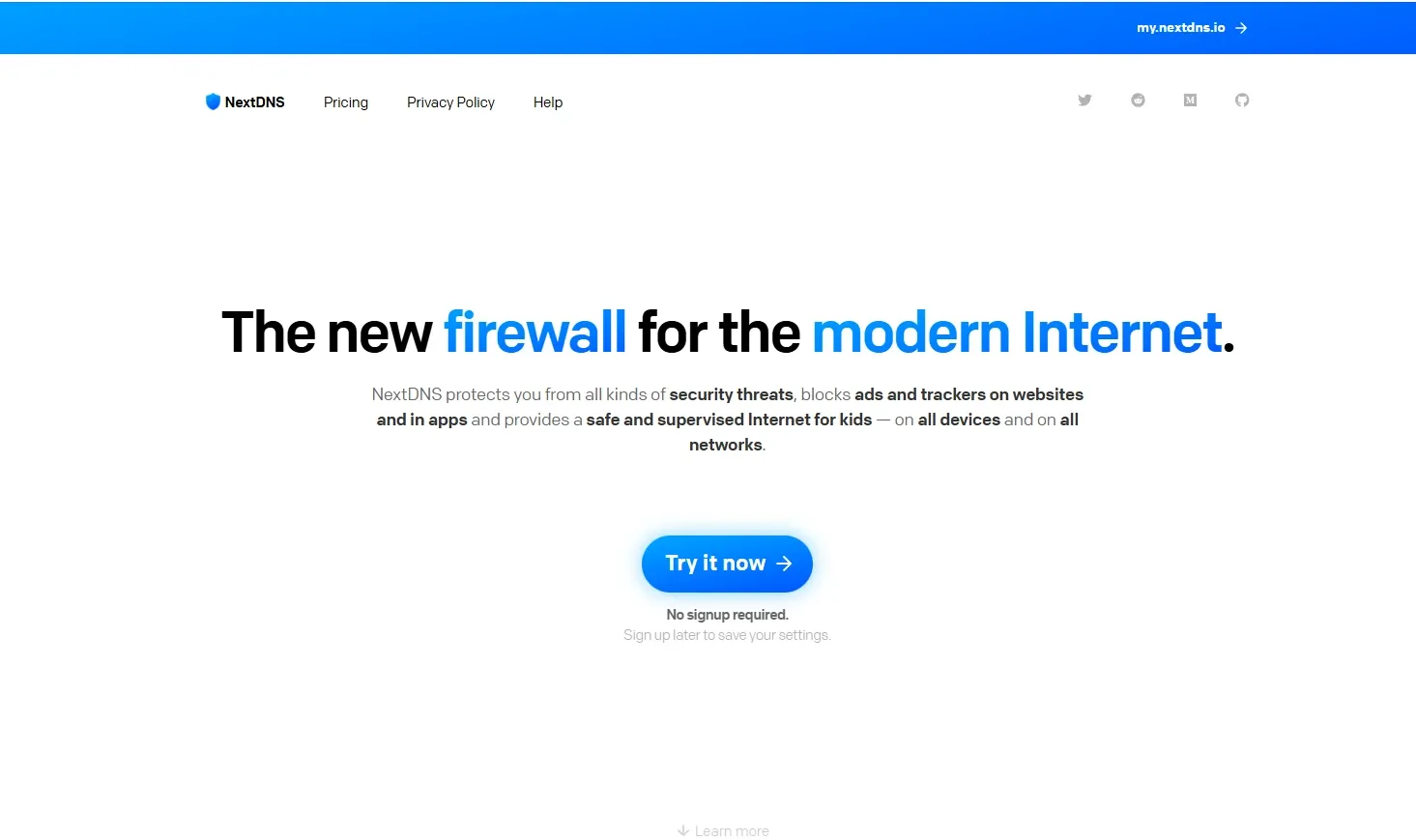
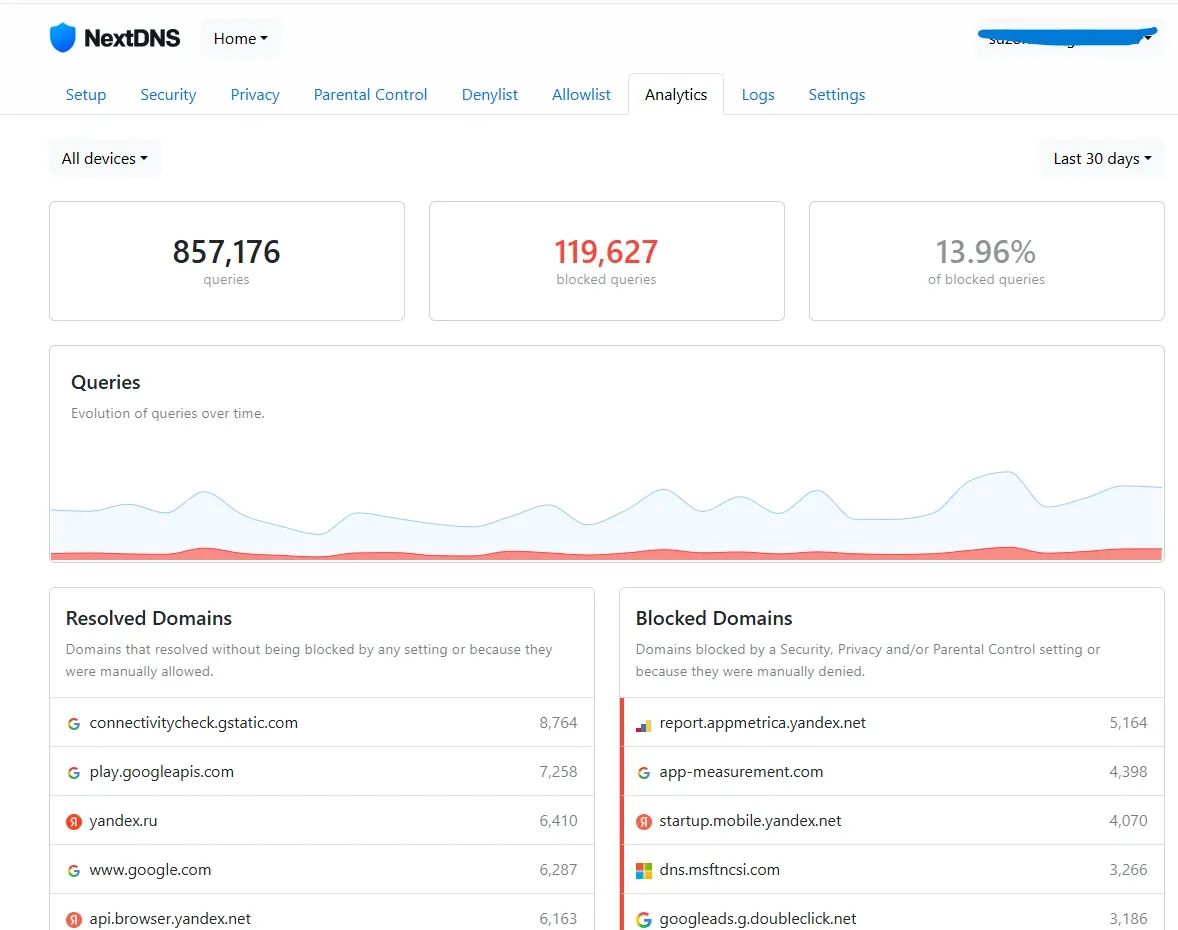
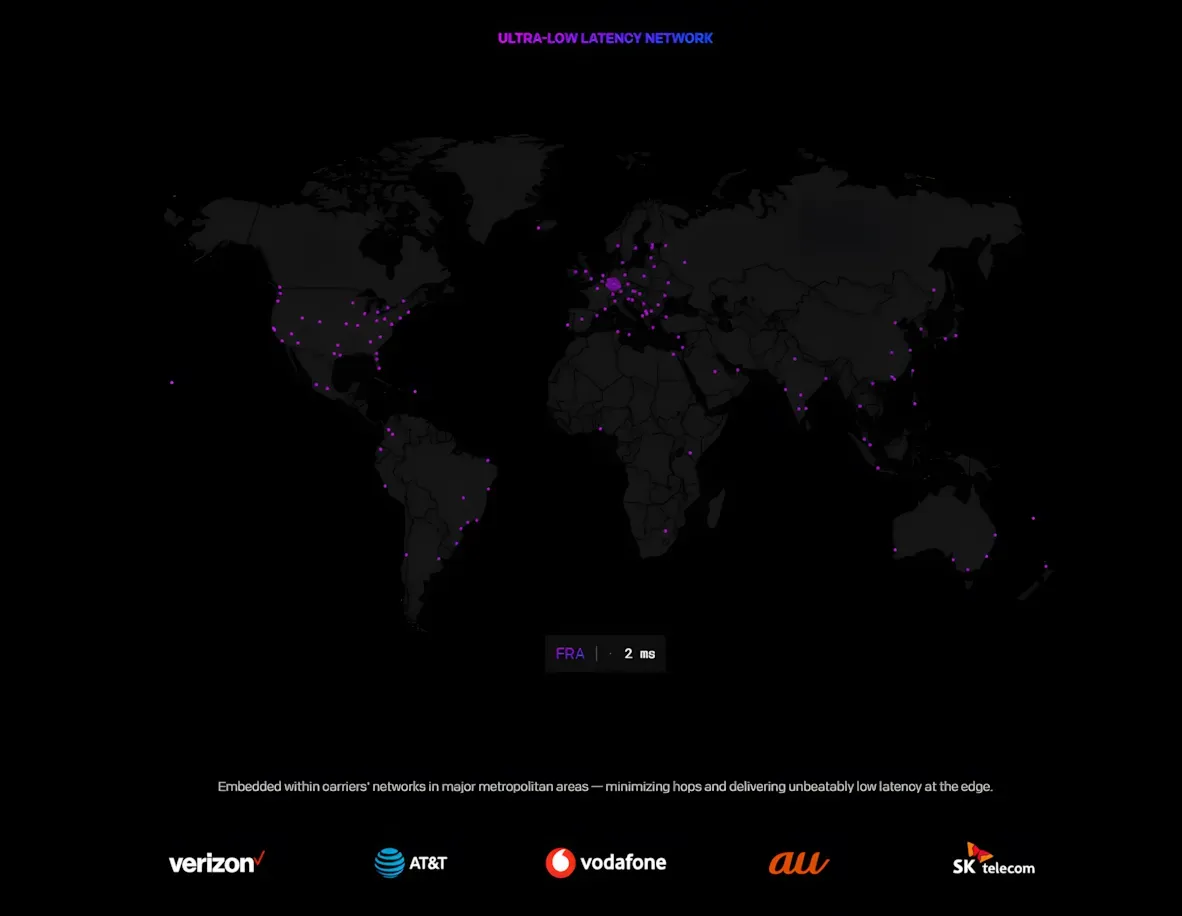
NextDNS stands at the forefront of DNS-based privacy protection. It combines DNS-over-HTTPS (DoH), DNS-over-TLS (DoT), and DNSCrypt support with highly customizable filtering policies.
Why We Recommend NextDNS
- Comprehensive ad and tracker blocking
- Custom blacklists and whitelists
- Real-time analytics and query logs
- Malware, phishing, and cryptojacking protection
- Parental controls and category filtering
- Encrypted DNS by default
NextDNS operates a globally distributed anycast network, ensuring low latency and high availability. Unlike traditional resolvers, it allows us to create custom configurations tailored to individual devices. We can block specific domains, enable threat intelligence feeds, or restrict access to entire content categories.
One of its most compelling features is detailed analytics, allowing visibility into blocked domains, device-level traffic, and protocol usage. For users who demand total control, NextDNS offers split-horizon DNS, device tagging, and enterprise-grade policies.
Free usage is available up to a generous monthly limit, with affordable unlimited plans thereafter. For users who prioritize customization and transparency, NextDNS is unmatched.
2. AdGuard DNS – Seamless Ad Blocking Across All Devices
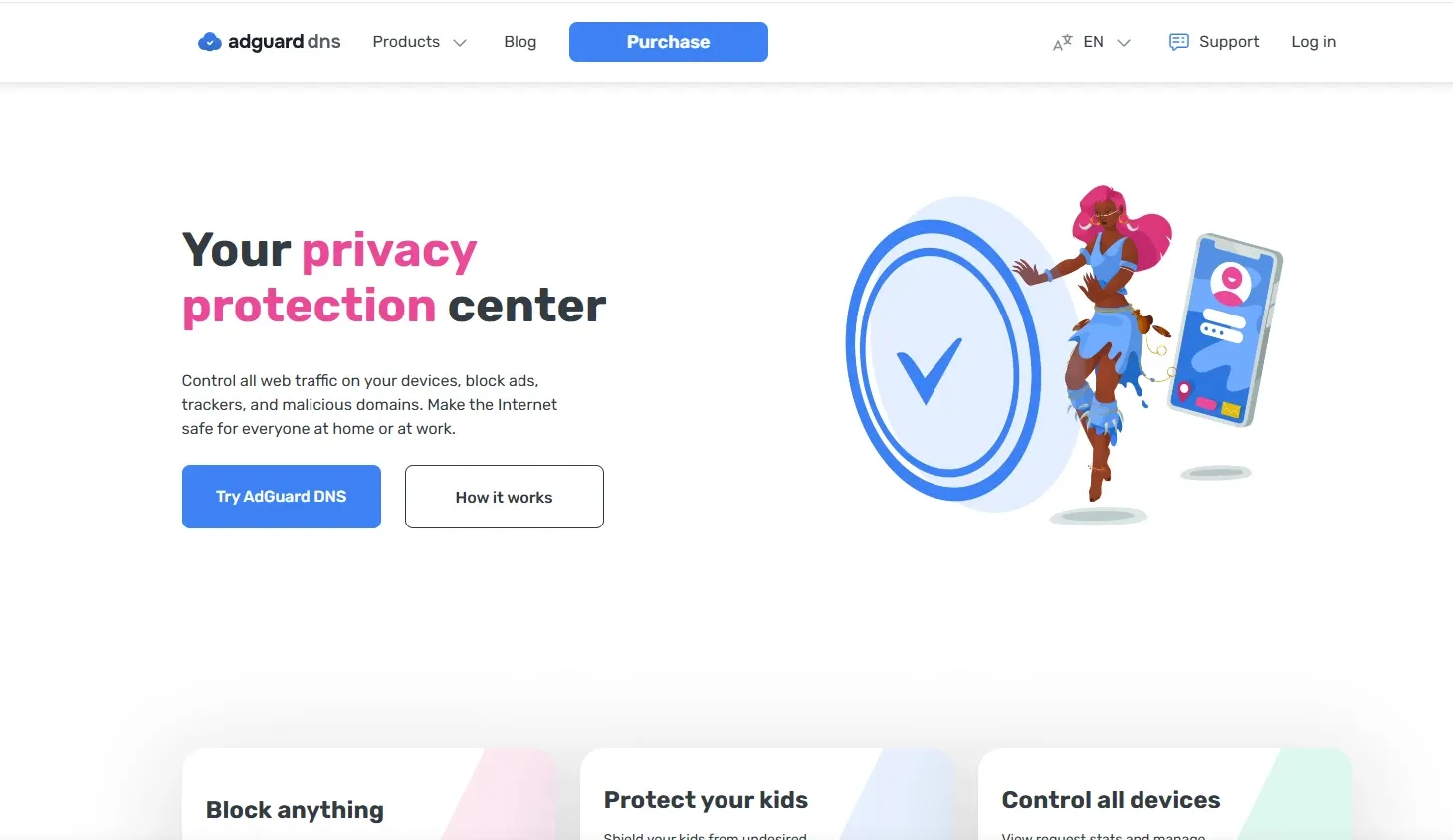
AdGuard DNS is purpose-built for eliminating intrusive advertisements and tracking domains at the DNS level. It functions independently of browser extensions or system applications, making it effective across smartphones, tablets, gaming consoles, and smart TVs.
Key Advantages of AdGuard DNS
- Automatic blocking of ads and tracking domains
- Malware and phishing protection
- Family protection mode with adult content filtering
- Encrypted DNS support (DoH and DoT)
- Zero software installation required
AdGuard DNS provides both default public servers and customizable private configurations. Its filtering lists are constantly updated, preventing new ad networks and trackers from loading.
For users seeking simplicity, AdGuard’s default DNS addresses offer instant ad suppression. For advanced users, private configurations allow rule customization, log access, and enhanced security options.
The infrastructure is reliable, though slightly less customizable than NextDNS. However, for users who want a plug-and-play privacy solution, AdGuard DNS remains one of the best choices available.
3. Cloudflare 1.1.1.1 for Families – Fast, Secure, and Filtered
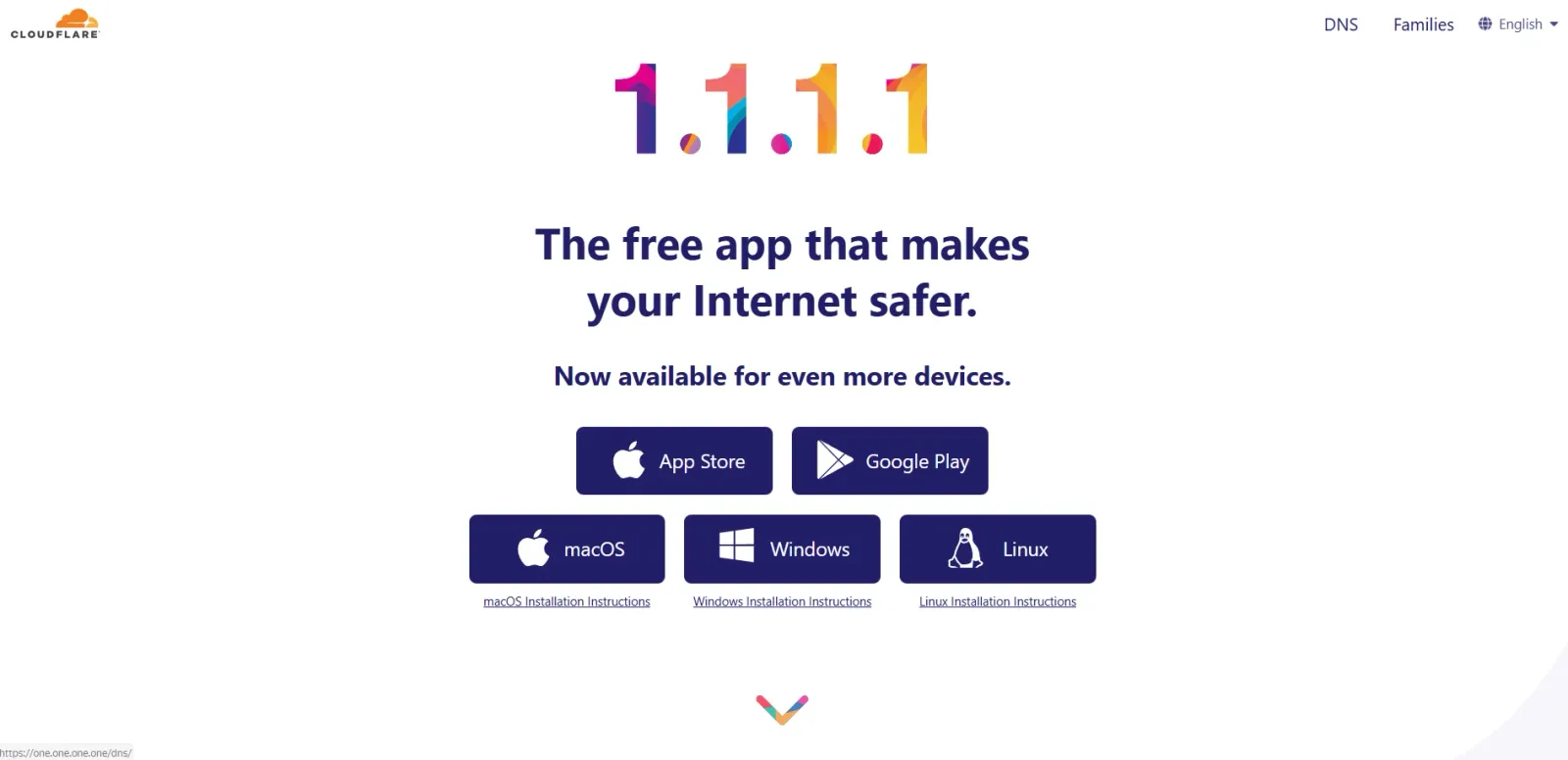
Cloudflare 1.1.1.1 is widely recognized as one of the fastest DNS services in the world. While its standard version focuses primarily on speed and privacy, Cloudflare also provides 1.1.1.1 for Families, which introduces malware and adult content blocking.
Why Cloudflare Stands Out
- Industry-leading speed and low latency
- Strong privacy commitments
- Encrypted DNS support (DoH and DoT)
- Malware and adult content filtering options
- No logging of identifiable browsing data
Cloudflare’s massive global infrastructure ensures exceptional uptime and performance. Unlike some providers, Cloudflare does not monetize user data or profile DNS queries.
However, customization options are limited compared to NextDNS and AdGuard. Users cannot create granular custom blocklists or view detailed analytics without enterprise integrations.
For those prioritizing speed, reliability, and strong privacy policies, Cloudflare 1.1.1.1 remains a compelling solution.
4. Quad9 – Security-Focused DNS with Threat Intelligence
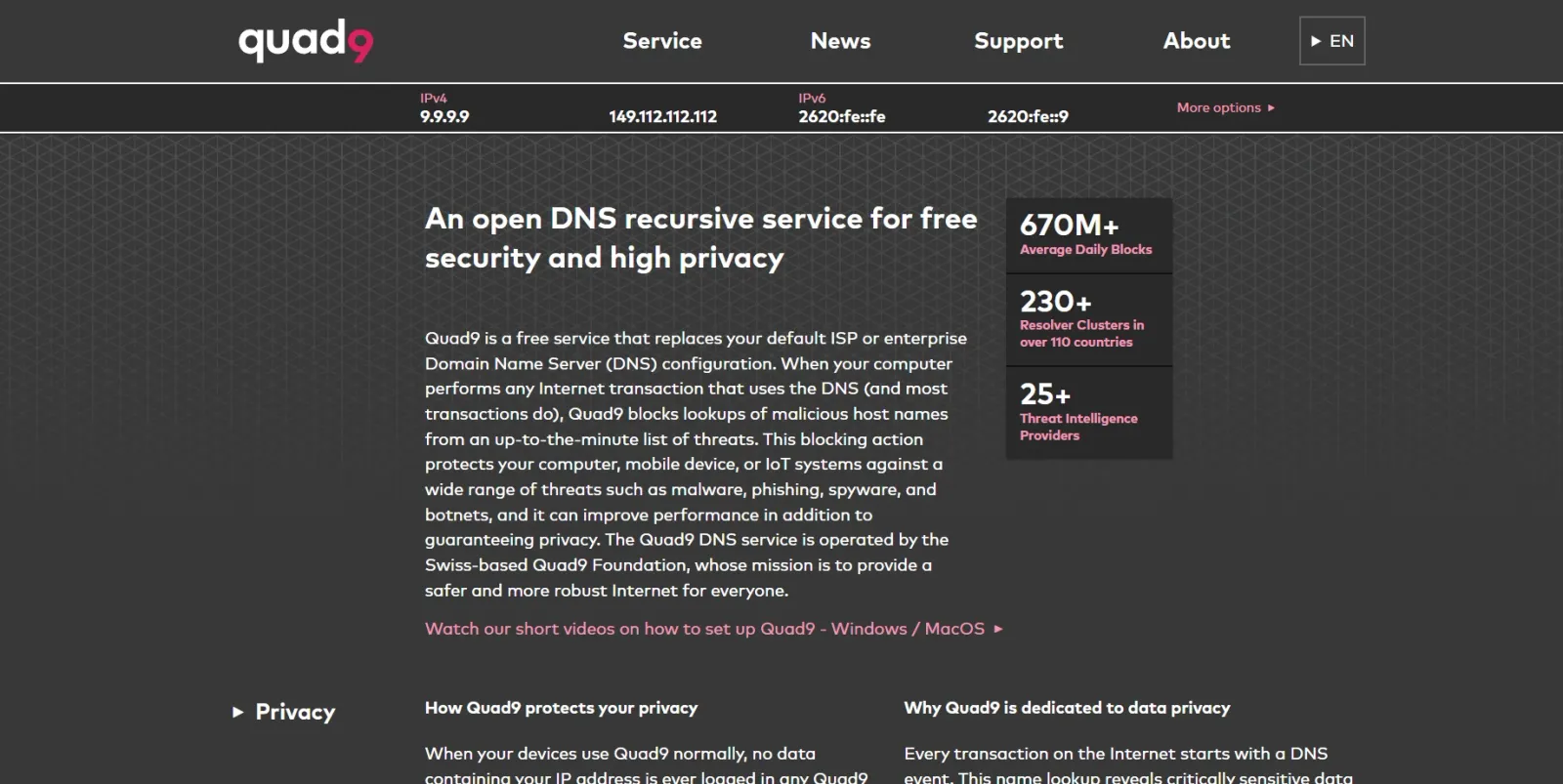
Quad9 (9.9.9.9) is a privacy-first DNS provider built around cybersecurity intelligence. Unlike ad-focused services, Quad9 specializes in blocking domains associated with malware, botnets, phishing campaigns, and malicious infrastructure.
Core Strengths of Quad9
- Automatic blocking of malicious domains
- Encrypted DNS support (DoH and DoT)
- No sale of personal data
- Backed by global threat intelligence feeds
- Strong European privacy compliance
Quad9 partners with leading cybersecurity companies to maintain up-to-date threat intelligence. When a device attempts to connect to a known malicious domain, the request is immediately blocked.
While Quad9 does not focus heavily on advertising suppression, it significantly reduces risk exposure. For users prioritizing security over content filtering, Quad9 provides enterprise-grade protection at no cost.
5. Control D – Fully Customizable DNS Filtering Platform
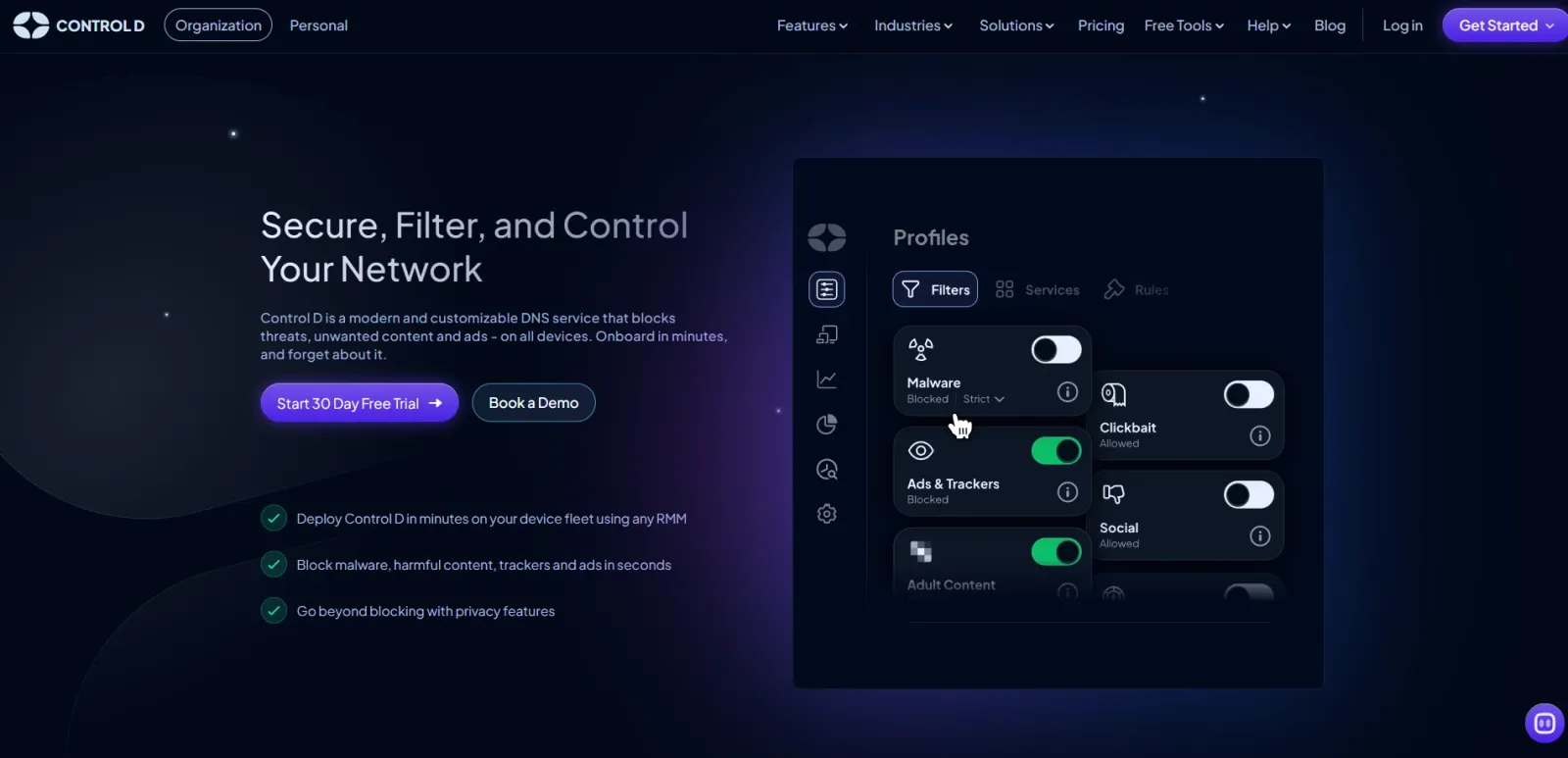
Control D is a powerful DNS service offering unparalleled flexibility. It allows users to redirect or block domains based on categories, geography, or even streaming service preferences.
Why Control D Is Unique
- Highly customizable filtering rules
- Geo-unblocking capabilities
- Ad and tracker blocking
- Device-level configuration
- Encrypted DNS protocols supported
Control D is particularly appealing for advanced users who want granular routing control. We can block specific apps, redirect domains to alternative IP addresses, or filter based on category-level policies.
Its dashboard is intuitive yet powerful. Unlike many competitors, Control D also allows custom rule creation that goes beyond simple blocklists.
For power users and digital privacy enthusiasts who want more than standard ad blocking, Control D delivers exceptional configurability.
How DNS Privacy and Ad Blocking Work
When we visit a website, our device queries a DNS resolver to translate the domain into an IP address. Traditional DNS sends these requests in plaintext, making them visible to ISPs and network operators.
Modern privacy-focused DNS providers use:
- DNS-over-HTTPS (DoH)
- DNS-over-TLS (DoT)
- DNSCrypt
These protocols encrypt DNS traffic, preventing interception and manipulation.
Ad blocking at the DNS level works by refusing to resolve domains associated with advertising networks or trackers. If a domain cannot resolve, its content cannot load—effectively eliminating ads before they appear.
Key Features to Look for in a Privacy-Focused DNS Provider
When selecting the best DNS provider for privacy and ad blocking, we recommend evaluating the following:
- Encryption support (DoH/DoT/DNSCrypt)
- Independent privacy policy
- Transparent logging practices
- Custom blocklists and whitelists
- Threat intelligence integration
- Global anycast infrastructure
- Low latency and high uptime
Not all providers offer the same balance of speed, customization, and security. The ideal choice depends on whether priority is placed on maximum privacy, advanced filtering, enterprise-level protection, or simplicity.
Final Comparison: Which DNS Provider Should You Choose?
- For maximum customization and analytics: Choose NextDNS.
- For simple and effective ad blocking: Choose AdGuard DNS.
- For speed and trusted infrastructure: Choose Cloudflare 1.1.1.1.
- For malware and phishing protection: Choose Quad9.
- For advanced routing and granular control: Choose Control D.
Each of these providers enhances privacy beyond default ISP DNS, reduces exposure to tracking, and strengthens online security.
Selecting the right DNS provider transforms the way devices interact with the internet—making browsing cleaner, safer, and more private.
SPONSORED
Your data and money may be at risk right now.
Every day, thousands of new phishing domains go live, while hidden trackers silently profile your behavior across apps and websites. One careless click can expose your banking details, passwords, or personal information.NextDNS stops threats before they even load. It blocks phishing, malicious domains, intrusive ads, and invisible trackers at the DNS level — with no software bloat, no performance impact, and protection across all your devices and networks.
You gain full visibility into who is trying to track you — and complete control over what gets blocked.
👉 Try NextDNS for free and activate powerful DNS protection in just minutes.
Frequently Asked Questions
1. What is a private DNS provider?
A private DNS provider encrypts your DNS requests and prevents ISPs or third parties from monitoring or manipulating your browsing activity.
2. Can DNS block ads on all devices?
Yes. DNS-level ad blocking works across smartphones, PCs, smart TVs, and gaming consoles without installing browser extensions.
3. Is encrypted DNS the same as a VPN?
No. Encrypted DNS protects domain lookups, while a VPN encrypts all internet traffic and hides your IP address. They serve different purposes.
4. Which DNS provider is best for maximum privacy?
NextDNS offers the most customization and analytics, while Quad9 focuses strongly on security and threat intelligence.