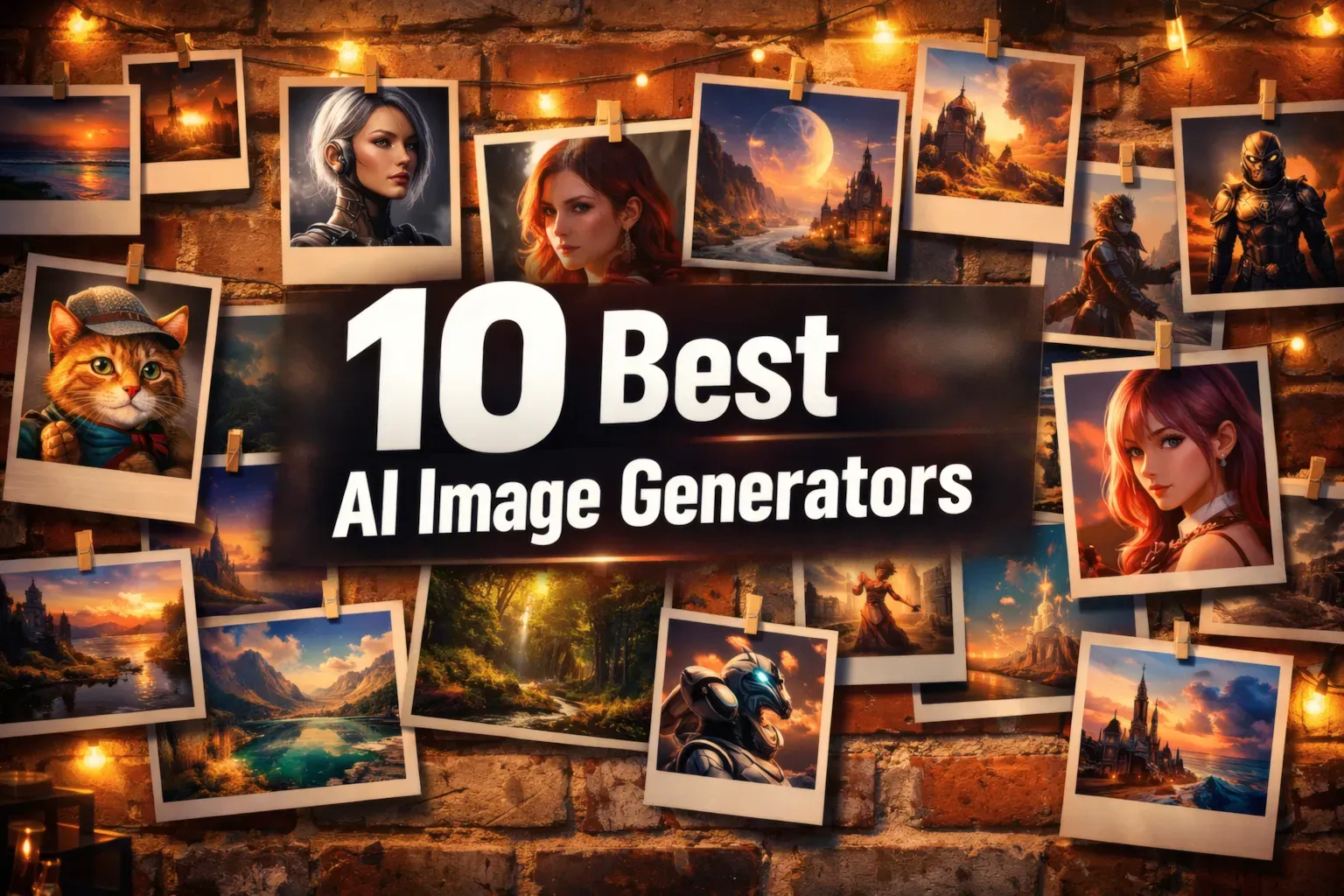
AI Image Generators 2026: 10 Best Tools Tested & Compared
Remember when we wondered if AI could even draw a hand without messing it up? Now, we’re checking if it can nail the look of skin in a grainy 90s photo.
Over the last few years, I’ve spent a lot of time testing over 40 different platforms, both free and paid. My goal was simple: Find out which AI tools make realistic images or cool abstract art, and which ones are just fun toys.
This list has both easy-to-use platforms and big international names. Getting straight access to some, like Nano Banana and Midjourney, can be tricky depending on where you are. I got around this by using Study AI as a way in. No VPNs, just real testing to see what makes awesome visuals without needing any design skills.
Beyond creating stunning visuals, AI can streamline many aspects of your work; discover how with the Best AI Productivity Tools 2026: 7 Powerful Tools to Work Smarter.
Table of Contents
The 3 Best AI Image Generators of 2026
Nano Banana (Gemini) — The best overall. Works well in Russian. Great at everything from strange art to super-realistic photos. It’s a perfect place to start if you’re new to this.
Higgsfield Soul — The go-to for real-looking people. If you want portraits that are so lifelike they’re hard to tell from real photos, this is it.
Midjourney — The artsy choice. Makes super stylish stuff, but you need to know how to tell it what you want.
Best AI Image Generators 2026
1. Gemini 2.5 / 3 (Nano Banana) — The Best All-Around
If you just want one tool that can do it all, Google’s Nano Banana is the way to go. It’s not just an image generator; it’s like a smart computer that understands what you want.
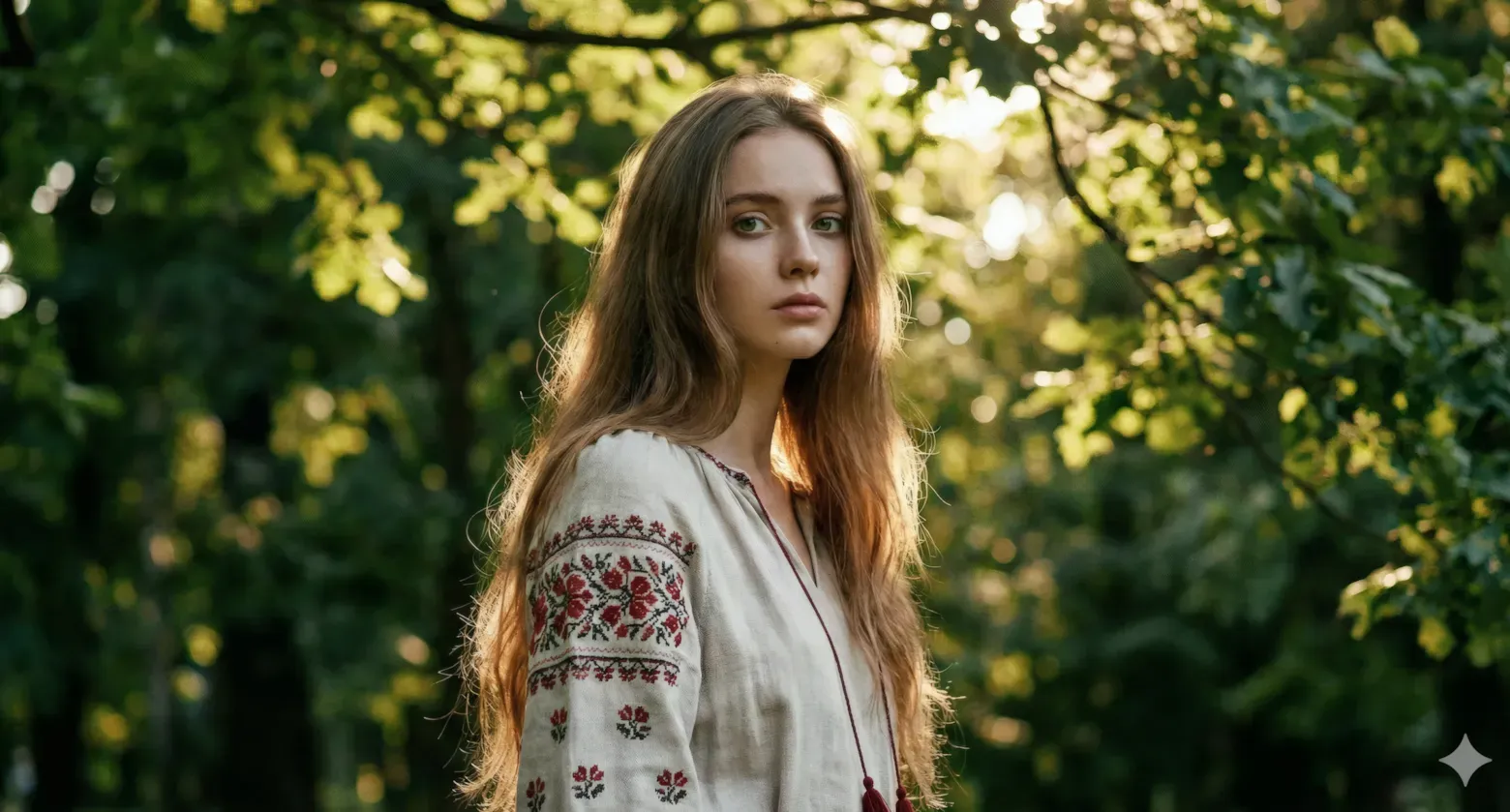
It gets what you’re saying. It’s good with Russian, but if you want to get really detailed with lighting or how things are set up, using English works best.
Cool Things About It
- Goes from realistic photos to detailed charts without a problem
- Understands Russian culture, like jokes and memes
- Makes images super fast in both regular and pro modes
- Can handle long, complicated instructions
How It Works
- Photo Generation: The light and shadows look real. Great for realistic images that don’t look fake.
- Text-to-Image: Knows what you mean right away. Changing things feels like working with a real artist.
- Image-to-Image: Keeps the main idea while changing the style or adding to the image.
2. Higgsfield Soul — The King of Realistic Portraits
Forget about fake-looking AI faces. Higgsfield Soul makes skin look so real it’s almost scary. It gets the little details like pores and tiny expressions perfect.
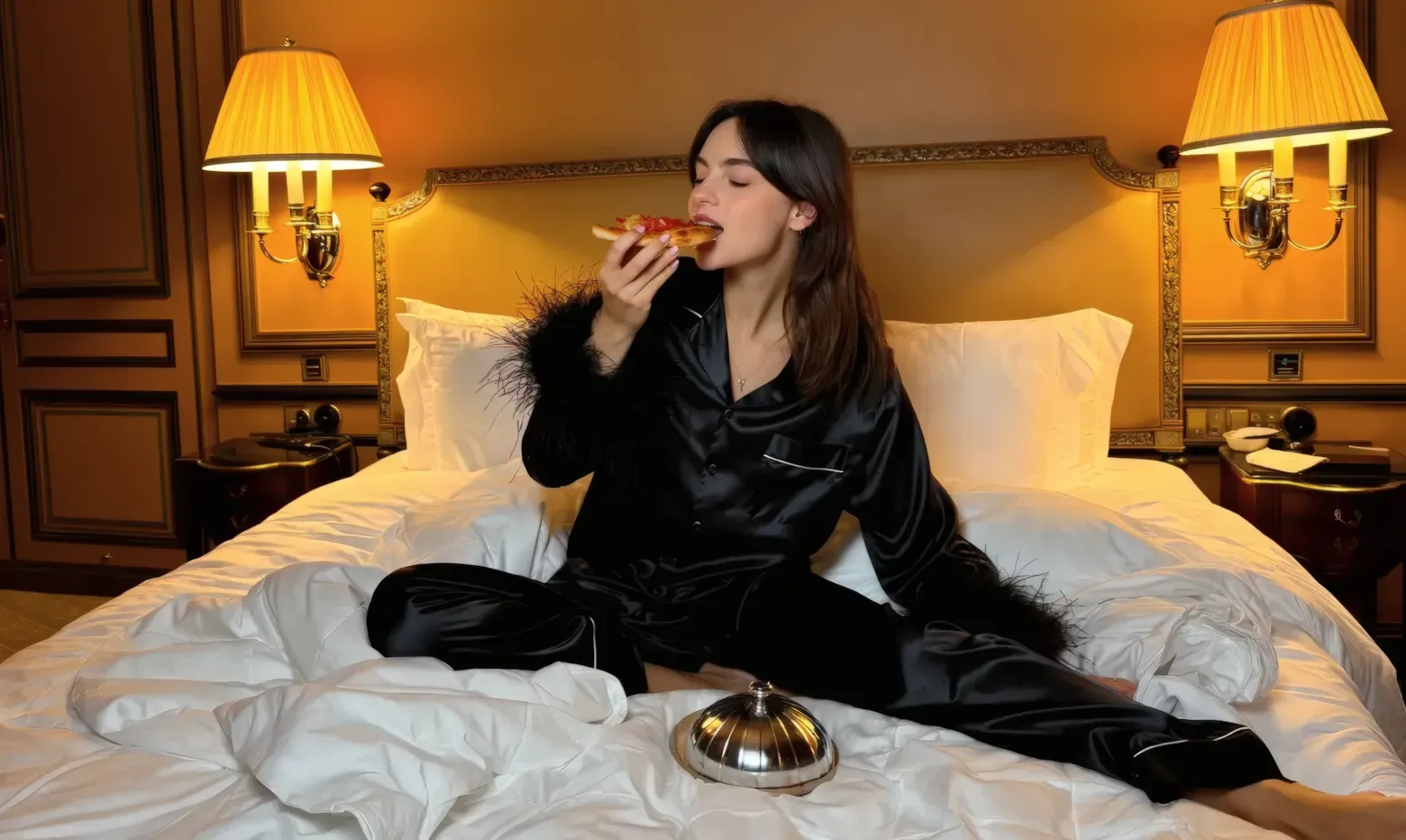
If you need people to look real in your images, this is like having a pro photographer with the best gear.
What’s Great
- Perfect body details and real skin texture
- Makes silk, metal, glass, and hair look super real
- Makes lighting look like it’s from a movie
- Doesn’t mess up the image, even with tricky poses
- Made to create high-quality photos
How It Works
- Photo Generation: The best for realistic portraits. No blurry details.
- Text-to-Image: Understands photo terms (like f/1.8, ISO, 35mm) to copy real cameras.
- Image-to-Image: Copies faces and lighting really well.
3. Midjourney — The Stylish Artist
Midjourney is still the top pick for stylish AI art. Its images have a unique look that’s easy to spot and often amazing.
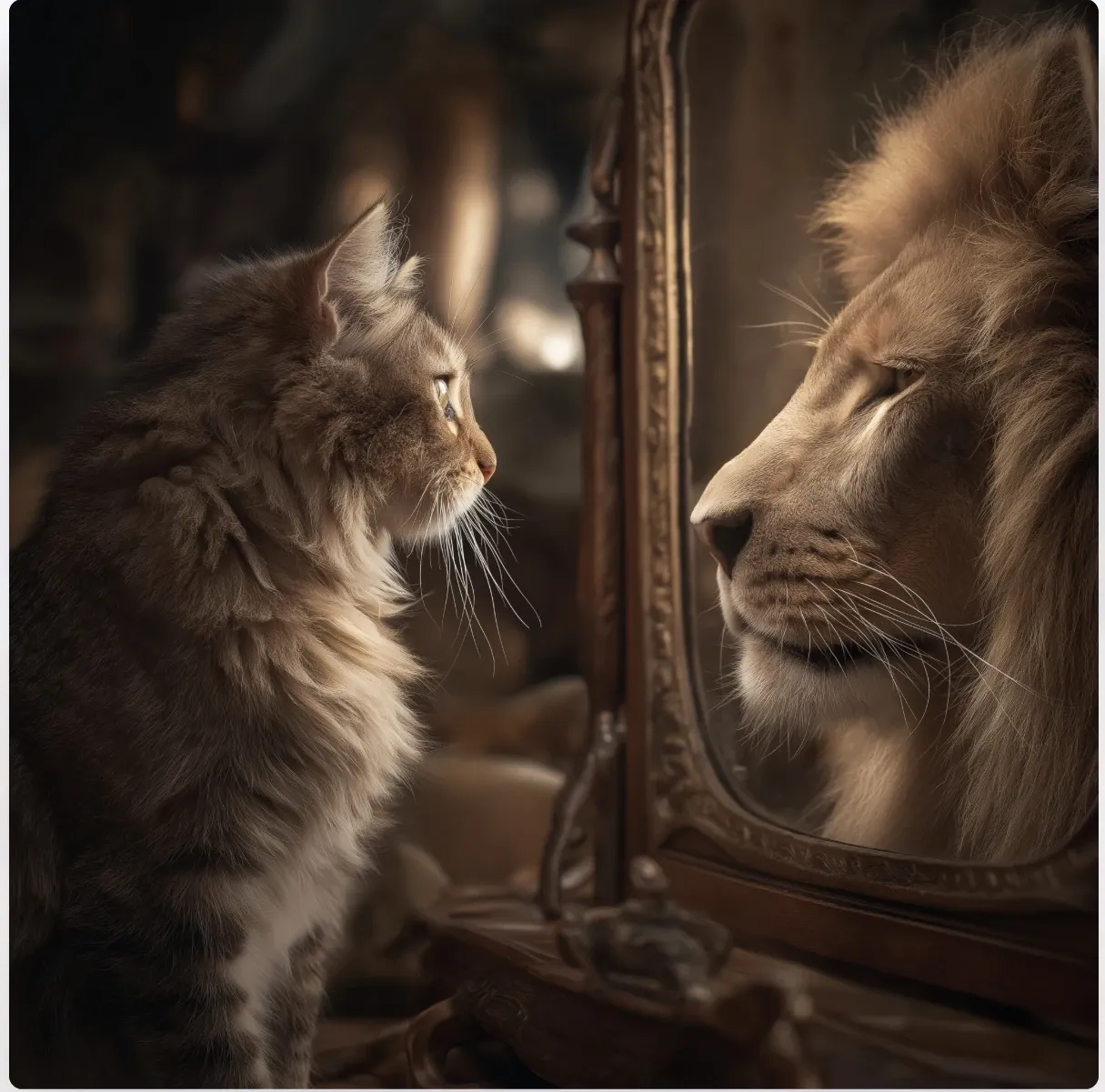
But you need to learn how to use it. Things like weights, style settings, and detailed instructions are important. If you’re willing to put in the time, you can make museum-quality art.
Why It’s Still Great
- Has its own special artistic style
- The
--stylizeoption turns normal images into amazing art - Niji mode is perfect for anime and manga
- The Pan, Zoom Out, and Vary Region options let you change the image just how you want it
- Lots of people share their tips for getting the best results
How It Works
- Photo Generation: More like movie art than real photos.
- Text-to-Image: Needs clear instructions. Learning the settings gets you the best results.
- Image-to-Image: Great for changing the style of an image.
4. DALL-E 3 — The Chatty Illustrator
Part of ChatGPT, DALL-E 3 is like a visual assistant you can talk to. You don’t need any special codes. Just say what you want, and it figures it out.
Key Things
- Makes prompts better by talking with you
- Safe to use
- Knows how things fit together in a space
- You can use it through Bing Image Creator
- Good for logos and simple drawings
Sometimes it makes portraits look a little too perfect, but it really understands what you’re saying.
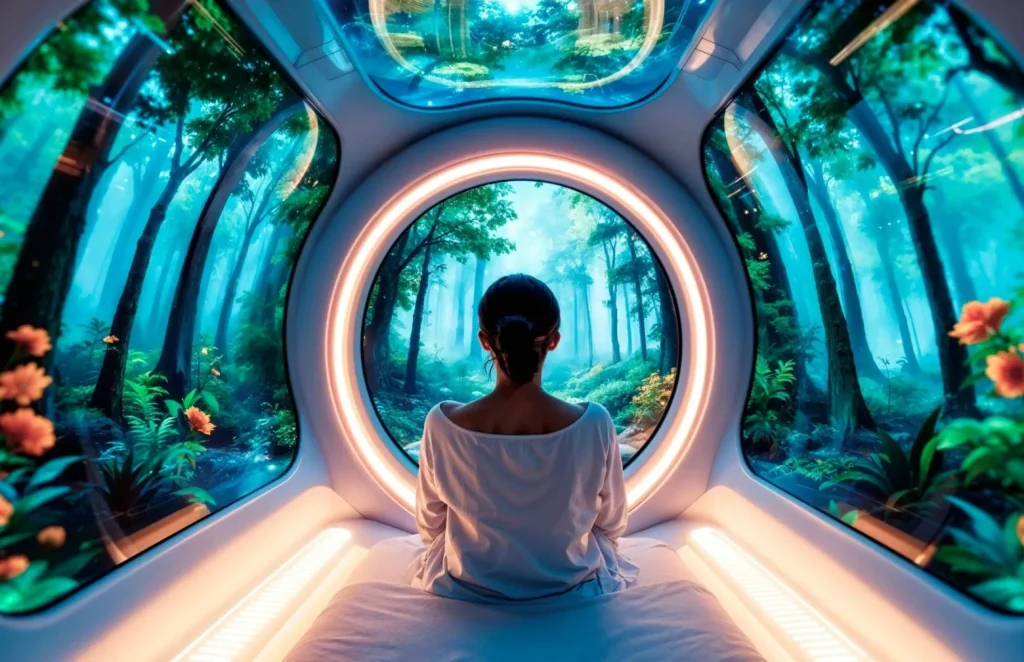
5. Flux.1 — The Game Changer
Made by the same people who made Stable Diffusion, Flux.1 got popular fast in 2025. It does a good job with body parts, especially hands, which is usually hard for AI.
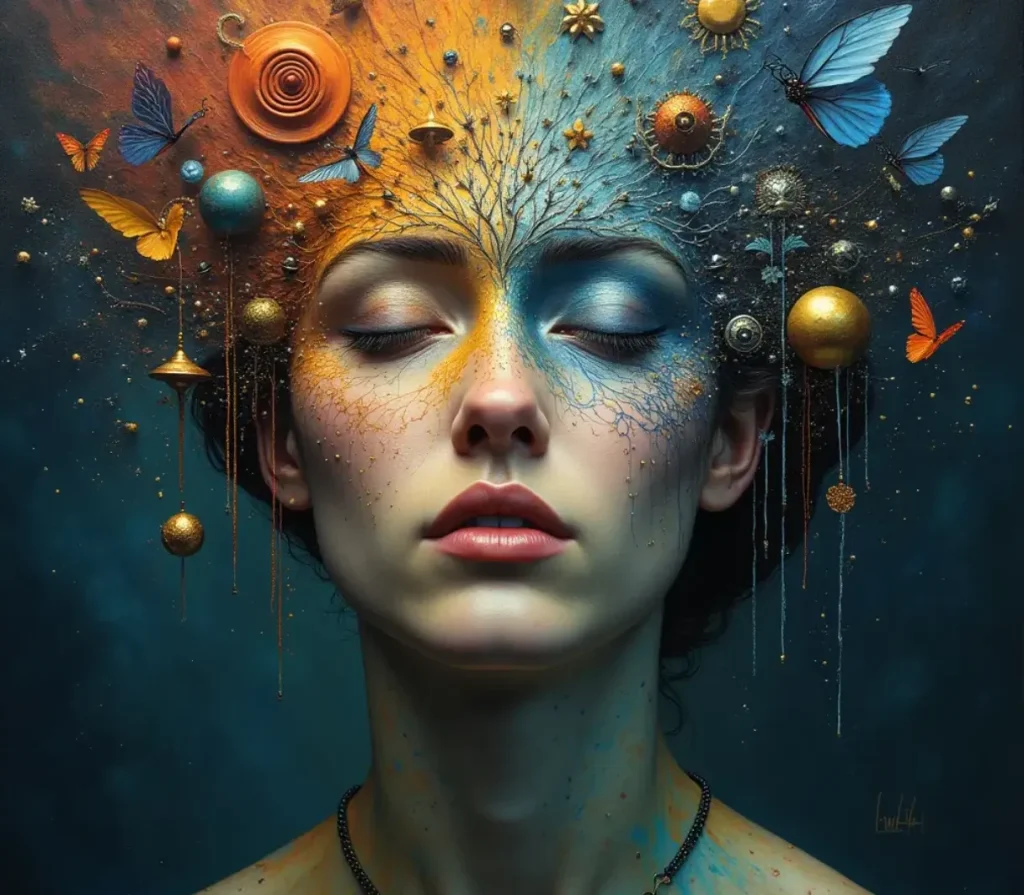
It’s also gotten better at putting text in images, but Nano Banana is still a little better.
Flux.1 comes in Schnell, Dev, and Pro versions, so it’s easy to use but still powerful.
SPONSORED
If you’re testing multiple generators from this list, switching between platforms can get messy. Tools like Syntax AI bring 90+ AI models into one interface, so you don’t have to juggle separate subscriptions
6. Stable Diffusion (SDXL / SD 1.5) — For Tech Fans
This open-source tool gives you total control. If you have a good NVIDIA RTX graphics card, you can install it and have a creative playground without limits.
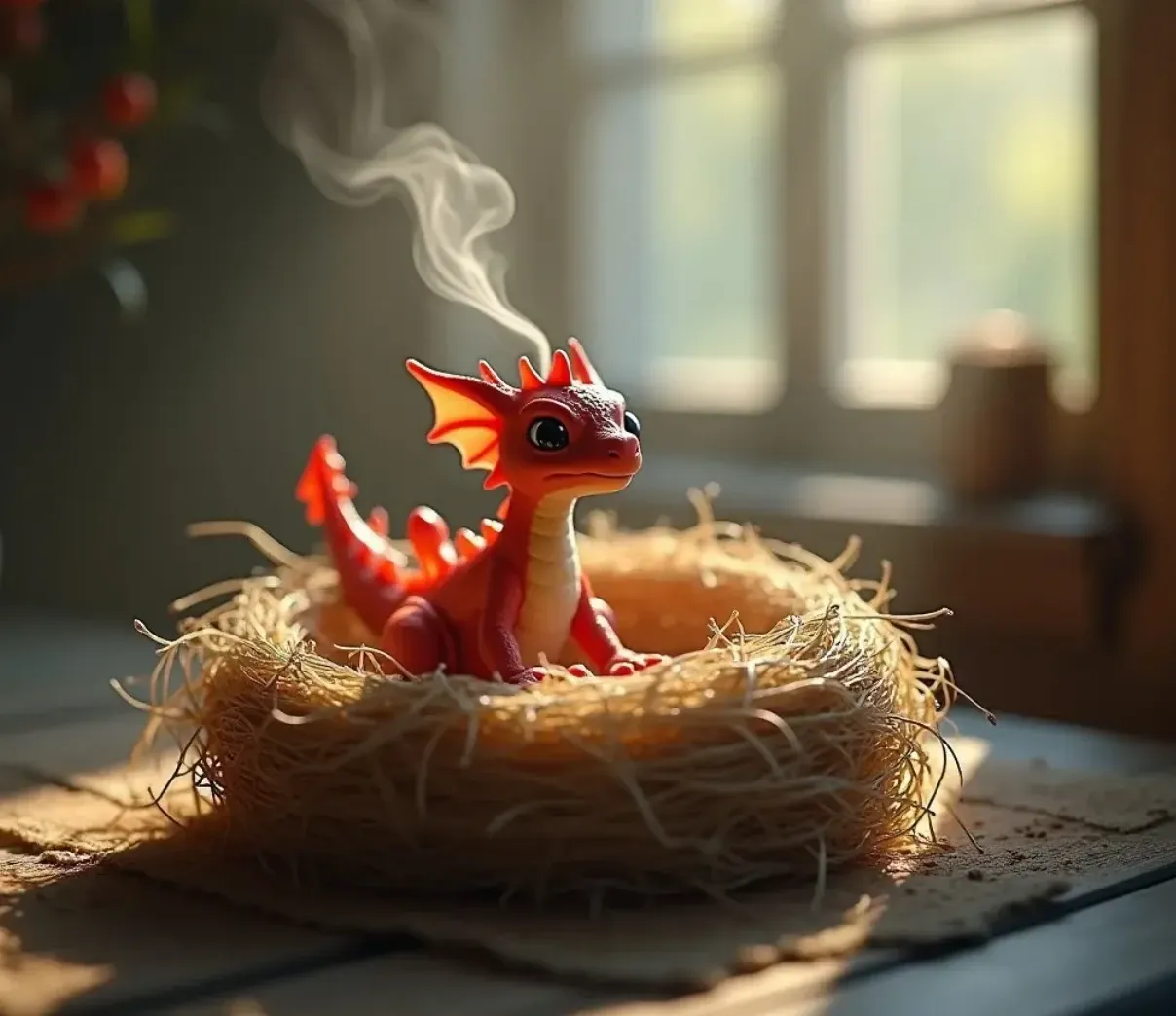
With tools like Automatic1111 or ComfyUI, and add-ons like ControlNet, you can control poses, structure, and small details.
It’s not as simple as the online platforms, but it’s the most you adjust it.
7. Leonardo.ai — The Good Balance
Leonardo.ai is a happy medium: more adjustable than Midjourney, but not as scary as Stable Diffusion.
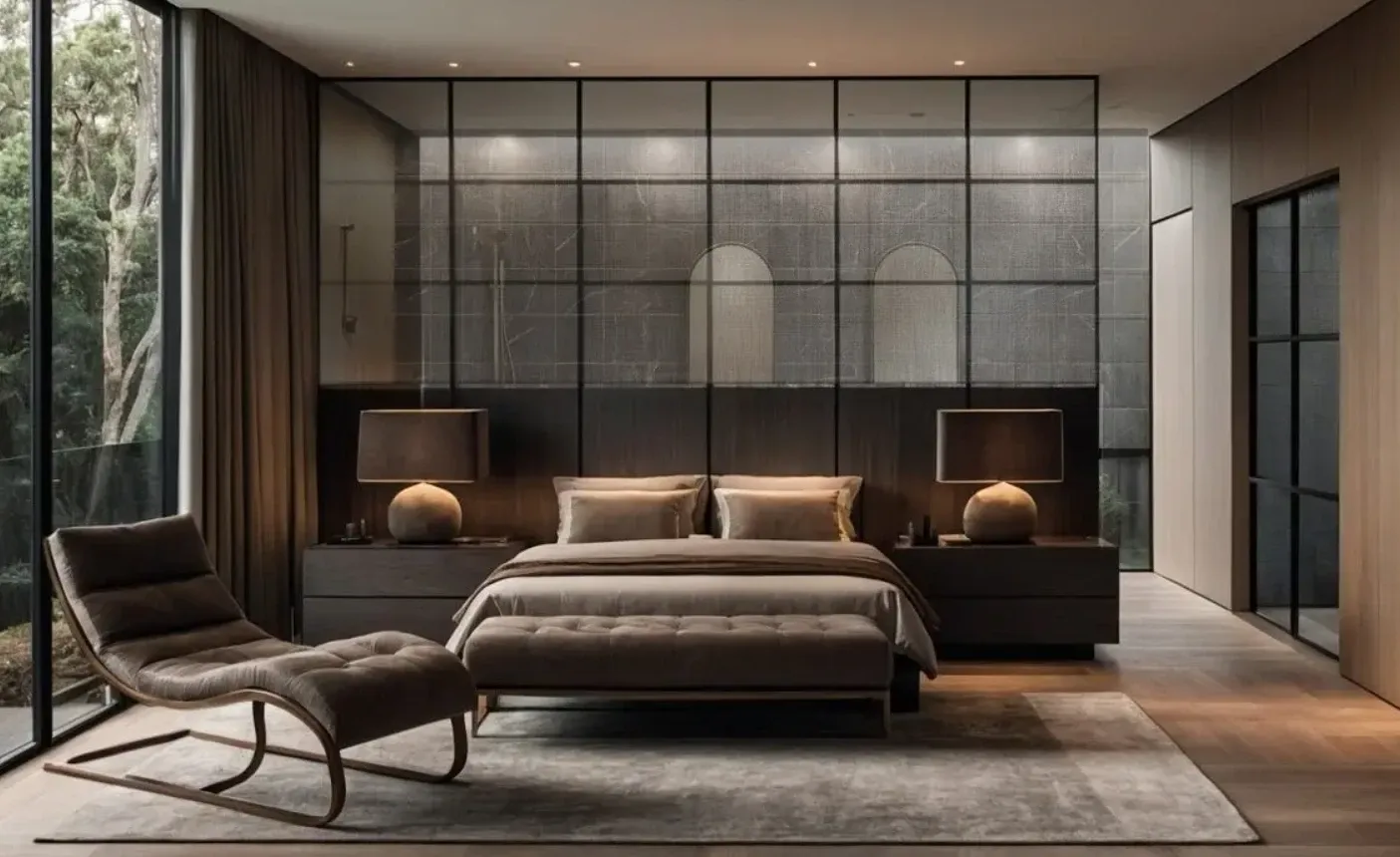
With free tokens every day, Canvas editing, and options for specific tasks like architecture, RPG art, and realistic photos, it gives you a lot without being too confusing.
8. Kandinsky — The Russian Expert
Made by Sber, Kandinsky just gets Russian culture. From Cheburashka to old Soviet buildings, it understands the local stuff right away.
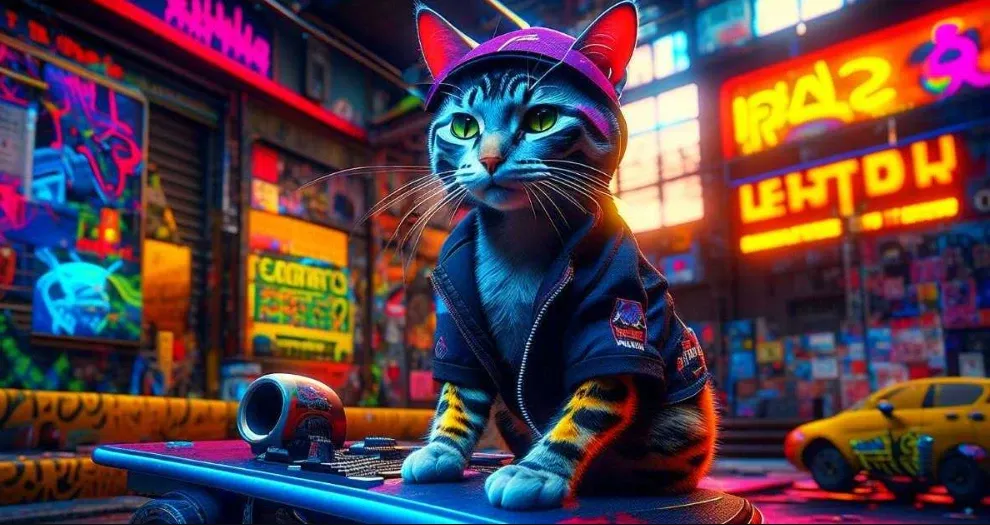
It’s free and easy to use through FusionBrain, and it can also make short animations and blend images.
9. Yandex Art (Шедеврум) — Creativity on Your Phone
Made for quick use on your phone, Yandex Art makes it easy to share on social media. Its cool style filters turn selfies into drawings with just a few taps.
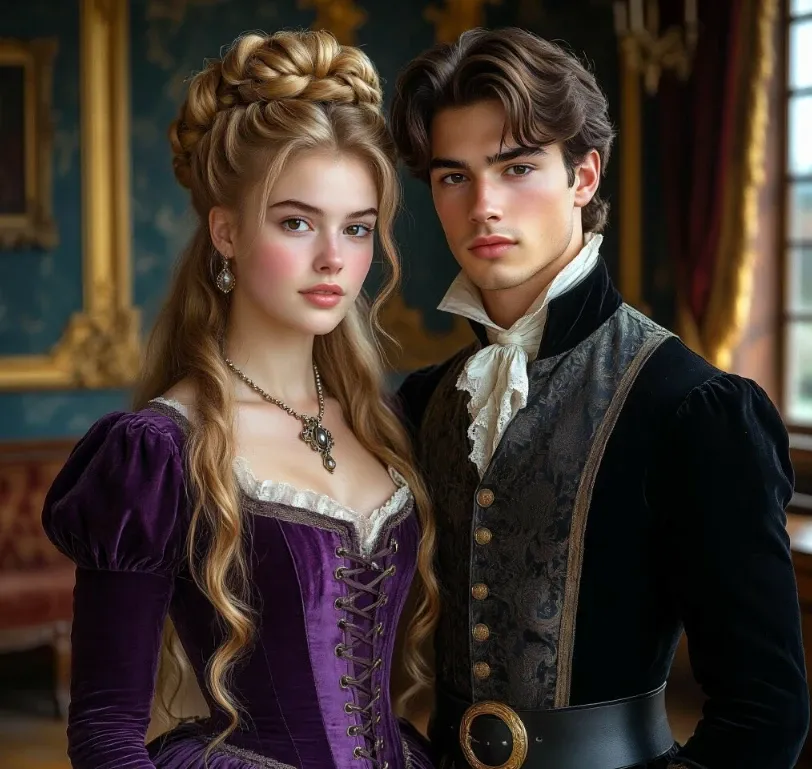
Fast, easy, and social
10. Ideogram.ai — The Text Master
While other generators struggle with text, Ideogram does it well. Logos, posters with words, branded stuff—the text looks clear instead of weird.
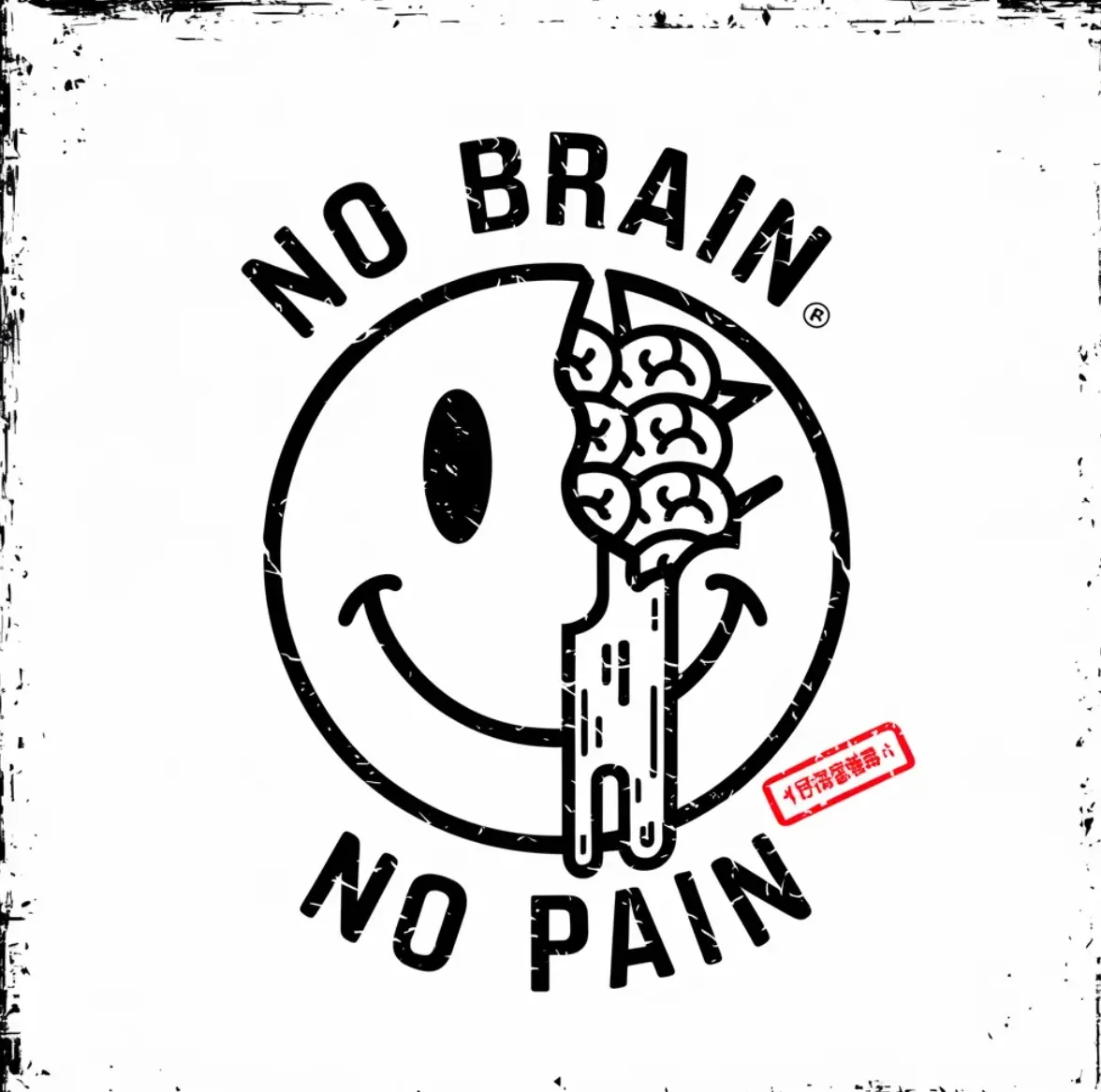
If you need perfect text in your images, this is the tool to use.
How to Get the Best Results
AI image generation isn’t just hitting a Make It Awesome button. It’s like leading an orchestra. You’re in charge. The prompt is your wand.
How to Write Good Prompts
- What are you showing ?
- What’s It doing ?
- Where is it doing it?
- Talk about the details of lighting and style
Don’t just list random words. Write clear, story-like instructions.
For Realistic Portraits
- Say what lenses to use (85mm for portraits, 35mm for shots of the scene).
- Talk about skin details like pores, freckles, and tiny hairs.
- Use side lighting to make it look 3D.
Higgsfield Soul and Midjourney are great for this.
For Crazy Art
DALL-E 3 understands metaphors well. Talk to it. Keep changing things. It can make things like time melting from a cup look great.
For Social Media
Yandex Art (Шедеврум) makes it easy. Use words like sad, storybook, or old Soviet poster and let the system do its thing.
Comparison of AI Engines (2026)
| Platform | Best At | Prompt Language | How Hard Is It? | Good For |
|---|---|---|---|---|
| Gemini (Nano Banana) | Logic and everything | Russian / English | Easy | Making all kinds of things |
| Higgsfield Soul | Super realistic portraits | English | Medium | Fashion and people photography |
| Midjourney | Artistic Style | English + settings | Hard | Making pro art |
| DALL-E 3 | Understanding ideas | Russian / English | Easy | Strange art and ideas |
| Шедеврум | Being Simple | Russian | Very Easy | Social media posts |
One Last Thought
In 2026, we’re not asking if AI can make images anymore. It definitely can. The real question is: Which tool is best for your style, how much time you want to spend learning, and what you’re using it for?
Pick carefully. Plan it out. And remember, these tools aren’t magic.
They’re instruments.
The art is still up to you.
SPONSORED
Okay, let’s face it: juggling a bunch of AI tools can quickly turn into a big mess! All those different subscriptions, interfaces, and switching between tabs constantly… It’s a lot! If you’re really using AI for text, images, or videos, having it all in one spot can save you a ton of time.
That’s where Syntax AI steps in. It lets you play around with over 90 AI models—including image creators—all with just one subscription and a simple, shared design. Instead of jumping between different platforms, you can do everything in one place: text, visuals, and more. So, if you’re checking out different generators, this is an simple way to make your work much easier.