DLSS 4.5 Dynamic MFG Explained: A New Era of Frame Generation
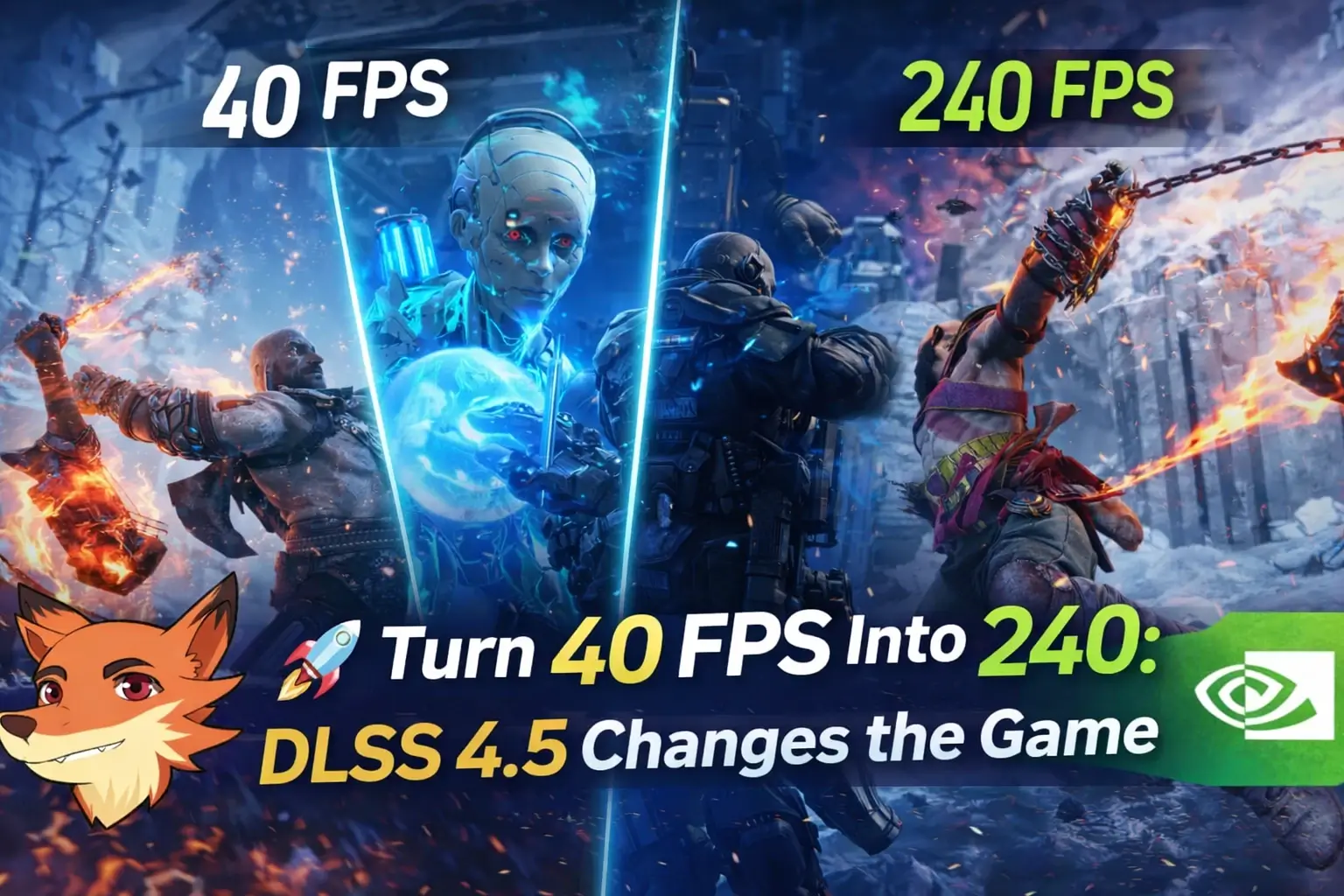
Getting ultra-smooth gameplay without upgrading your GPU used to sound like wishful thinking. Now, with DLSS 4.5 and its new Dynamic Multi Frame Generation (MFG), NVIDIA is pushing that idea closer to reality.
Instead of relying purely on raw hardware power, the company continues to double down on AI-driven frame generation. But this time, the focus isn’t just on higher numbers — it’s on making the whole experience smarter and more adaptive.
And that’s where things start to get interesting.
This focus on AI-driven performance isn't exclusive to PC gaming, as console players can also experience enhanced visuals and smoother gameplay thanks to technologies like Sony's PSSR 2.0 Games List for PS5 Pro: Full Guide to Supported Titles & Upgrades on the PS5 Pro.
Table of Contents
What Changed in DLSS 4.5
Earlier versions of DLSS frame generation were fairly rigid. You picked a multiplier — 2X, 3X, or 4X — and the GPU generated a fixed number of frames for every real one rendered.
That worked, but only up to a point. Games are dynamic by nature. One moment, your GPU comfortably delivers 80 FPS, the next, it drops to 45. With a fixed multiplier, your final frame rate swings wildly — sometimes exceeding your monitor’s refresh rate, sometimes falling short.
DLSS 4.5 introduces Dynamic Multi-Frame Generation to solve exactly that. Instead of locking you into one multiplier, the system lets you define a target frame rate — typically your monitor’s refresh rate — and adjusts in real time.
When the workload increases, it ramps up generation to 5X or 6X. When things get lighter, it scales back automatically.
It’s less like a manual toggle and more like an automatic transmission for your GPU.
How Dynamic Frame Generation (5X and 6X) Works
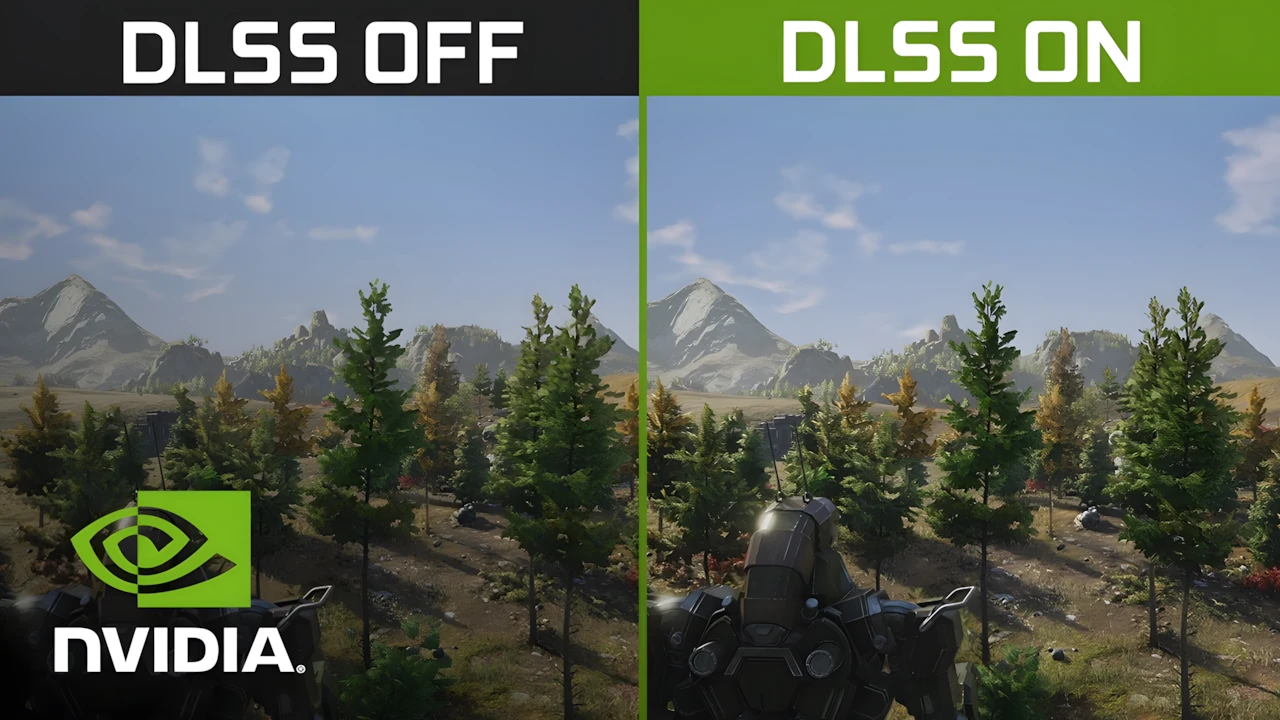
The headline feature here is simple but powerful: DLSS can now generate up to five additional frames for every real one.
That’s a significant jump from earlier implementations, where 2–3 generated frames were the norm. But achieving this required major changes under the hood:
— a second-generation AI model based on transformer architecture
— improved frame pacing through the Flip Metering hardware block in RTX 50 GPUs
— tighter synchronization between generated and rendered frames
The goal isn’t just higher FPS — it’s consistency.
Rather than overshooting performance in easy scenes and struggling in complex ones, Dynamic MFG continuously balances output to maintain a stable experience.
Setup and Game Support
Getting started with Dynamic MFG is relatively straightforward, though not entirely plug-and-play yet.
You’ll need to install the NVIDIA App beta and enable experimental features, along with using an up-to-date driver version.
Once enabled, a new setting appears under graphics options where you can:
— switch to Dynamic Frame Generation
— set your target frame rate
At launch, support extends to over 200 games via override profiles. Popular titles include Cyberpunk 2077, Hogwarts Legacy, Marvel’s Spider-Man 2, and more.
Some newer titles already include native DLSS 4.5 integration, and that list is expected to grow steadily.
Another notable addition is Preset B — an updated model that improves how UI elements like HUDs and minimaps are handled, reducing visual inconsistencies.
Latency and Smoothness: What the Data Shows
One of the biggest concerns around frame generation has always been input lag. Intuitively, generating more frames should increase latency.
But real-world testing paints a more nuanced picture.
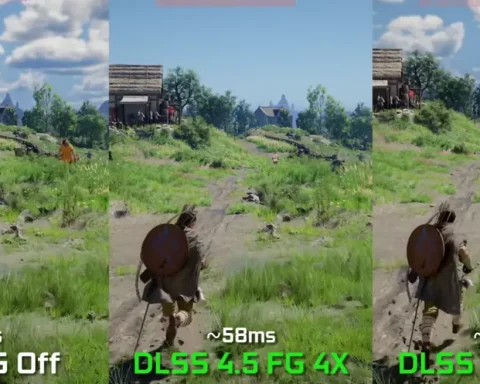
In Cyberpunk 2077 (RTX 5070, 4K, path tracing):
— native rendering: ~35 ms
— 2X: ~46.6 ms
— 4X: ~53.2 ms
— 6X: ~52.6 ms
Surprisingly, 6X doesn’t increase latency beyond 4X — in fact, it’s slightly lower.
This suggests that DLSS 4.5, combined with NVIDIA Reflex, is becoming more efficient at managing frame timing and input response.
However, there’s an important caveat. If your base frame rate is too low (around 30 FPS), frame generation won’t fix the underlying experience. You may see higher numbers, but responsiveness will still feel limited.
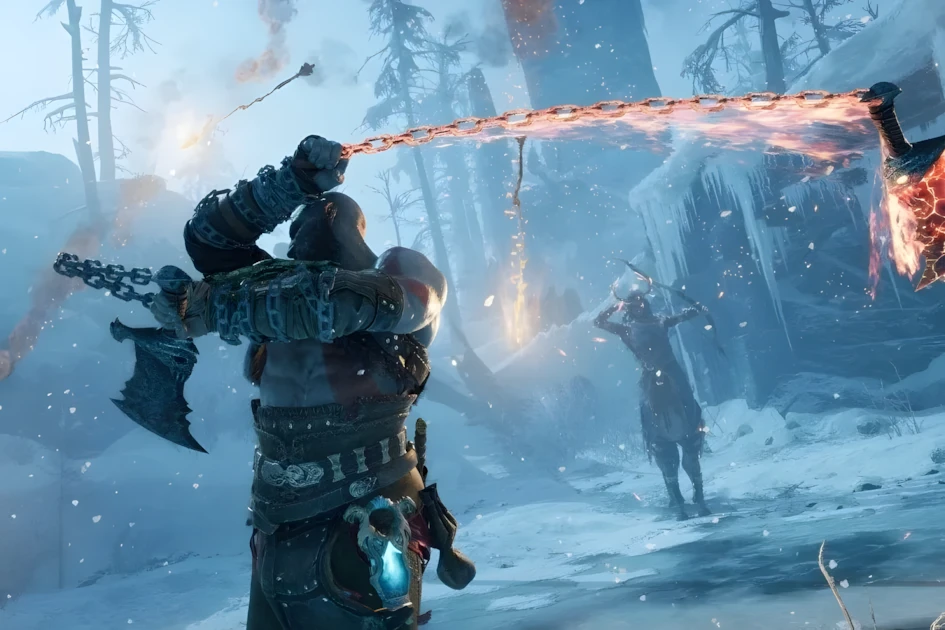
Image Quality and Artifacts
Stretching one frame into five sounds like a recipe for visual issues. And while DLSS 4.5 has improved significantly, it’s not perfect.
In most scenarios, 5X and 6X modes look surprisingly clean — often indistinguishable during normal gameplay. That alone marks a big step forward.
Still, artifacts can appear:
— ghosting in fast motion
— trailing effects behind objects
— slight instability in shadows
These issues are typically minor at 4X but become a bit more noticeable at higher multipliers.
One thing DLSS does exceptionally well, though, is seamless transitions. Switching between multipliers happens without visible stutter or jumps — a key advantage of the dynamic system.
Real Performance Gains (and Limits)
On paper, multiplying frames by 6 sounds like a straight 6X performance boost. In reality, it doesn’t work that way.
For example, a base 60 FPS might result in around 240–250 FPS instead of 360.
NVIDIA claims up to a 35% improvement when moving from 4X to 6X in demanding scenarios like 4K with ray tracing. Actual gains vary depending on the game and system configuration.
There’s also an interesting side benefit: reduced power consumption. Because the GPU only generates what’s needed to hit the target frame rate, it avoids unnecessary workload.
Who Should Use Dynamic MFG
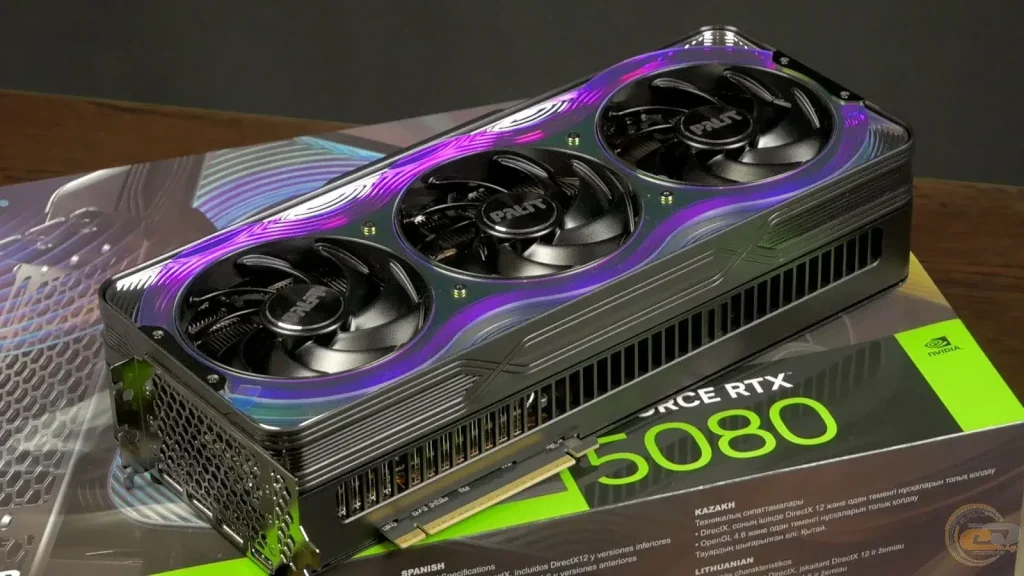
Dynamic MFG makes the most sense in specific setups.
It’s ideal if you have:
— an RTX 50 series GPU
— a high refresh rate monitor (144 Hz or higher)
— a stable base frame rate above ~40 FPS
In this scenario, it becomes a “set it and forget it” feature. You define your target FPS once, and the system handles the rest.
RTX 40 users still benefit from improvements like Preset B, but full Dynamic MFG (including 5X/6X) is limited to RTX 50 due to hardware requirements.
If you’re gaming on a 1080p 60 Hz monitor, however, the benefits are minimal. The display itself becomes the bottleneck, and DLSS can’t fully shine in that environment.
FAQ
What is DLSS 4.5 Dynamic MFG?
DLSS 4.5 Dynamic Multi Frame Generation is an AI-based technology that dynamically generates additional frames and adjusts performance in real time to match a target FPS.
How is Dynamic MFG different from regular frame generation?
Traditional frame generation uses a fixed multiplier (like 2X or 4X). Dynamic MFG automatically switches between multipliers based on workload to maintain stable performance.
Does DLSS 4.5 increase input lag?
It can increase latency slightly, but modern implementations with NVIDIA Reflex minimize the impact. In some cases, higher multipliers even show similar or lower latency than lower ones.
Do I need an RTX 50 GPU?
Yes, full Dynamic MFG with 5X and 6X requires RTX 50 series GPUs due to hardware features like Flip Metering.
Does it work in all games?
Not all, but support is expanding. At launch, over 200 games are compatible via overrides, with more receiving native support.
Can DLSS turn 30 FPS into smooth gameplay?
Not really. Frame generation works best when the base FPS is already decent (40+). It enhances smoothness but doesn’t fix fundamentally low performance.