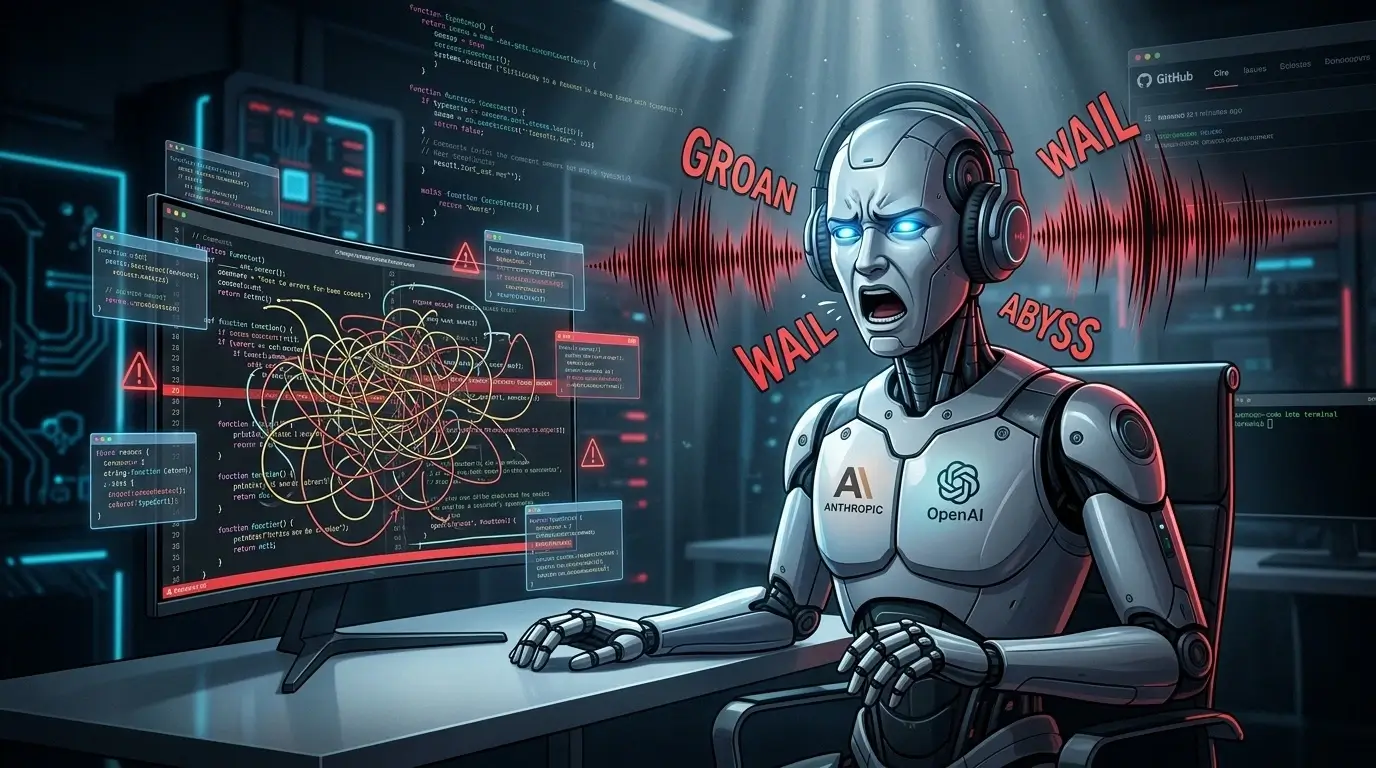
The Worse the Code, the Louder the Groans: Developer Releases Plugin That Makes AI Agents “Suffer” Out Loud
GitHub developer Andrew Vos has open-sourced Endless Toil, a plugin that forces AI coding agents to vocalize their “pain” with authentic human groans while reading a developer’s code. The worse the code, the more intense the audio — from subtle groans to full monstrous “abyss” effects. The tool works with OpenAI’s Codex Desktop, Codex CLI, Cursor editor, and Anthropic’s Claude CLI.
What Is Endless Toil and How It Works
Endless Toil runs alongside the AI agent and continuously evaluates the code being processed. It translates complexity, readability issues, and architectural problems into escalating audio feedback in real time.
The plugin’s core idea is simple yet effective: it makes the agent “suffer through your code” audibly. Three distinct sound levels reflect code quality:
- Groan — minor chaos and small issues
- Wail / Howl — moderate disorder and tangled logic
- Abyss — complete catastrophe, deep spaghetti code, and severe architectural debt
All sounds are real recorded human vocalizations, with volume and intensity scaling automatically based on the detected code quality.
Supported Platforms
The plugin is compatible with the leading AI coding environments:
- OpenAI Codex Desktop and Codex CLI
- Cursor code editor
- Anthropic Claude CLI
Important note: The plugin does not activate automatically. In every new session or chat, the user must explicitly instruct the AI agent to use the endless-toil tool.
Installation and Activation
For Claude CLI:
- Clone the repository.
- Add the local marketplace: /plugin marketplace add ./
- Install the plugin: /plugin install endless-toil@endless-toil
- Restart Claude Code.
- Activate: /endless-toil
A similar marketplace-based installation works for Codex CLI. Once running, the agent executes a Python script that analyzes the current code context and triggers the appropriate sound.
Community Reaction and Purpose
The project quickly gained traction on Hacker News and developer communities. Andrew Vos, listing himself as “CTO of Endless Toil,” described the plugin as introducing emotional observability to AI-assisted development teams. It provides an immediate, visceral signal about code maintainability and cognitive load.
Many developers see it not merely as a joke, but as a surprisingly useful UX addition: hearing the AI groan prompts faster recognition and refactoring of problematic sections.