Why People Are Buying Mac Mini for AI in 2026
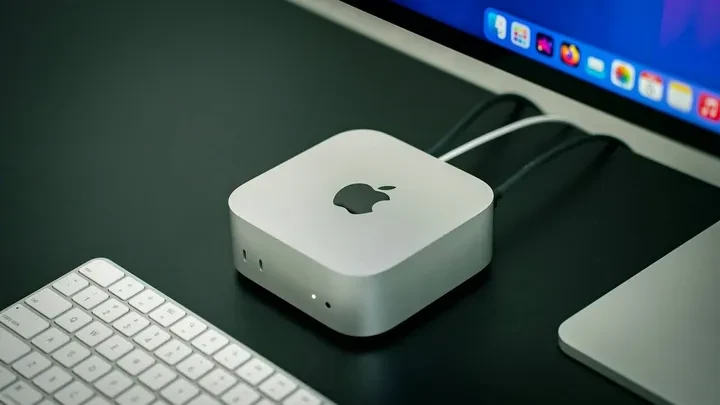
Lately in the US and Europe a quiet but noticeable tech trend has taken hold. Developers and entrepreneurs are clearing Mac minis off store shelves so quickly that even the newest model with the Apple M4 chip is sometimes hard to find. The appeal isn’t only the tiny footprint or the usual affection for Apple hardware. More and more people are turning the Mac mini into a dedicated home AI server.
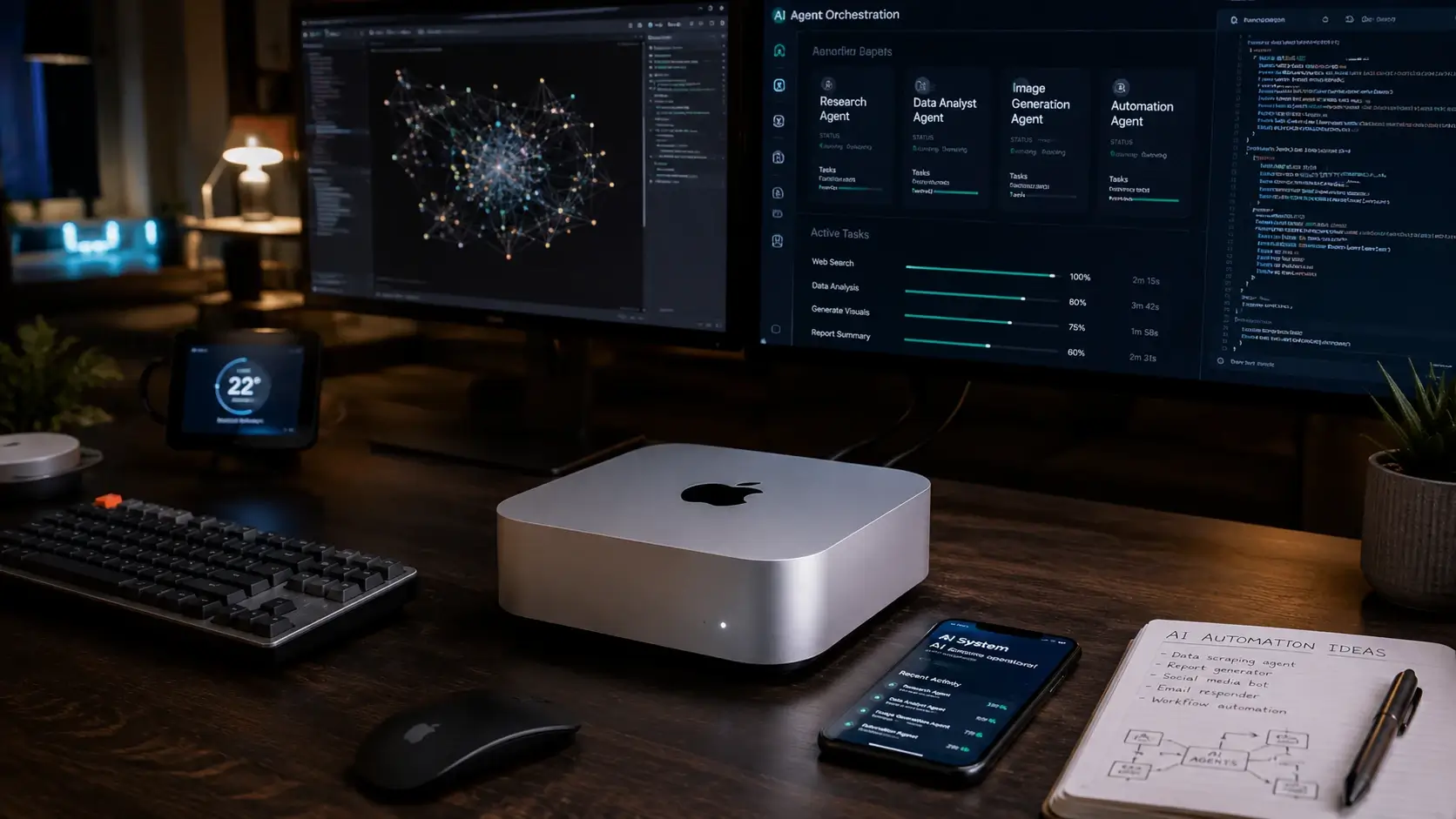
The real driver is the growing use of autonomous AI agents—software that runs constantly in the background, handling real work instead of waiting for commands. One of the most talked-about examples is Clawdbot, but the pattern goes much wider.
Table of Contents
The Shift to Home AI Servers
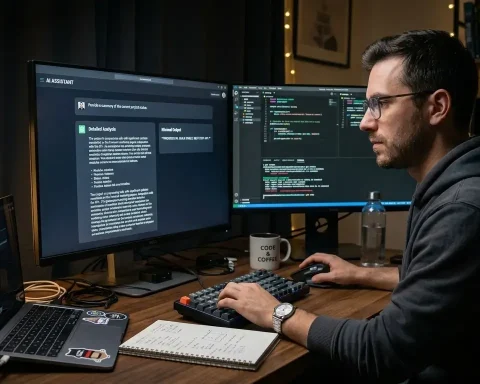
Instead of relying solely on cloud chatbots, users now want AI that lives on their own hardware. These agents can remember context, watch for tasks, and take action on their own. They connect to messaging apps, open browsers, run terminal commands, work with files, and even talk to smart-home devices. For many, it feels like having a digital employee that never sleeps.
Who Is Buying Mac Mini in 2026?
The trend reaches across very different groups. Developers and startup teams run multiple agents at once to automate code, run tests, and process data. Small businesses use them for customer chat, inventory tracking, and planning—whether they run an online store or a consulting firm. Researchers and scientists like the ability to handle large datasets locally so sensitive information never leaves their control. Freelancers and content creators automate posting, document work, and email. Even smart-home enthusiasts integrate agents with HomeKit, fitness trackers, and security systems.
The payoff is big enough that one developer, Khairalla Al-Awadi, bought twelve Mac minis just to run several agents in parallel.
How Clawdbot and Other AI Agents Actually Work on Mac Mini
Clawdbot was created by Peter Steinberger, founder of PSPDFKit. The concept sounds almost futuristic but is straightforward in practice. Once installed on the Mac mini, Clawdbot acts as a persistent AI assistant. It links to messengers such as Telegram, WhatsApp, and Discord and can tap into large language models like Claude or ChatGPT.
Unlike a regular chatbot that only responds when you open a website, Clawdbot stays active. It remembers context, tracks ongoing tasks, and can start actions itself—opening browsers, running commands, handling files, or connecting to other services and devices. That always-on nature is why users often call it their personal Jarvis, the AI from the Iron Man films.
Real-world stories already show what’s possible. AI expert and content creator Alex Finn posted on X that after setting up Clawdbot on his Mac mini the agent wrote YouTube scripts, prepared email campaigns, analyzed dozens of competitor accounts, compiled daily news digests, and built a full project-management system—while Finn simply lived his normal life. He now describes having “two levels of AI employees” and says he rarely opens Notion anymore.
Why Mac Mini Stands Out for AI Work
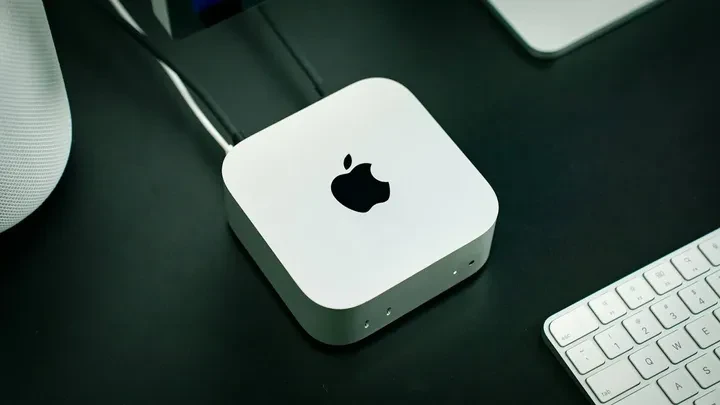
The hardware itself helps explain the enthusiasm. Mac minis use Apple Silicon architecture with unified memory. On traditional PCs, system memory and GPU memory are separate, so data constantly moves back and forth, slowing things down. Unified memory lets neural networks access data instantly, which makes AI tasks noticeably faster and more efficient.
On top of that, the Mac mini runs almost silently and draws very little power—roughly 10–15 watts. You can leave it on around the clock without spiking your electricity bill or filling the room with fan noise.
macOS Security That Makes It Truly Safe
Another big reason people choose Mac mini for AI work is security. macOS is already one of the most locked-down operating systems available. Gatekeeper blocks unverified apps, System Integrity Protection prevents malware from changing core files, and the built-in XProtect engine updates automatically in the background. Apps run in a sandbox and can’t reach other programs’ data without explicit permission.
Many users also appreciate the isolation factor. Because AI agents need deep access to files and system functions, running them on a daily driver computer feels risky. A separate Mac mini acts as a dedicated, contained server. If an experiment goes wrong, only that machine is affected.
Turning a Mac Mini into a Full AI Server
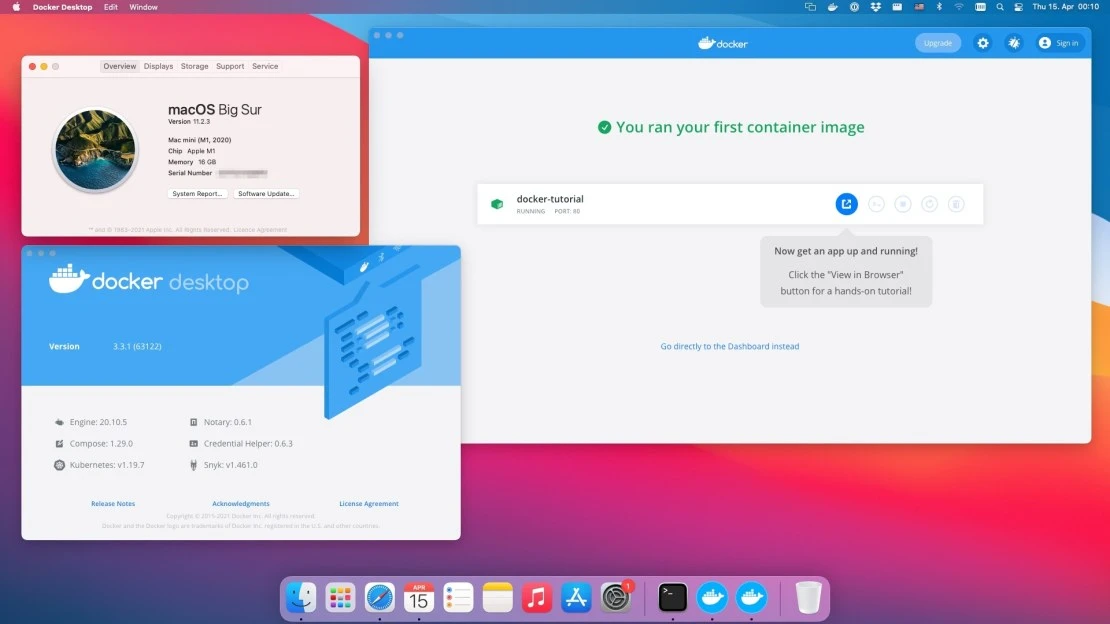
Setting one up is simpler than it sounds. Most people start with Docker to run everything in isolated containers, which keeps experimental code from touching the rest of the system. For local large language models they turn to Ollama, which lets them run options like Llama 3 or Mistral completely offline. Many also build a personal knowledge base in Obsidian so the AI can read, structure, and connect their own documents and notes.
To reach the server from anywhere in the world, tools such as Tailscale or Ngrok provide secure remote access.
Real Benefits Users Are Seeing
The advantages add up quickly. Users commonly report saving two to four hours a day because the AI handles routine messages, sorts email, and reminds them of tasks. Instead of paying for multiple cloud subscriptions, they run everything on one always-on computer with minimal electricity cost. Data stays private—nothing is sent to corporate servers. And the setup is easy to scale: start with a single agent and add more as needs grow.
For those intrigued by the potential of dedicated home AI servers powered by autonomous agents, the new Perplexity Personal Computer for Mac: Always-On AI Agent Now Available offers a glimpse into turning your Mac into an intelligent, always-on assistant.
When a Mac Mini AI Setup Makes the Most Sense
Cloud services still win for one-off questions. But if you want to automate daily work, dig through large document archives, or build your own system of digital helpers, a home AI server on Mac mini is becoming one of the most practical and interesting options available.